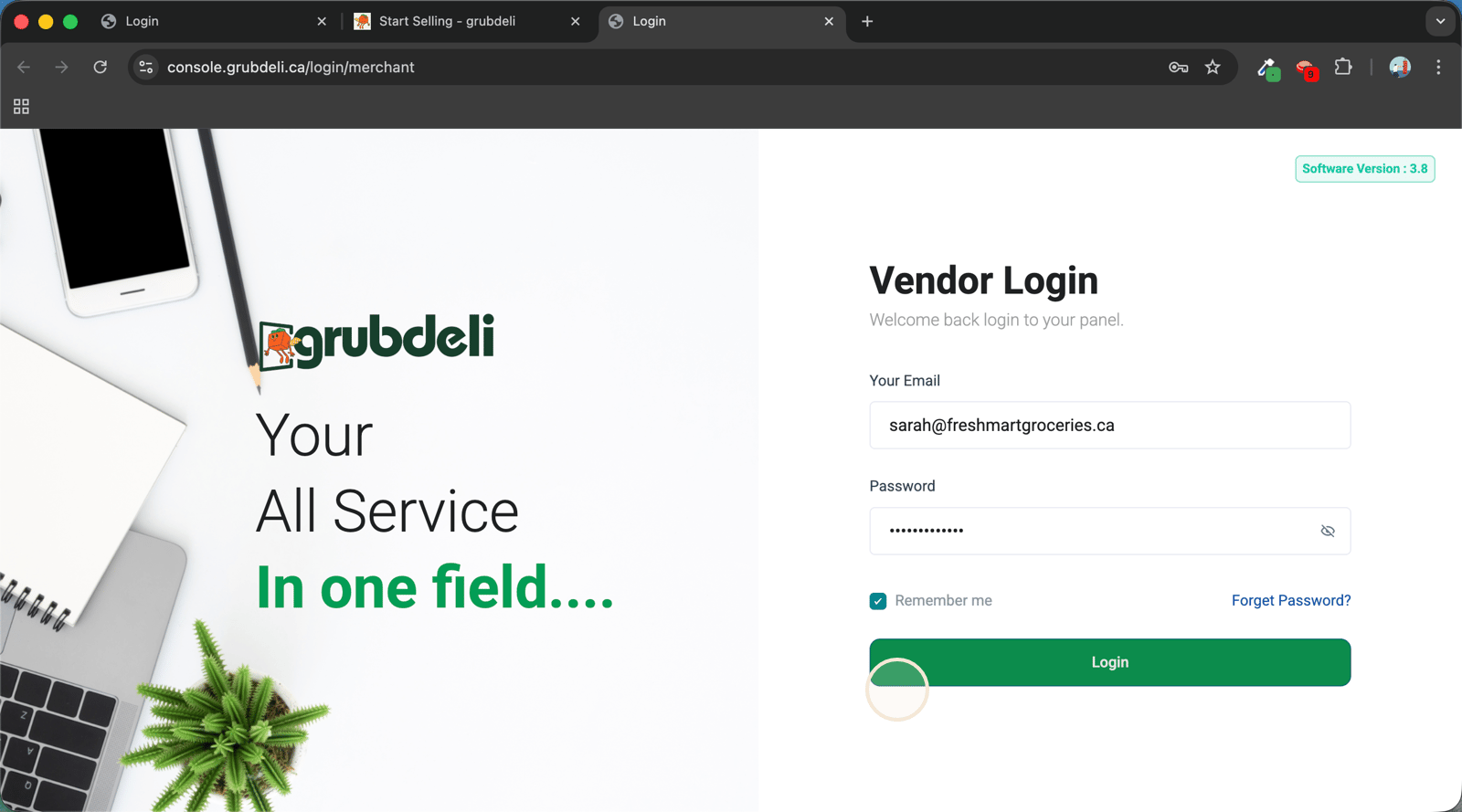
Access the Grubdeli Merchant Portal
Grubdeli Merchant Portal

Benjamin Mathew
Last Update há 6 meses
Learn how to log in and reach the dedicated workspace for managing your Grubdeli merchant account.
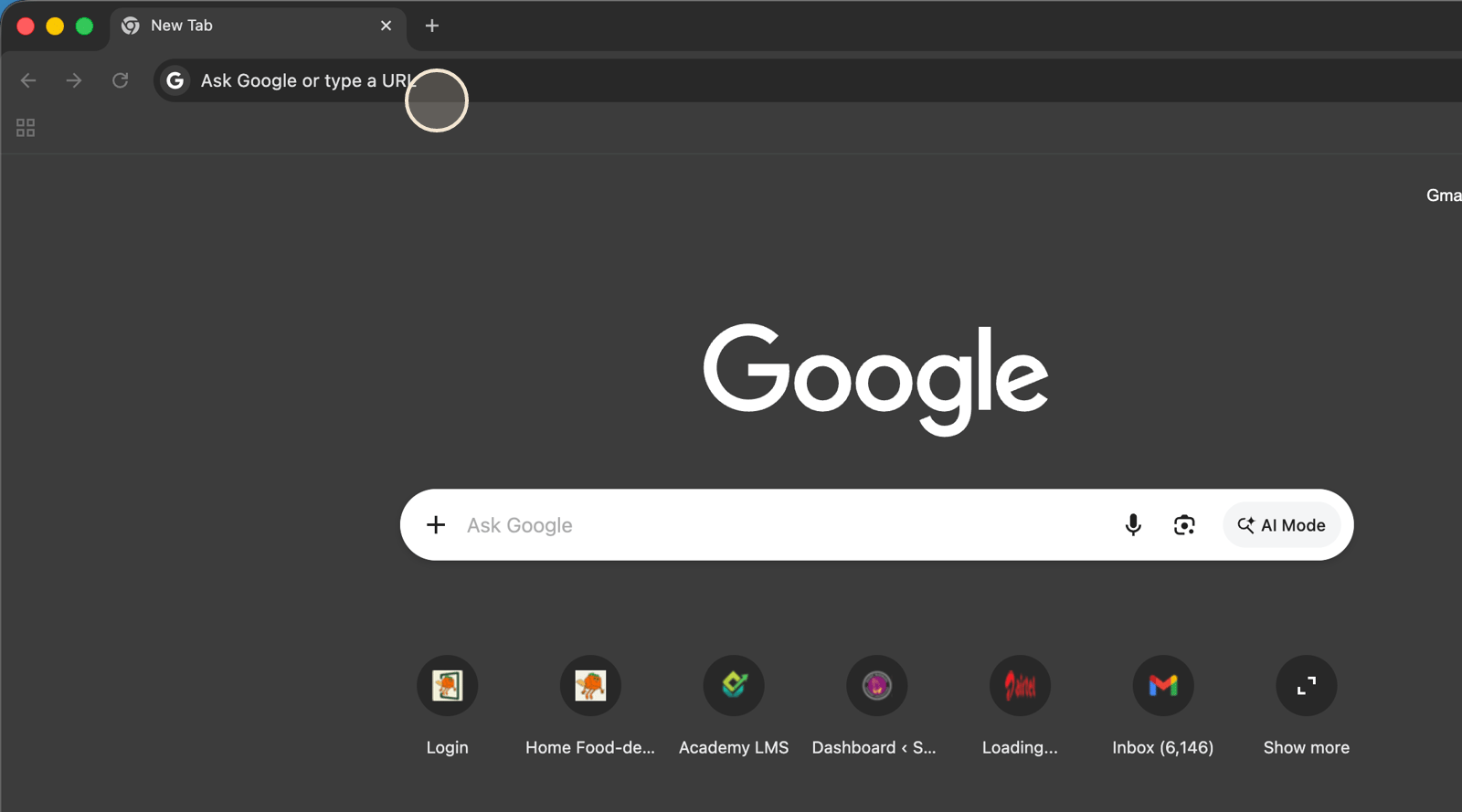
1. Start by selecting the address bar to navigate to grubdeli merchant portal through the site url at console.grubdeli.ca/login/merchant
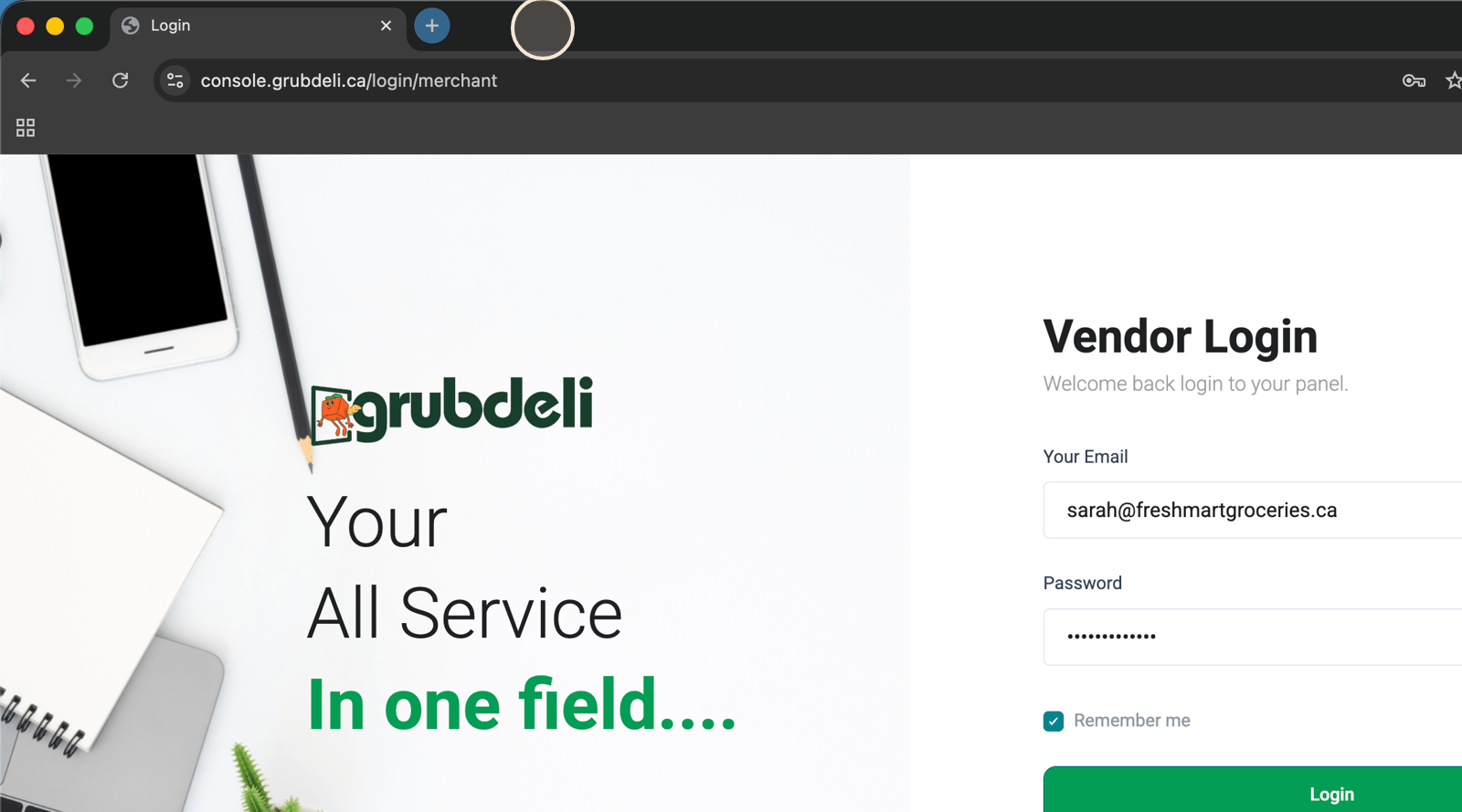
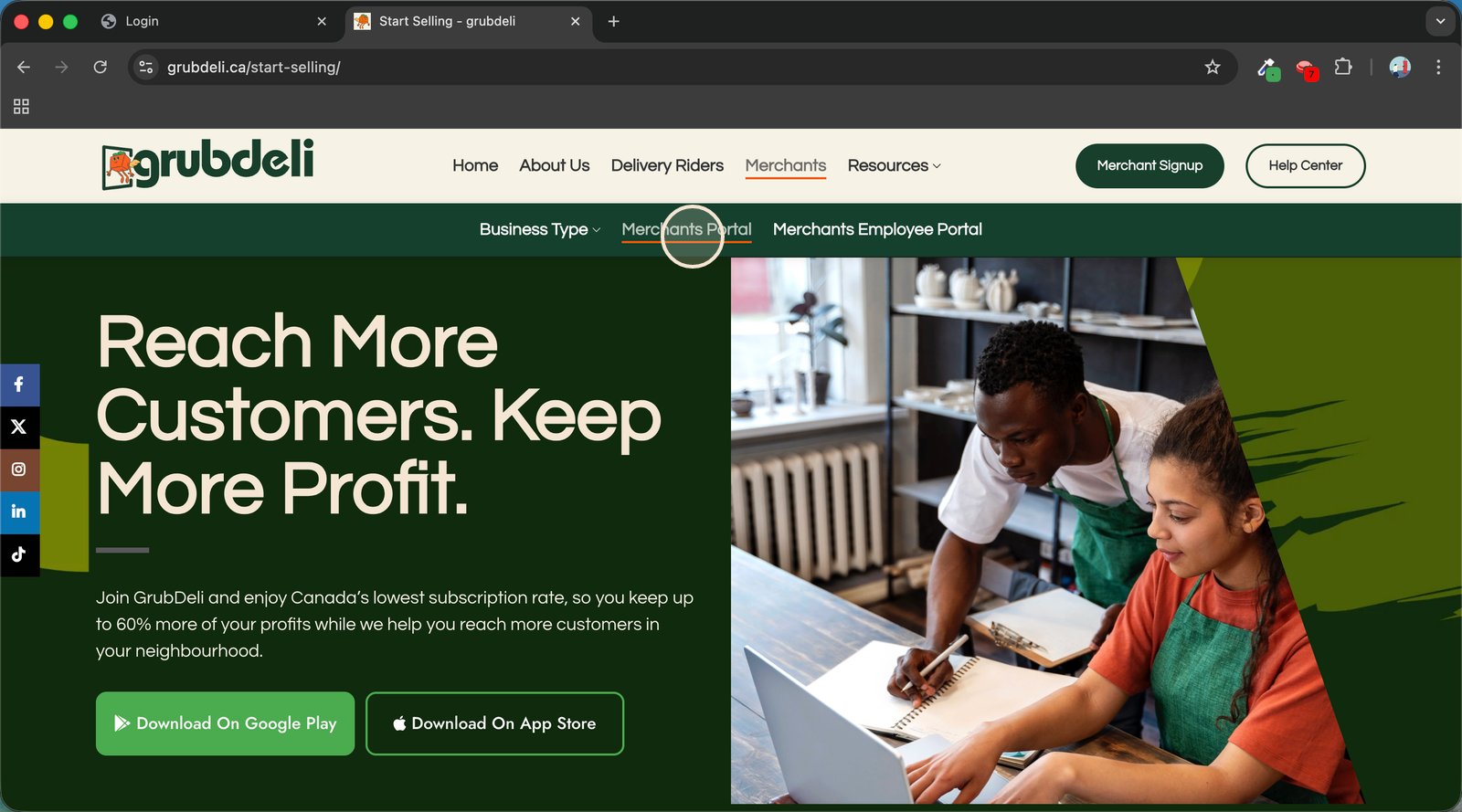
2. Or you can visit the merchant portal through grubdeli main website at grubdeli.ca
Or you can visit the merchant portal via grubdeli website at grubdeli.ca
3. Click the "Merchants" tab to explore tailored solutions for restaurant partners.
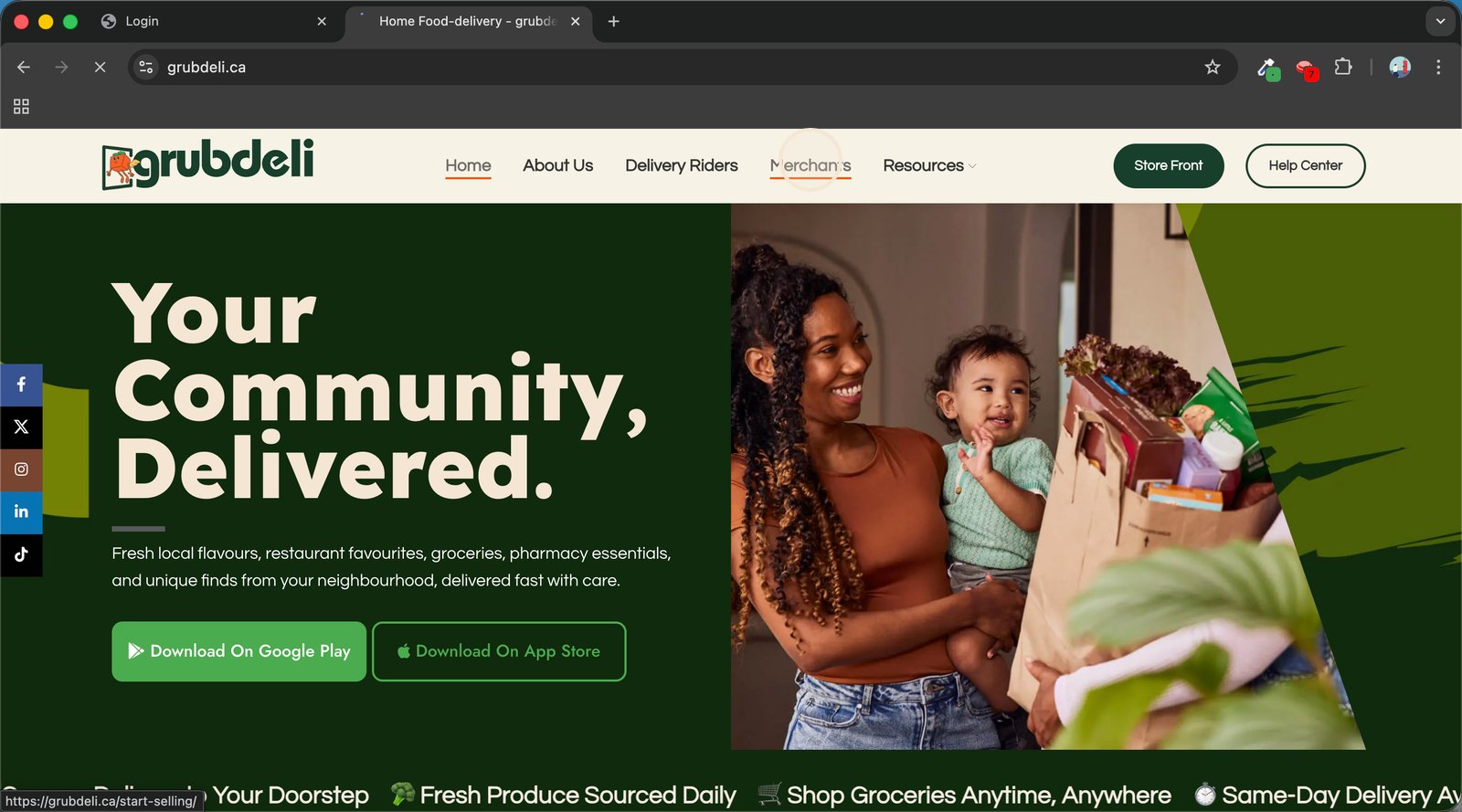
4. Select "Merchants Portal" to access dedicated tools and manage your business efficiently.
5. Enter your credentials and tap Login to securely access your Grubdeli Merchant Dashboard.
Enter your credentials and tap Login to securely access your Grubdeli Merchant Dashboard.