Communication with Customers & Merchants
Grubdeli Delivery Rider App

Benjamin Mathew
Last Update 6 maanden geleden
Discover how to quickly contact stores and customers, share updates, and clarify order details via chat or call.
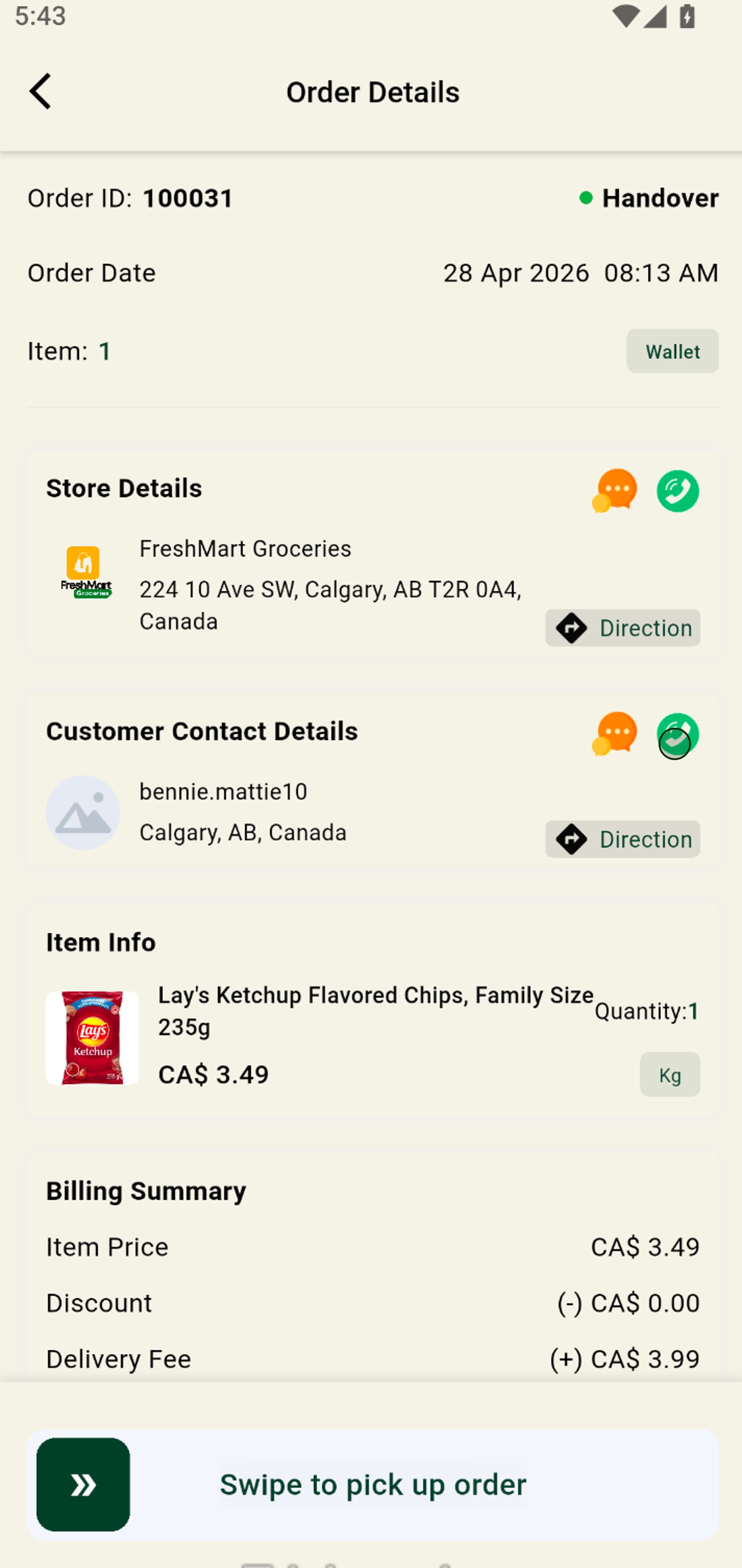
1. Access your Earnings dashboard to see active orders and financial stats at a glance.
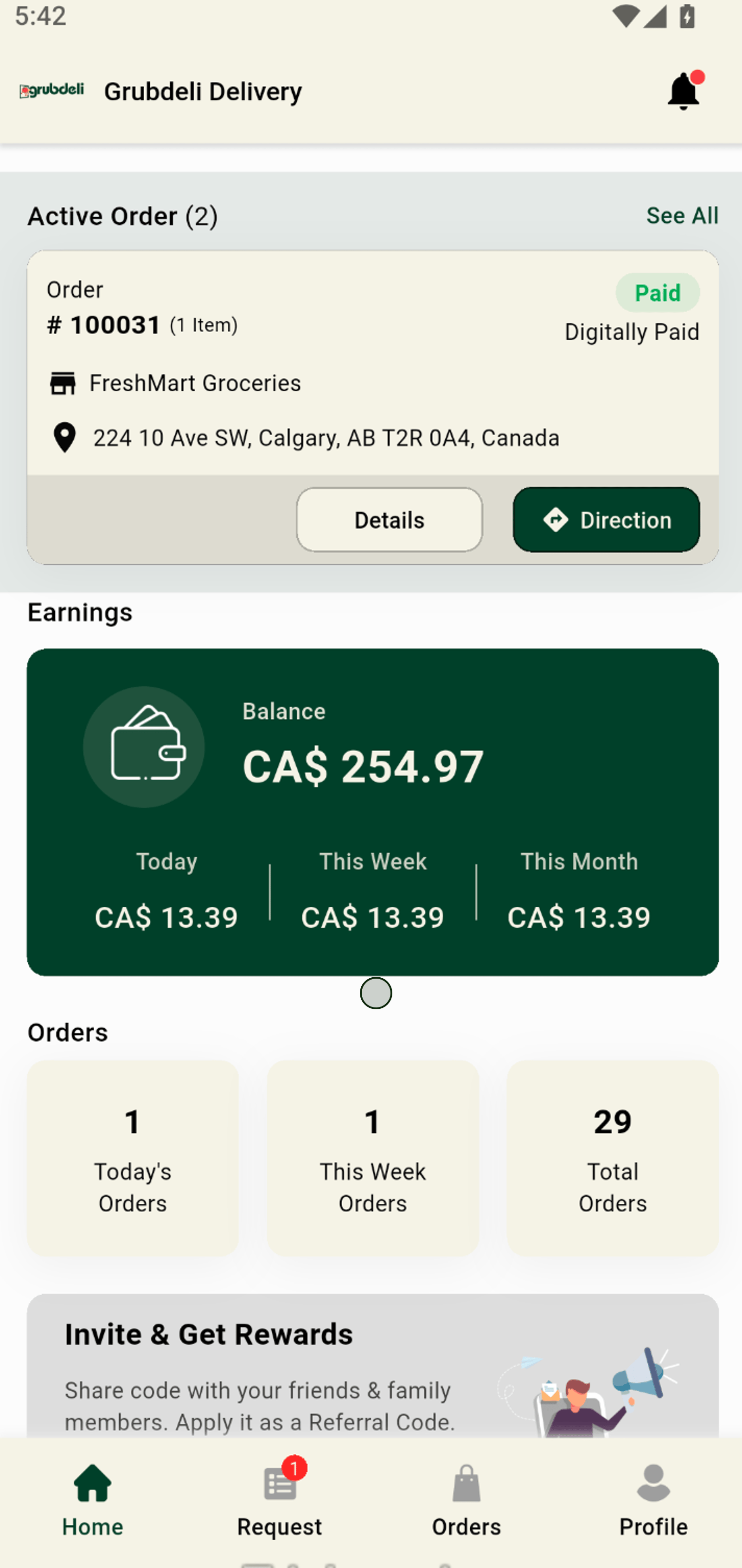
2. Tap "Details" on an active order for full order insights and communication options.
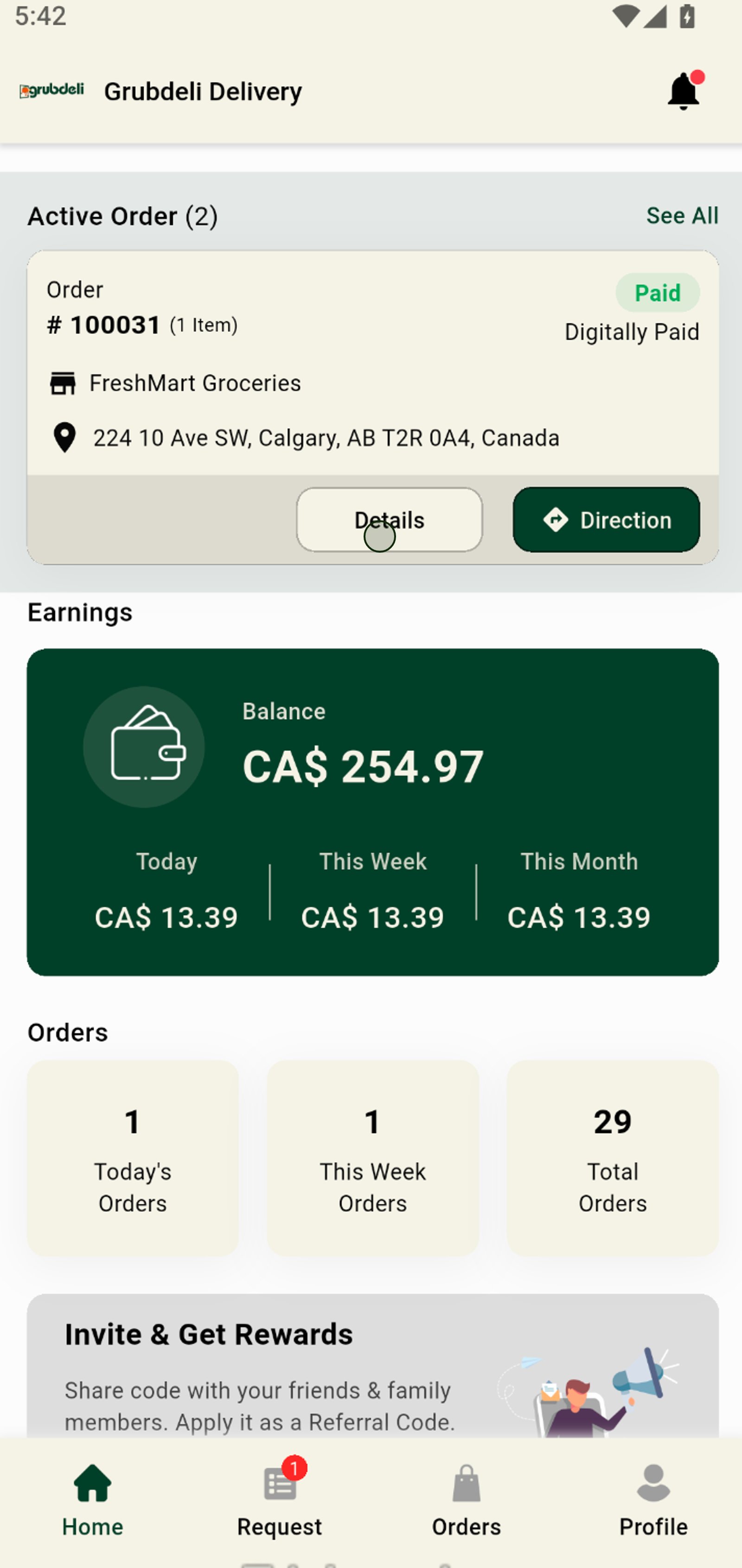
3. Click the chat icon to message the store directly about order updates or questions.
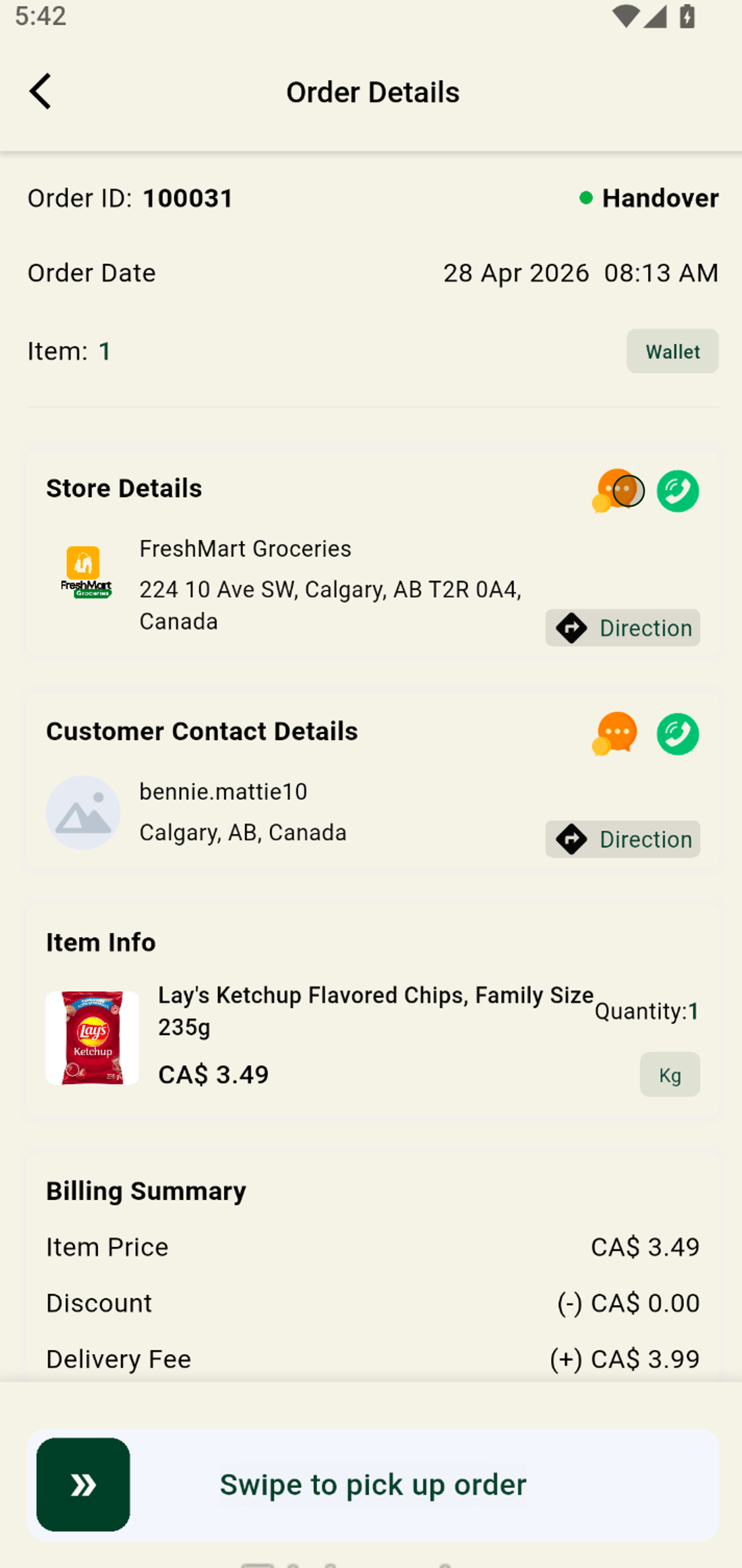
4. Start typing to quickly compose your message to the store.
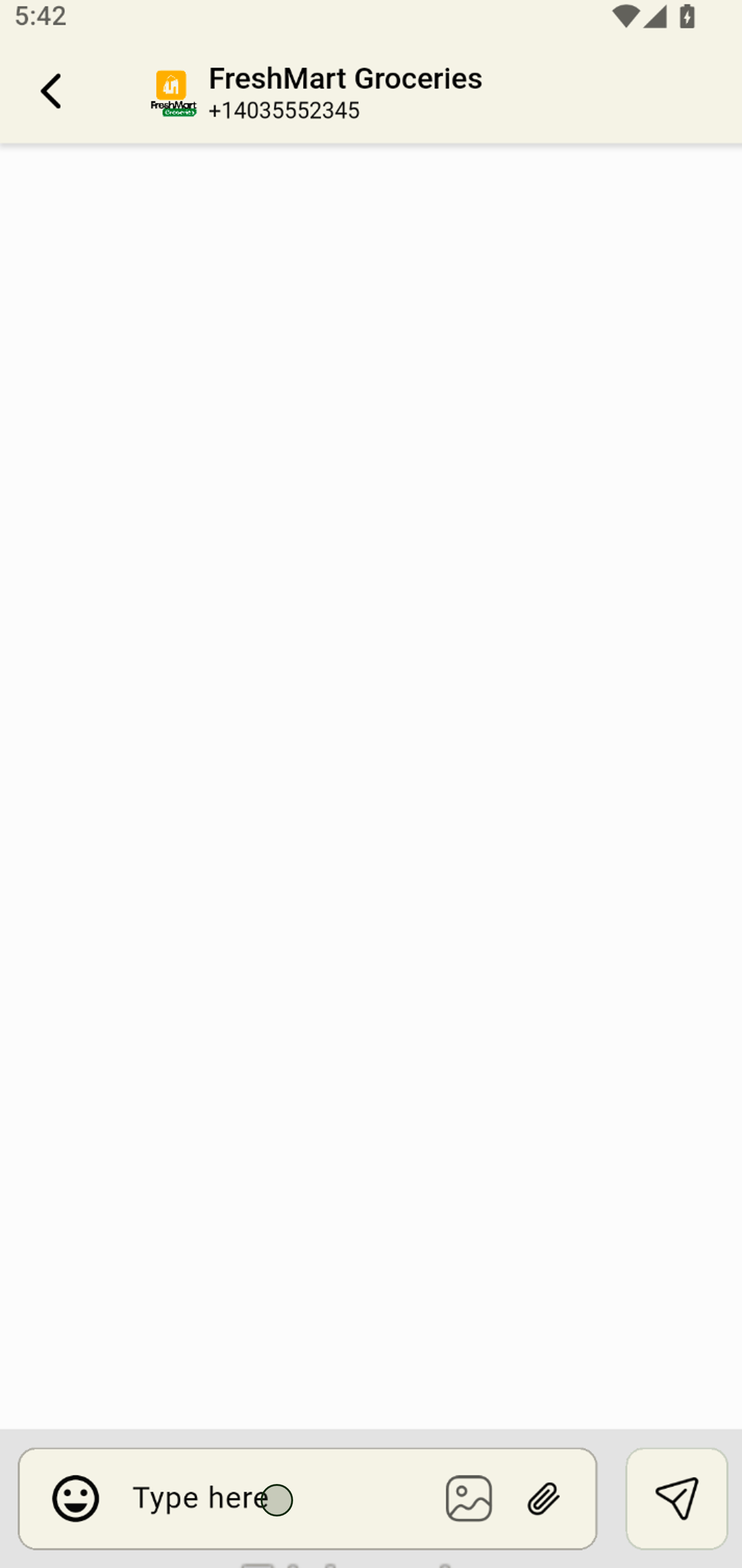
5. Hit send to instantly deliver your message and stay connected in real time.
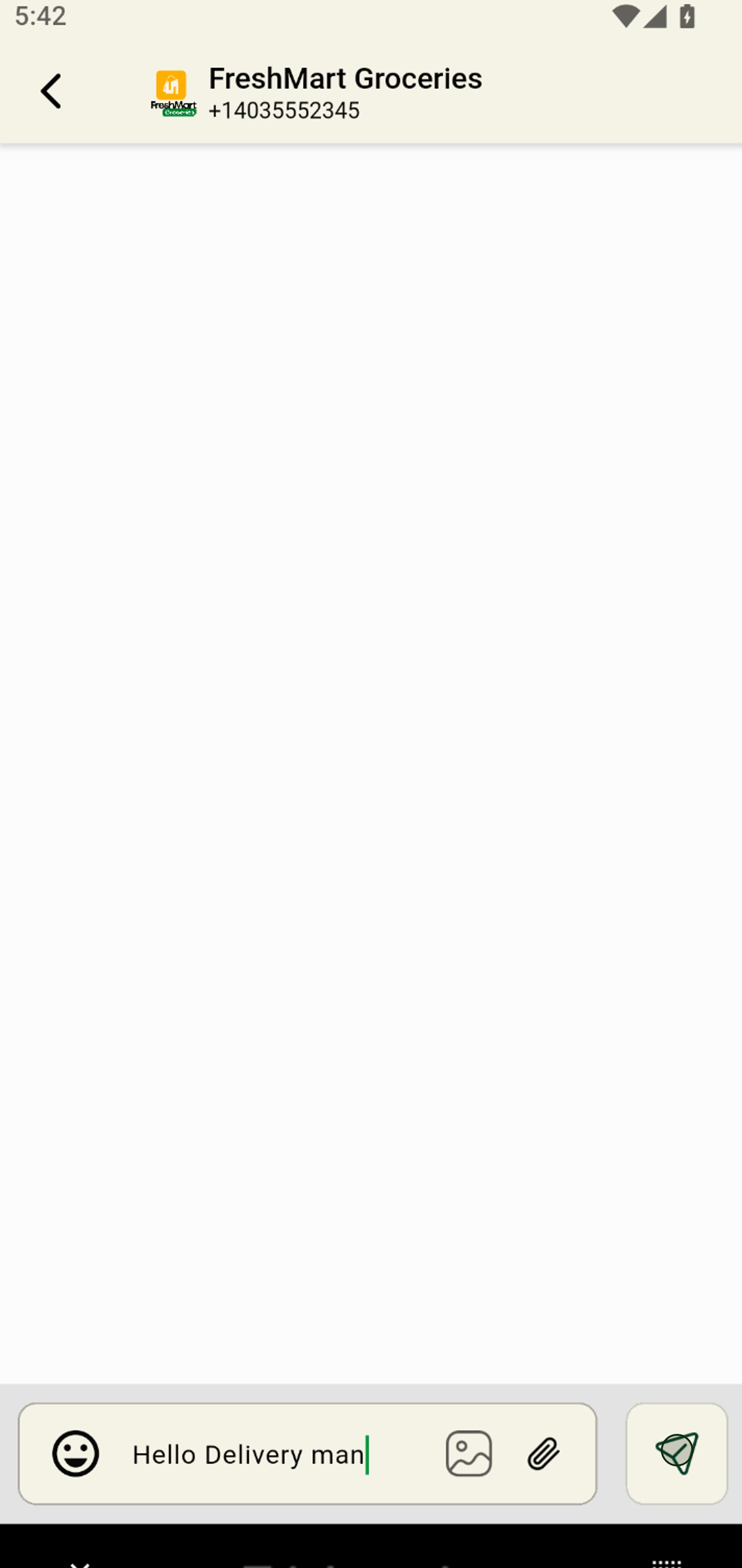
6. Use the back arrow to seamlessly return to previous screens and keep multitasking easy.
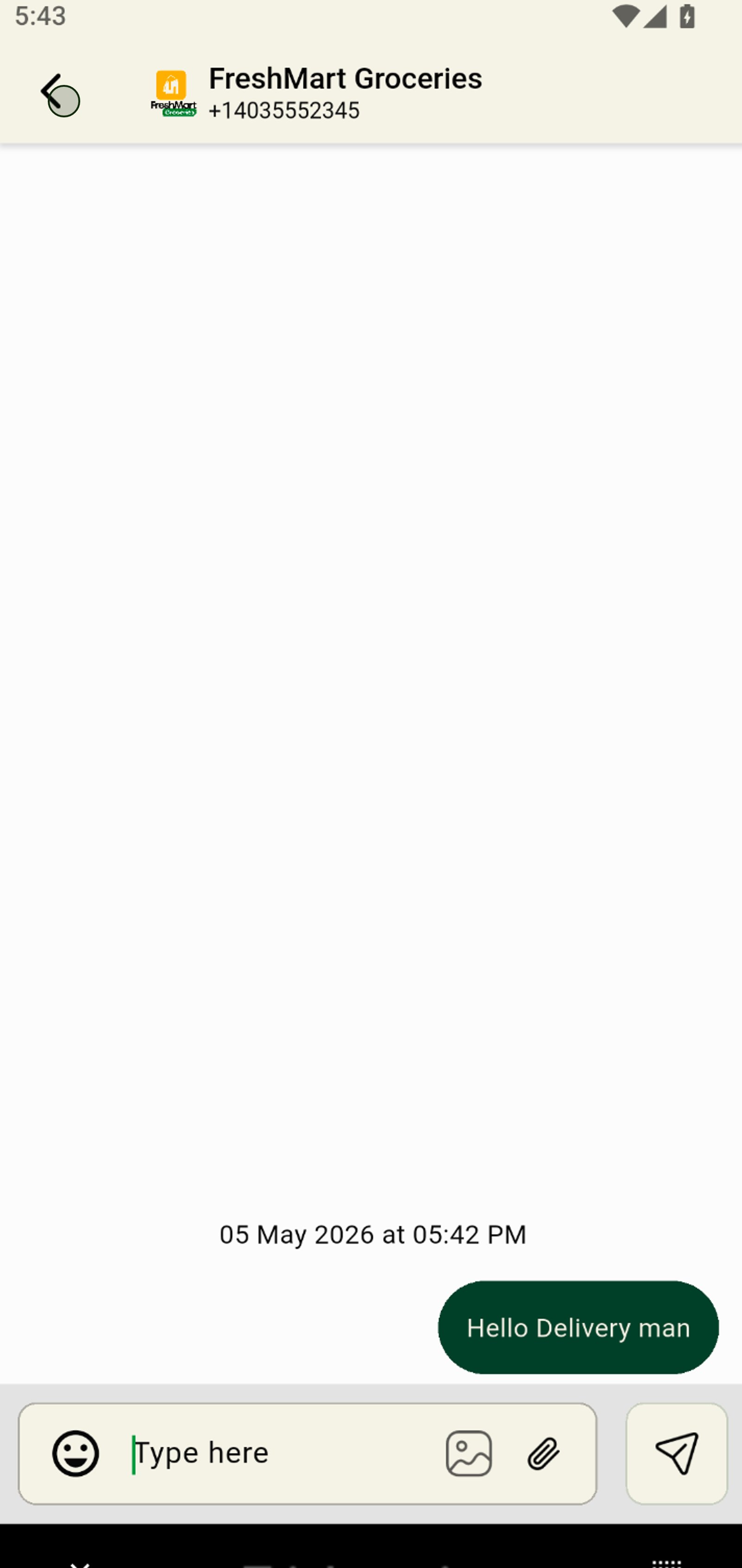
7. Tap the customer chat icon to communicate directly with shoppers for better service.
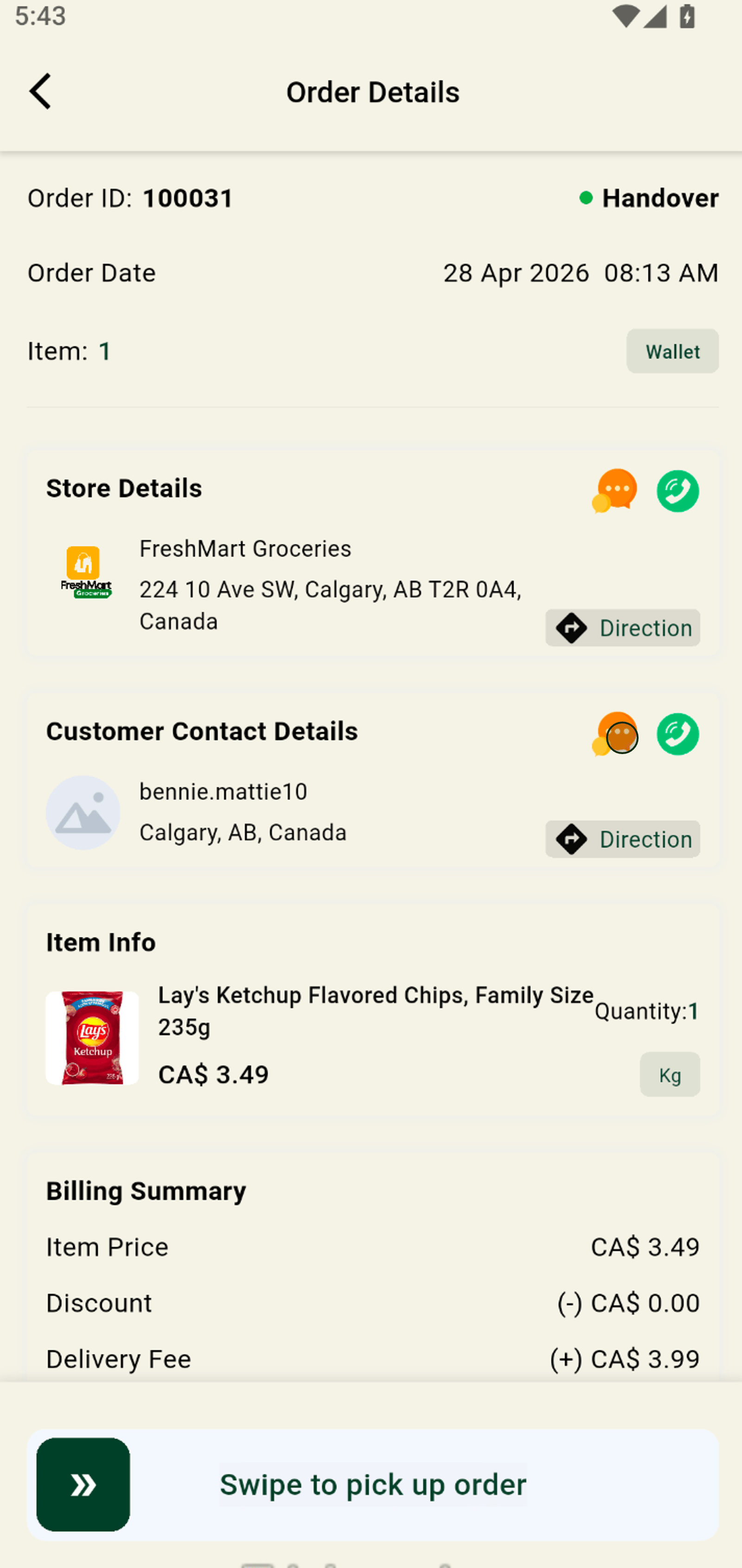
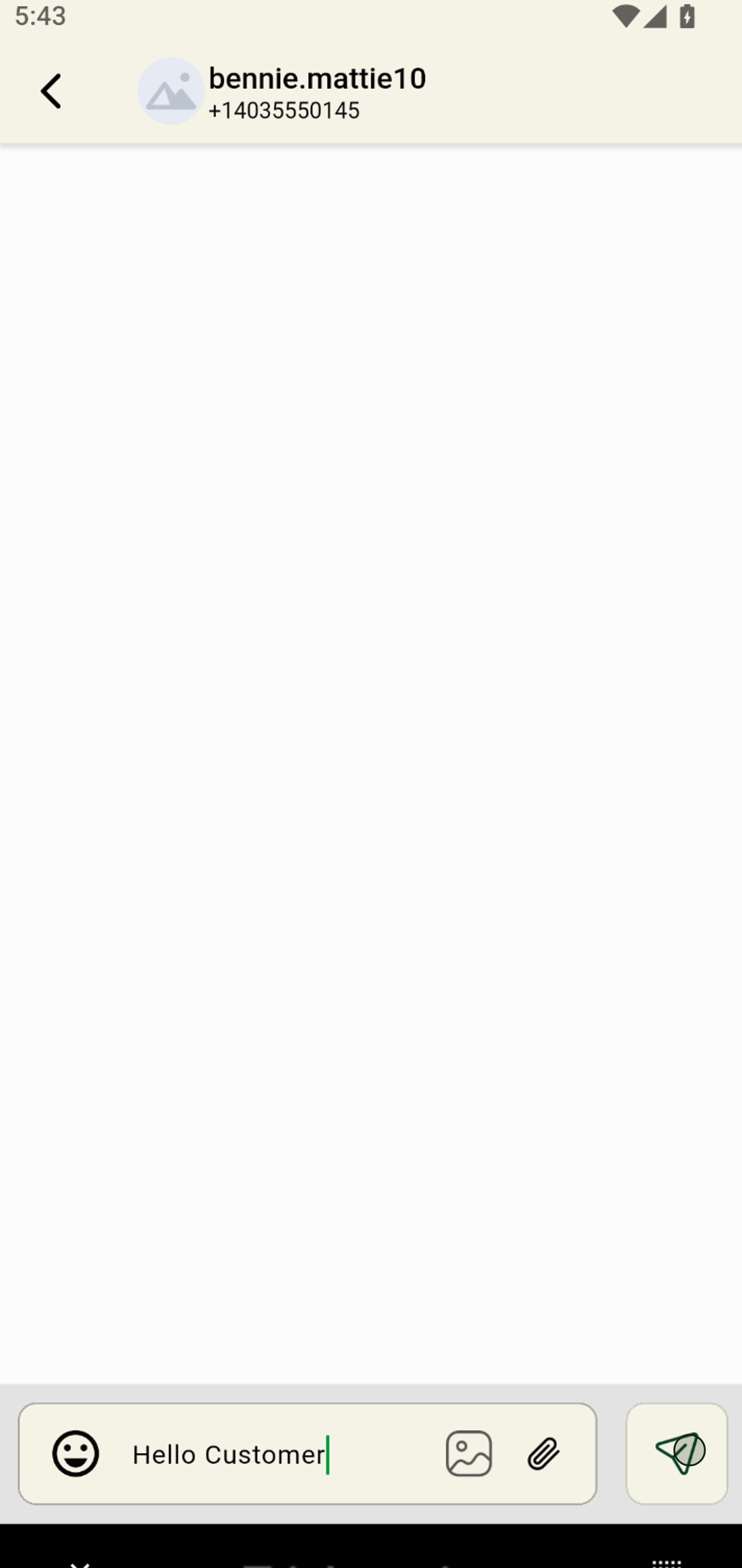
8. Start typing to quickly compose your message to the store.
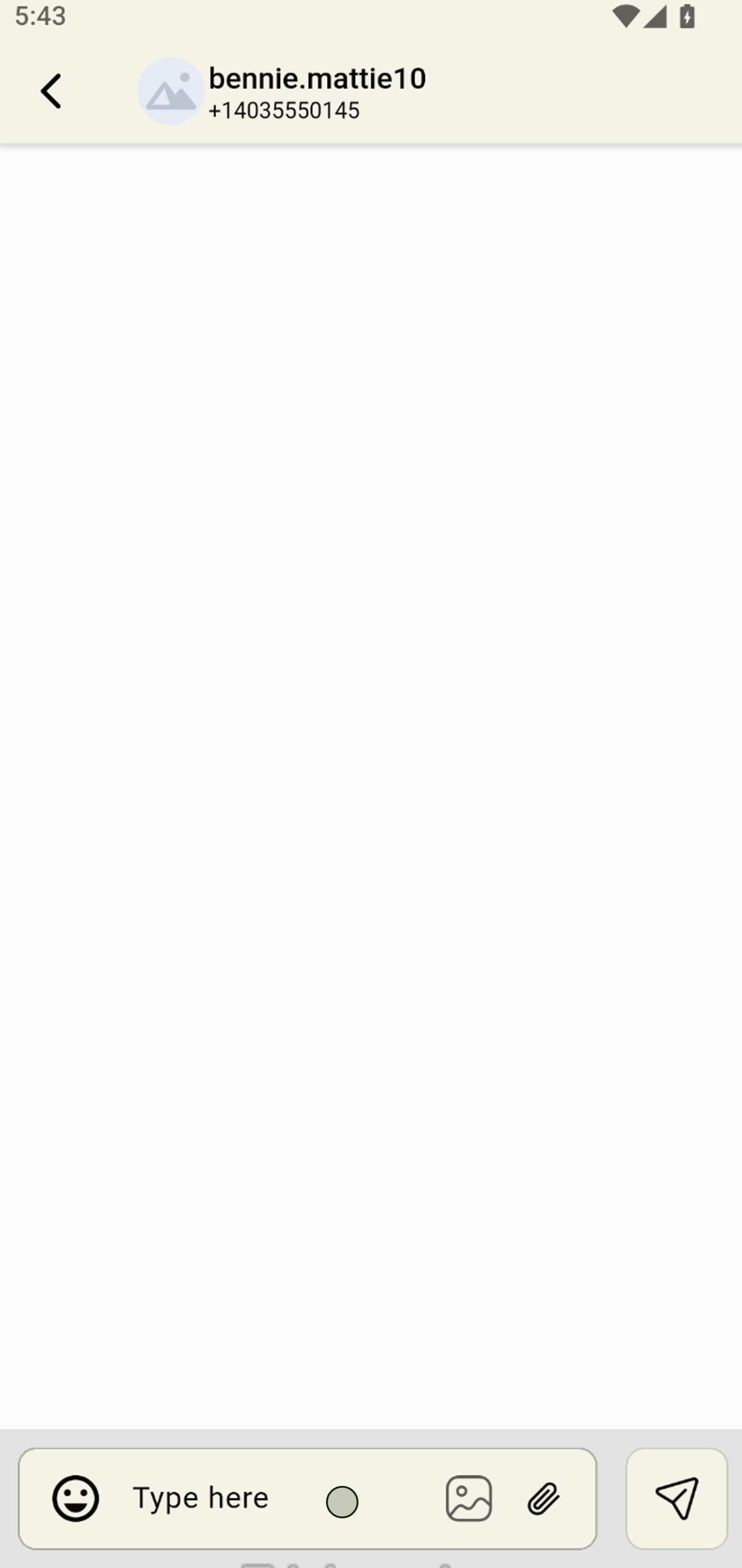
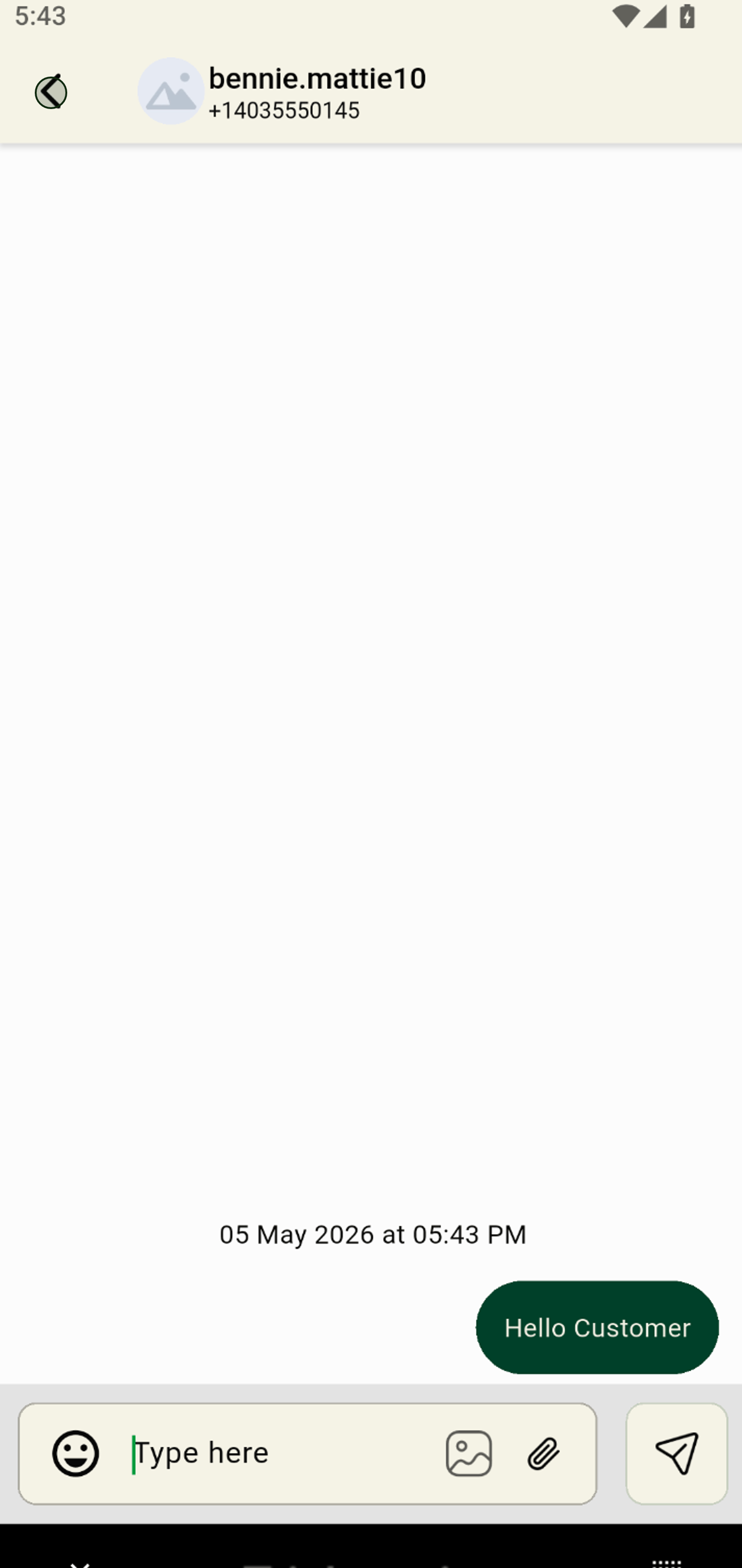
9. Send your written message to the customer instantly for fast and personal updates.
10. Navigate back anytime to manage multiple orders and chats with ease.
11. Tap the green phone icon to call the customer and resolve order questions on the spot.