Rider App Settings & Account Management
Grubdeli Delivery Rider App

Benjamin Mathew
Last Update há 6 meses
Explore how to update your profile, adjust preferences, and access account features for a personalized experience.
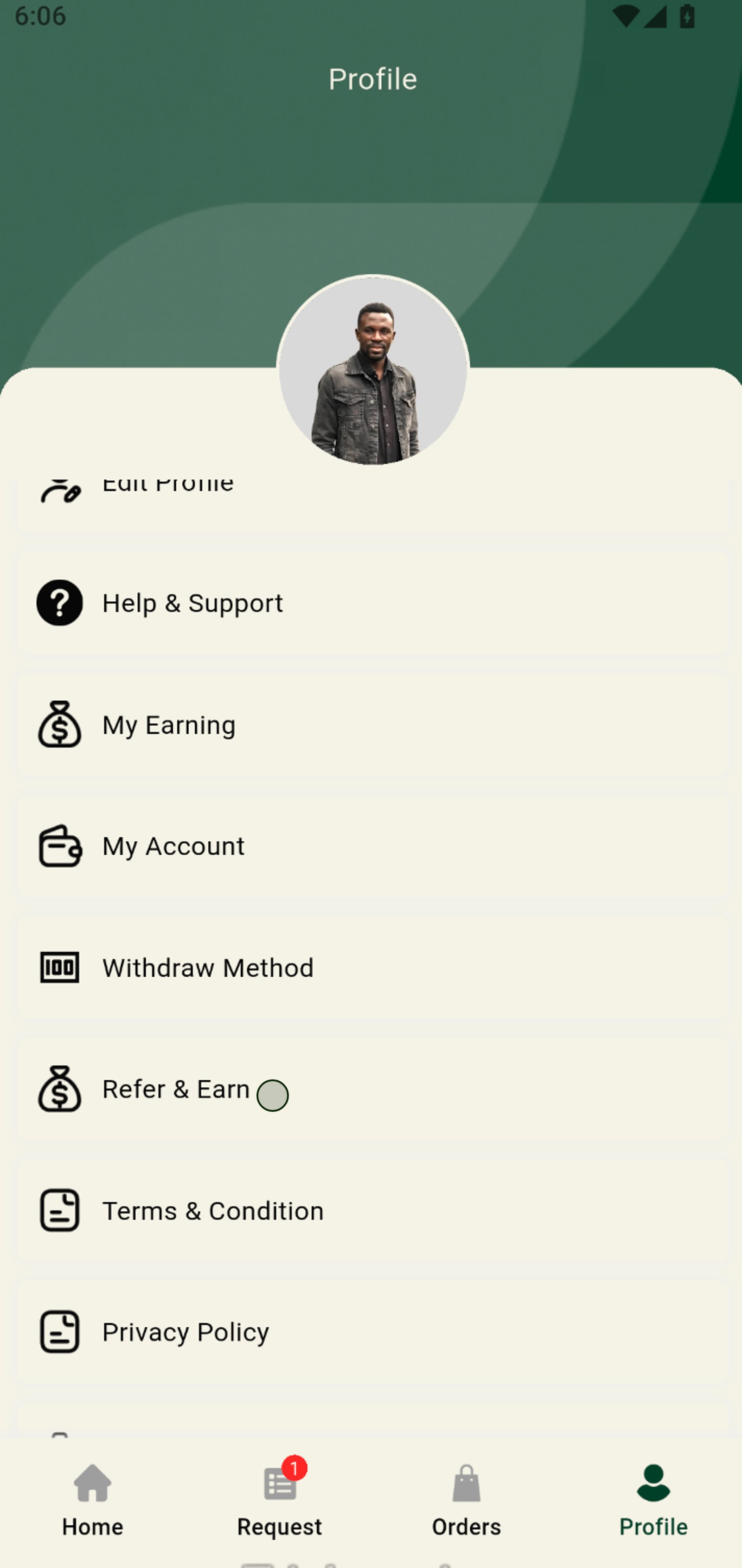
1. Tap the Profile icon to access your personal information and settings.
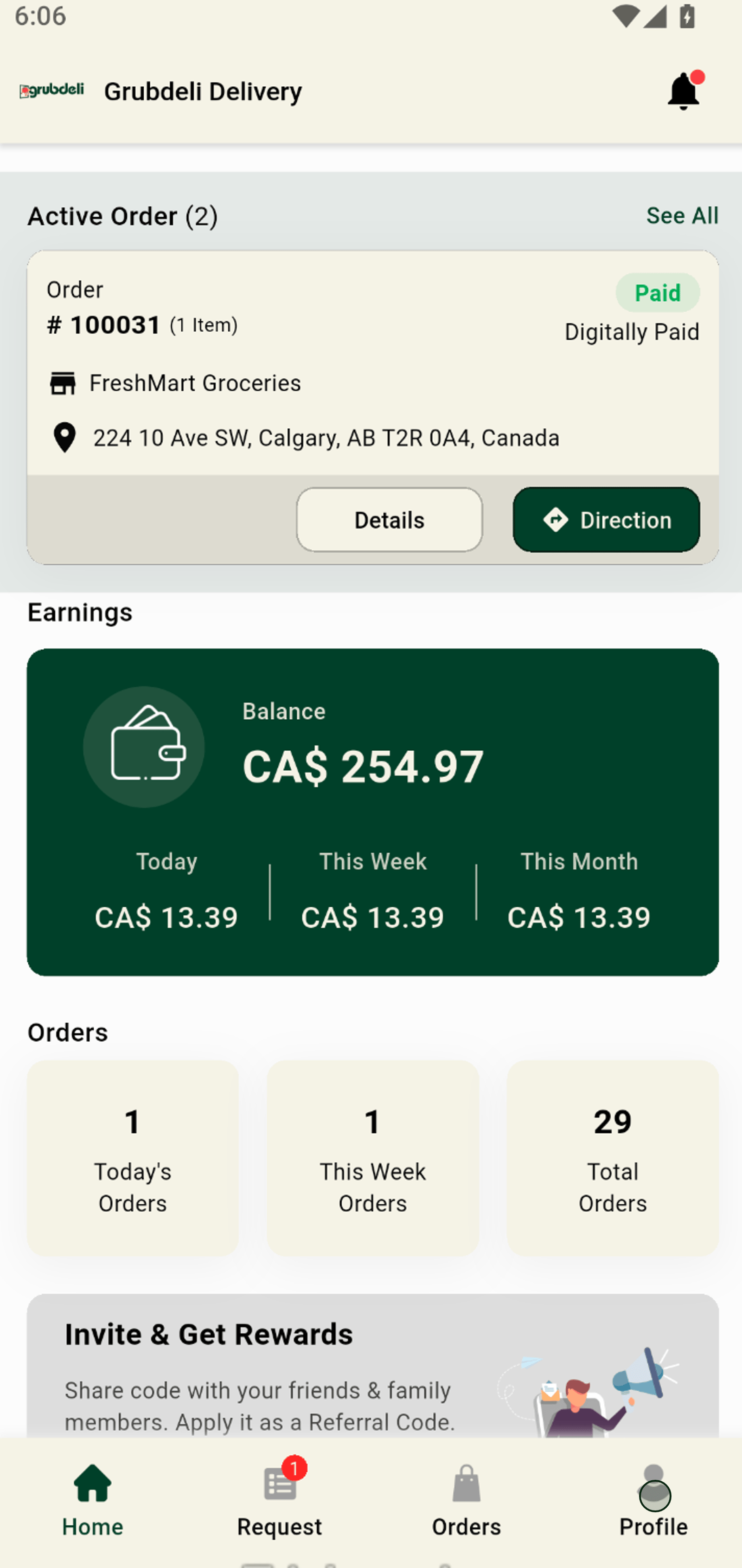
2. Easily update your delivery availability by toggling your online status.
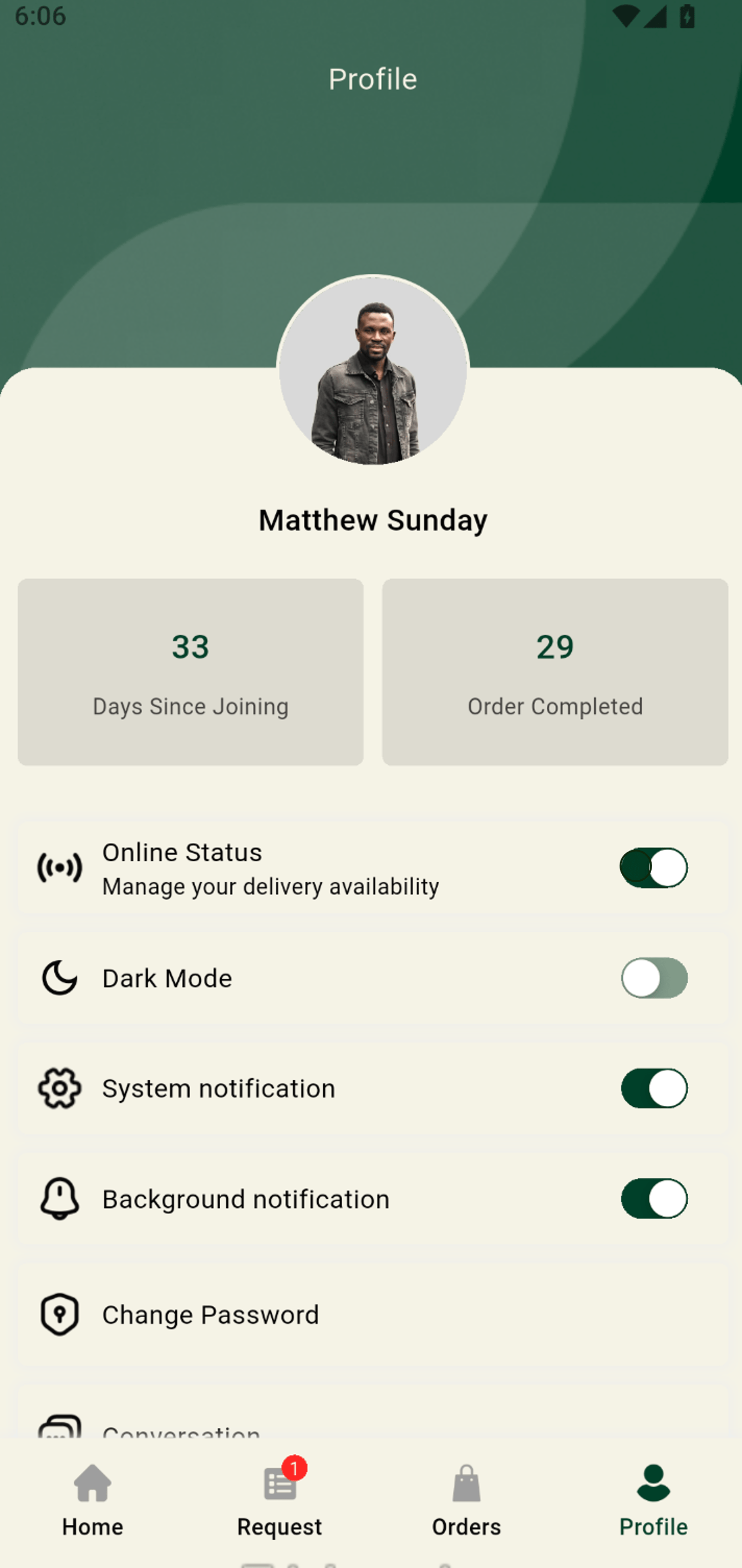
3. Stay informed: You’ll remain online while active orders are in progress.
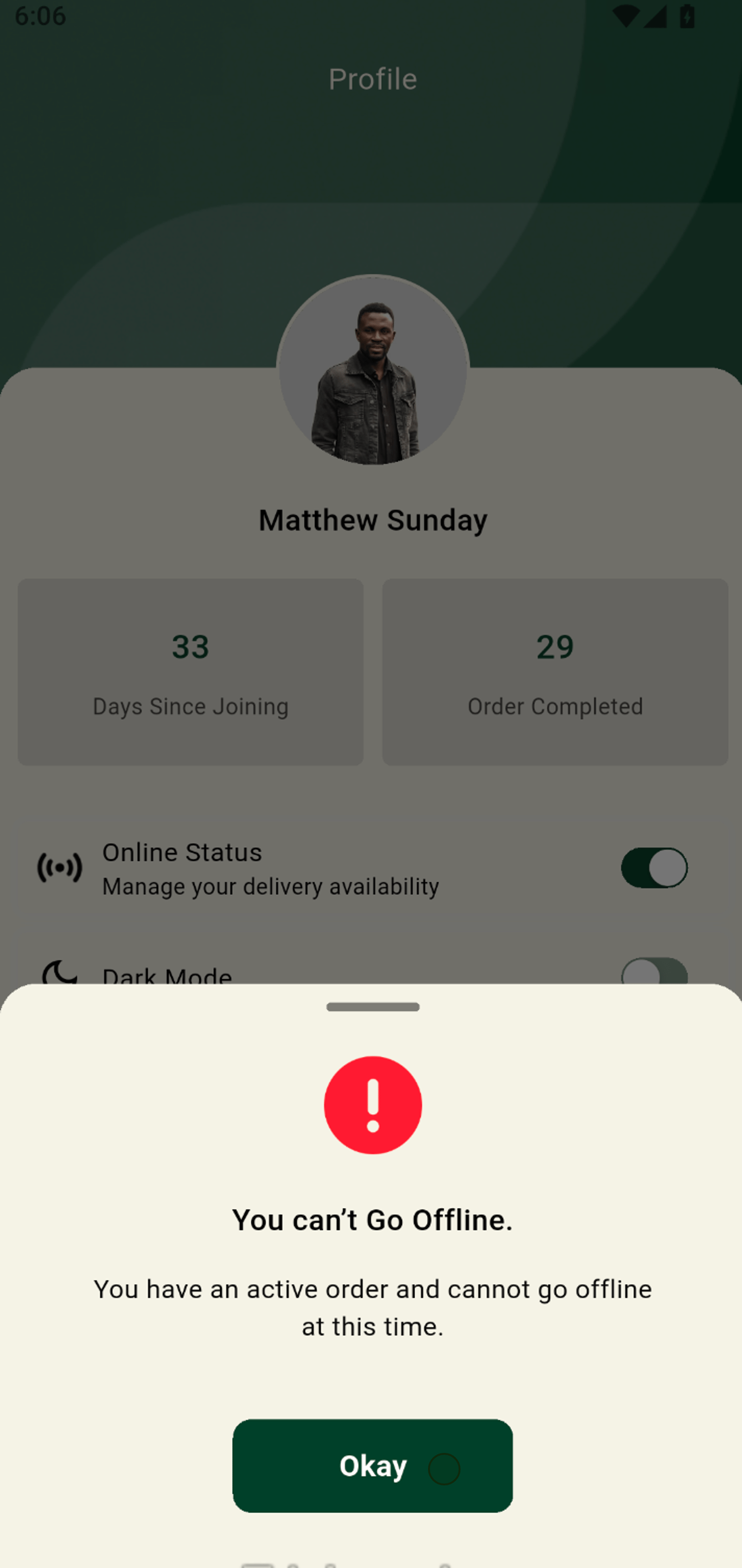
4. Switch to Dark Mode for a sleeker look and more comfortable viewing.
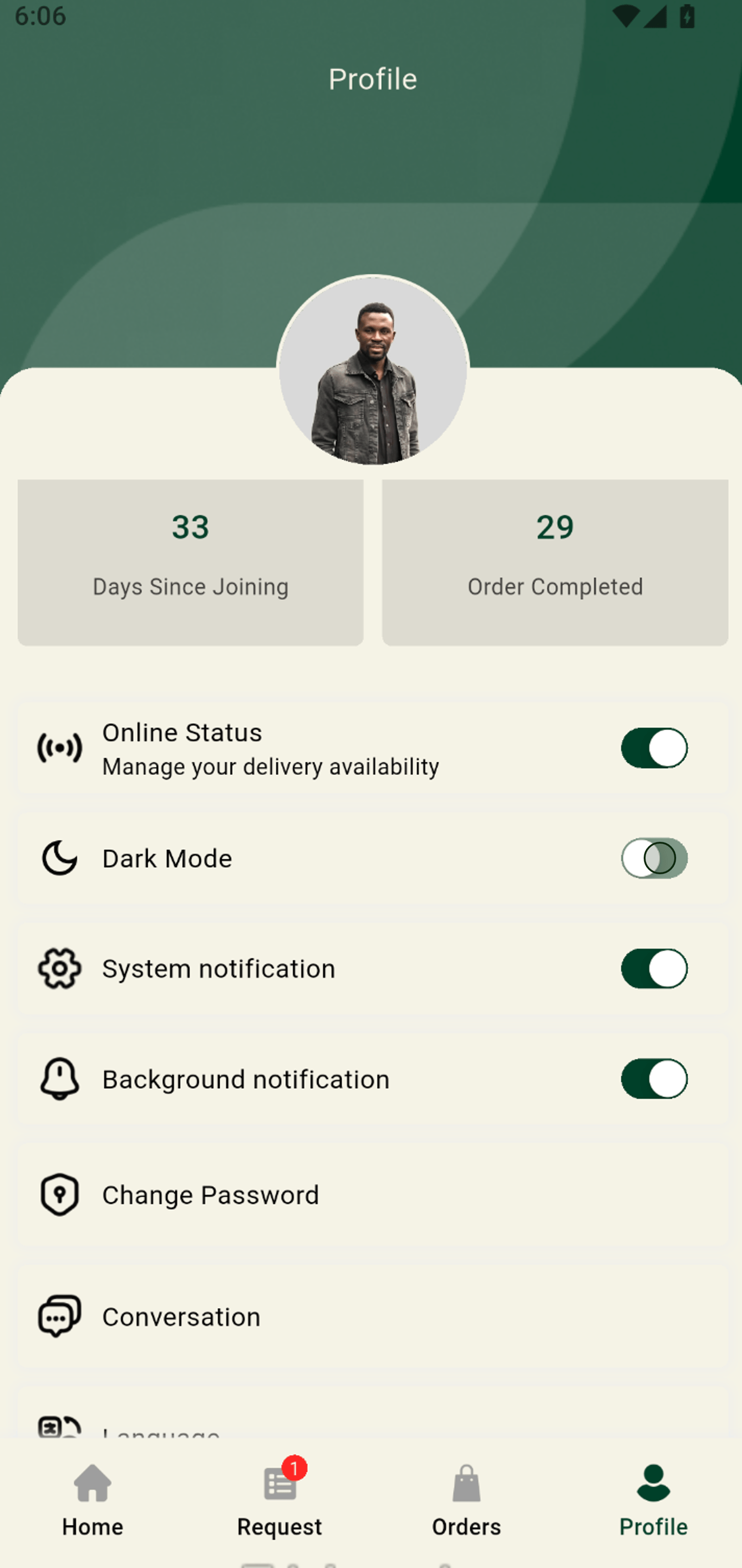
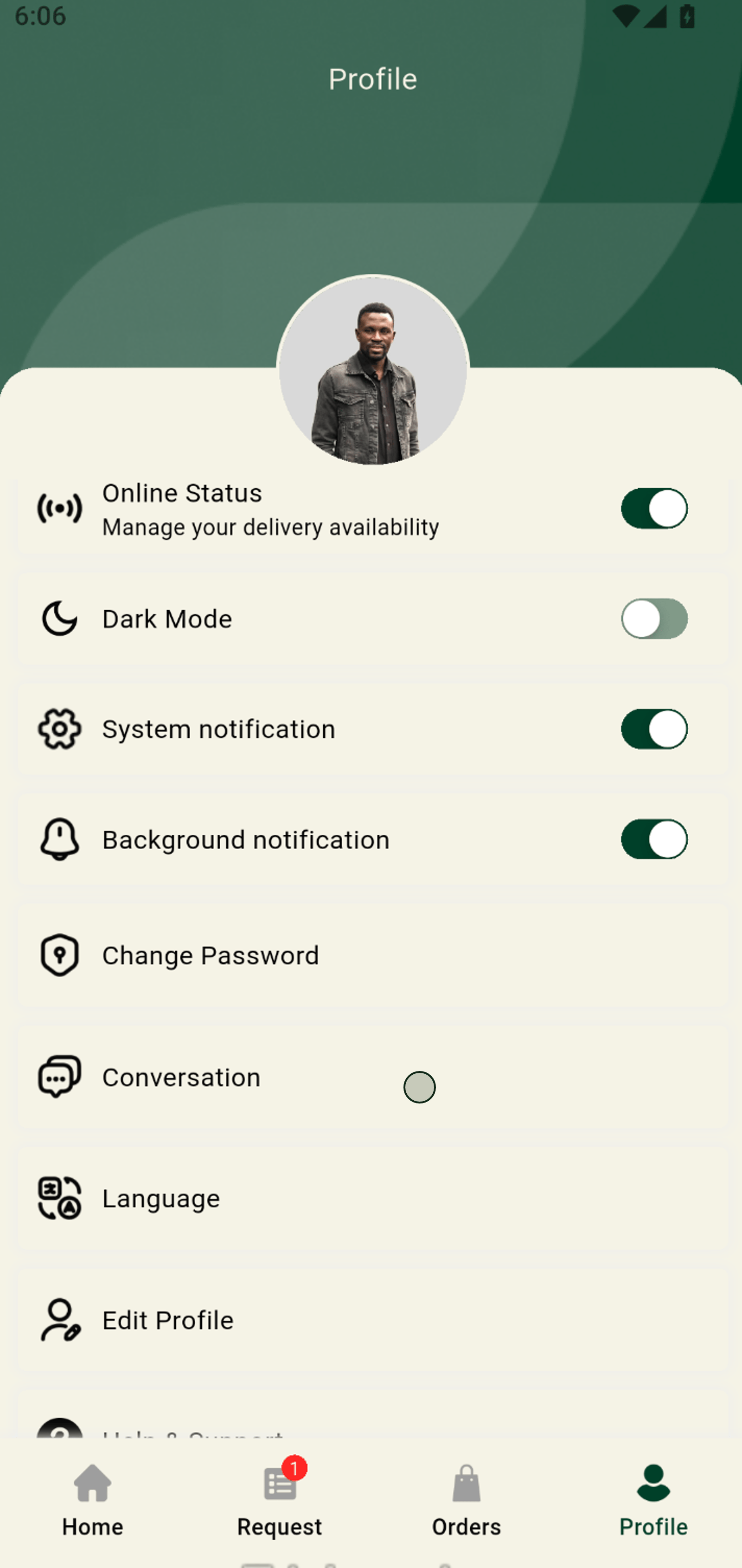
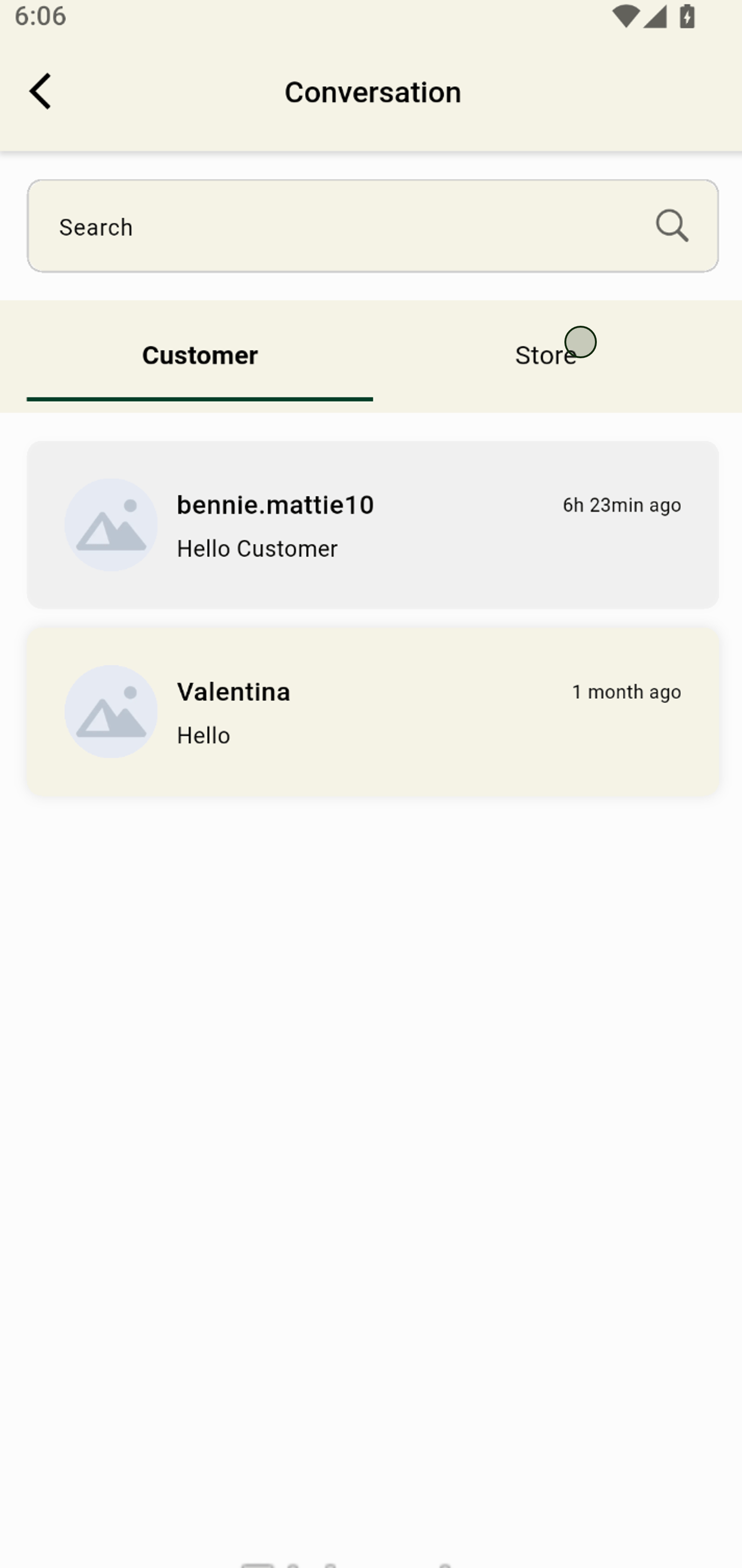
5. Seamlessly manage your chats with customers or merchants through Conversations.
6. Switch to Store or Customers messages to keep up with the latest updates from partner shops.
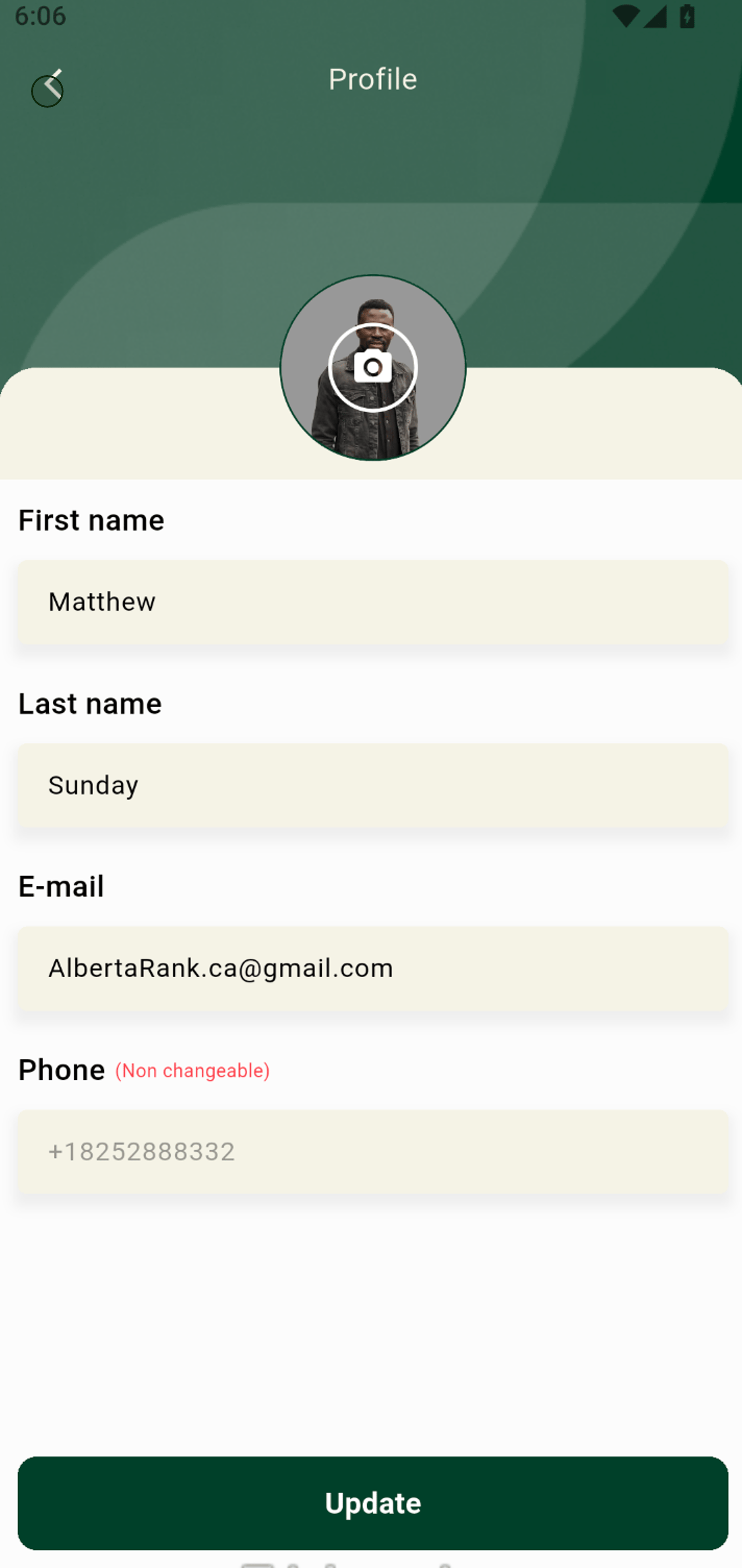
7. Edit your profile details to keep your account information up to date.
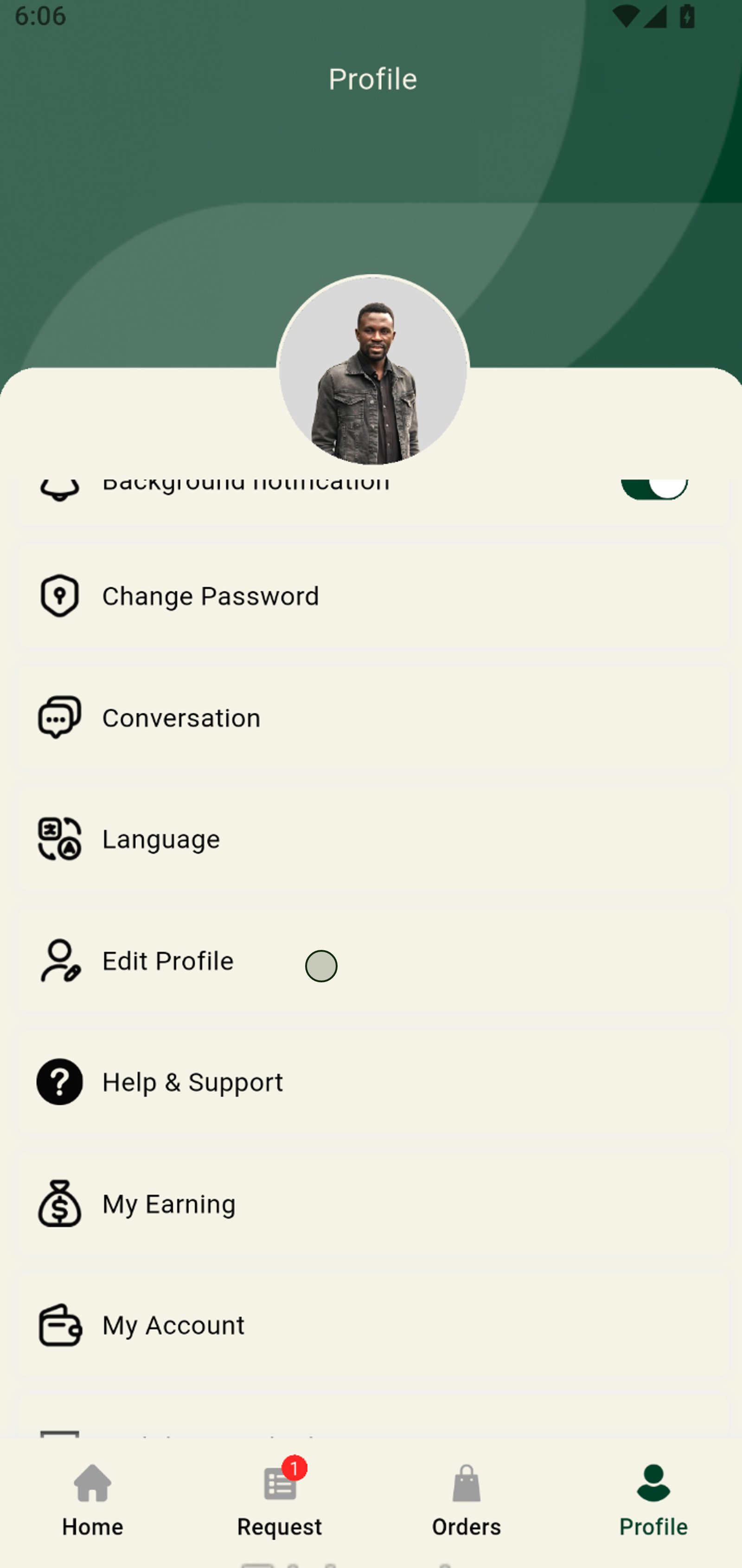
8. Navigate back when you're done editing to return to your main profile menu.
9. Enter the referral section to continue managing your profile and settings.