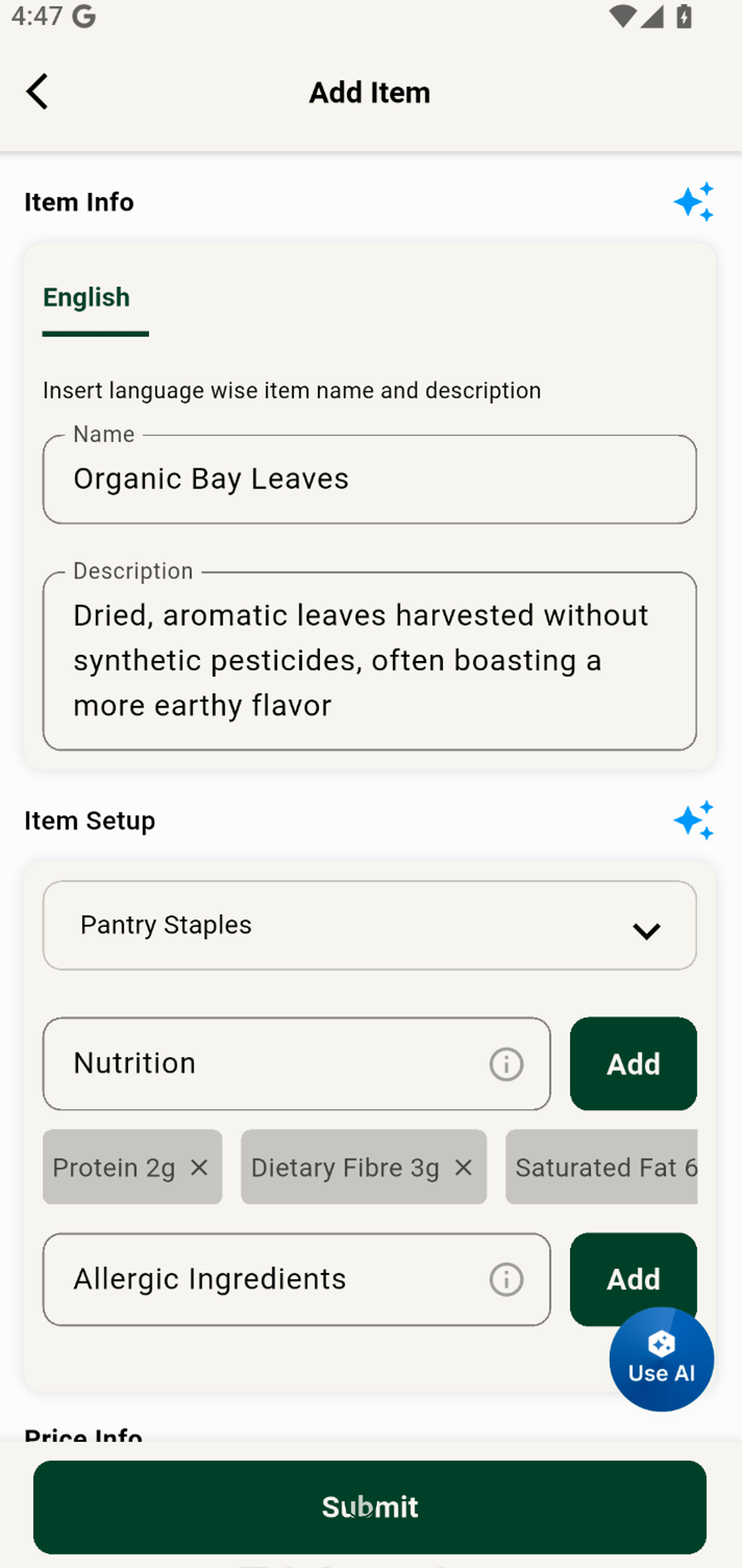
Add a New Product to Your Shop Inventory
Grubdeli Merchant App

Benjamin Mathew
Last Update il y a 6 mois
Watch how to enter product details, upload images, and save a new item for your store catalog.
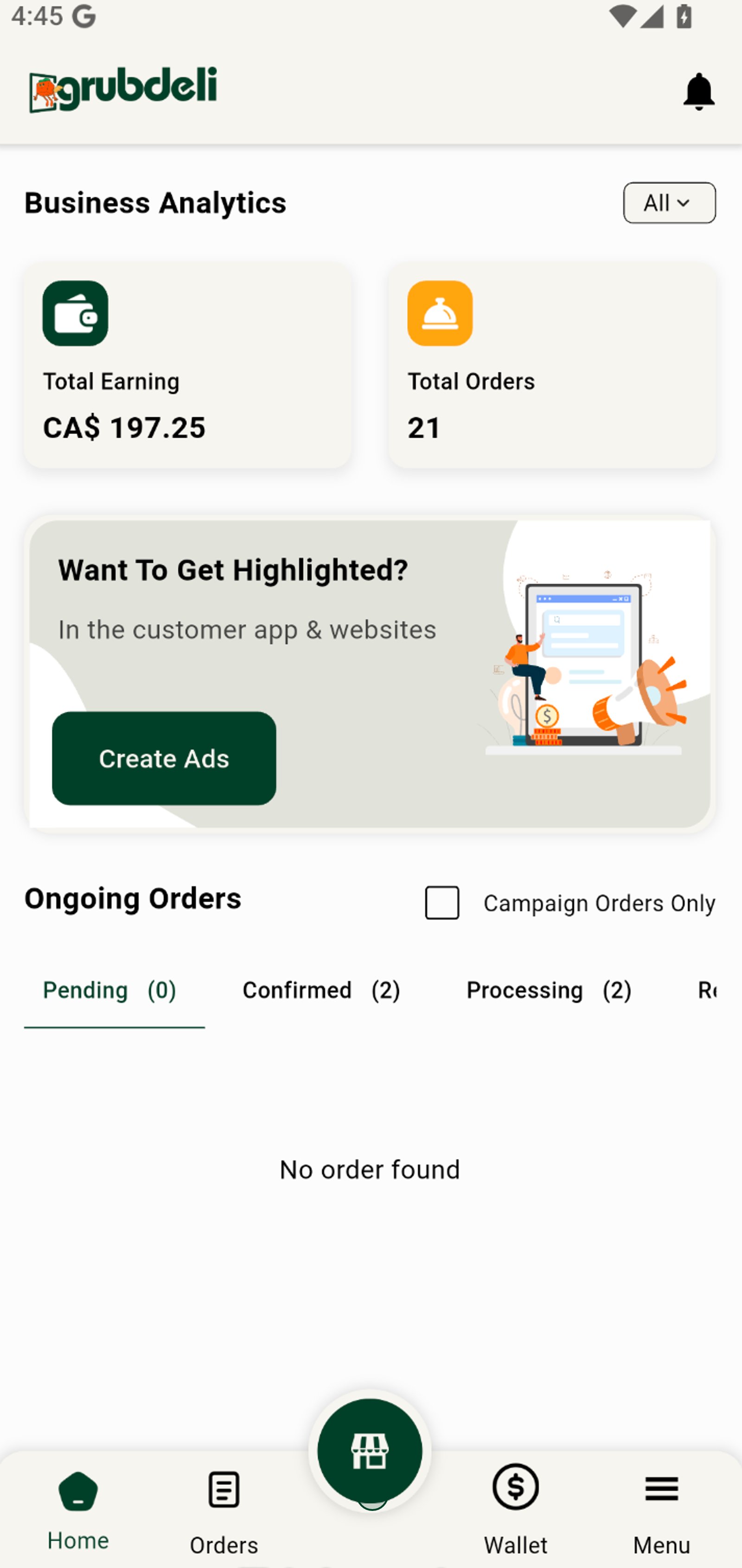
1. Start by navigating to your shop or store dashboard to view items, analytics and activity.
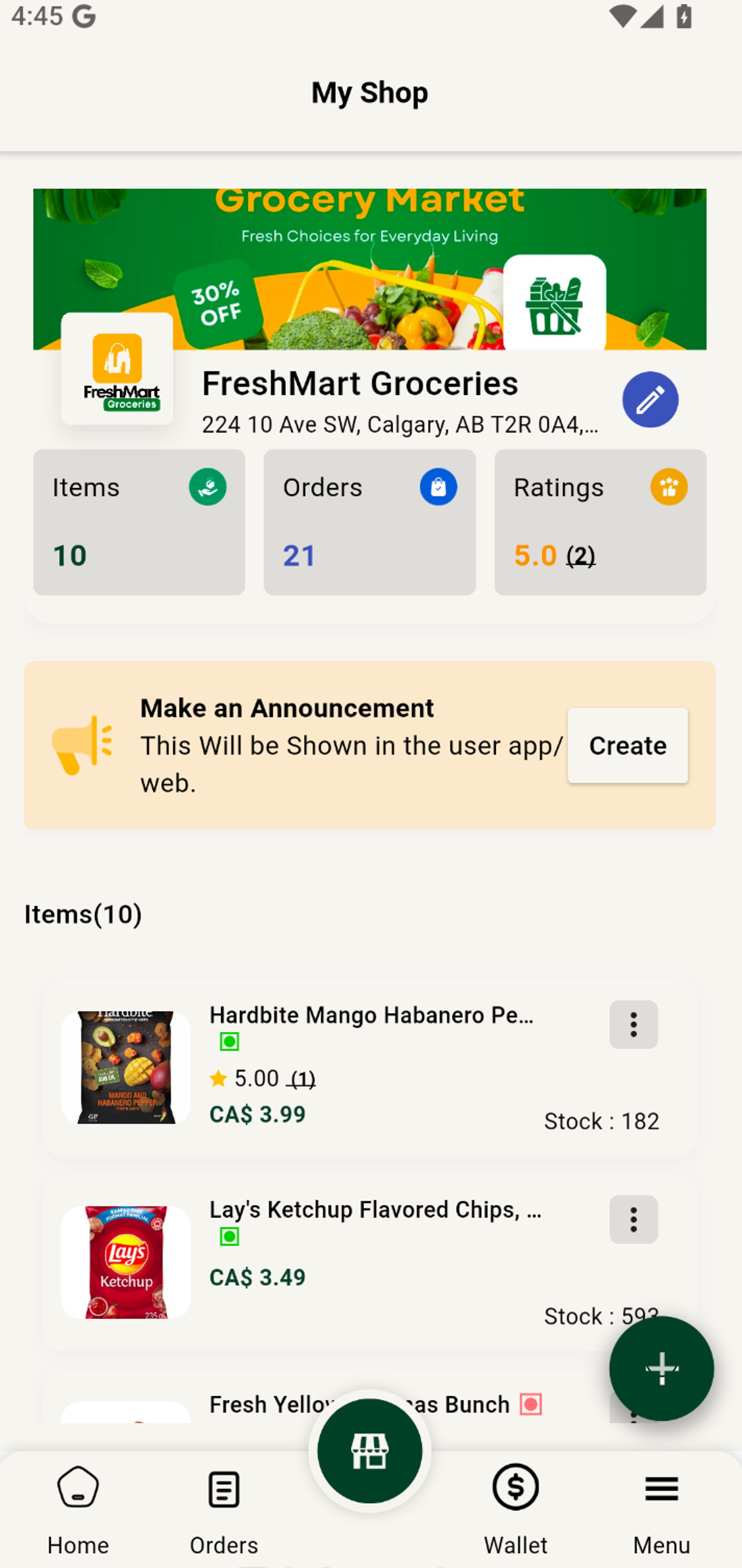
2. Tap the Add button to start adding a new product to your inventory.
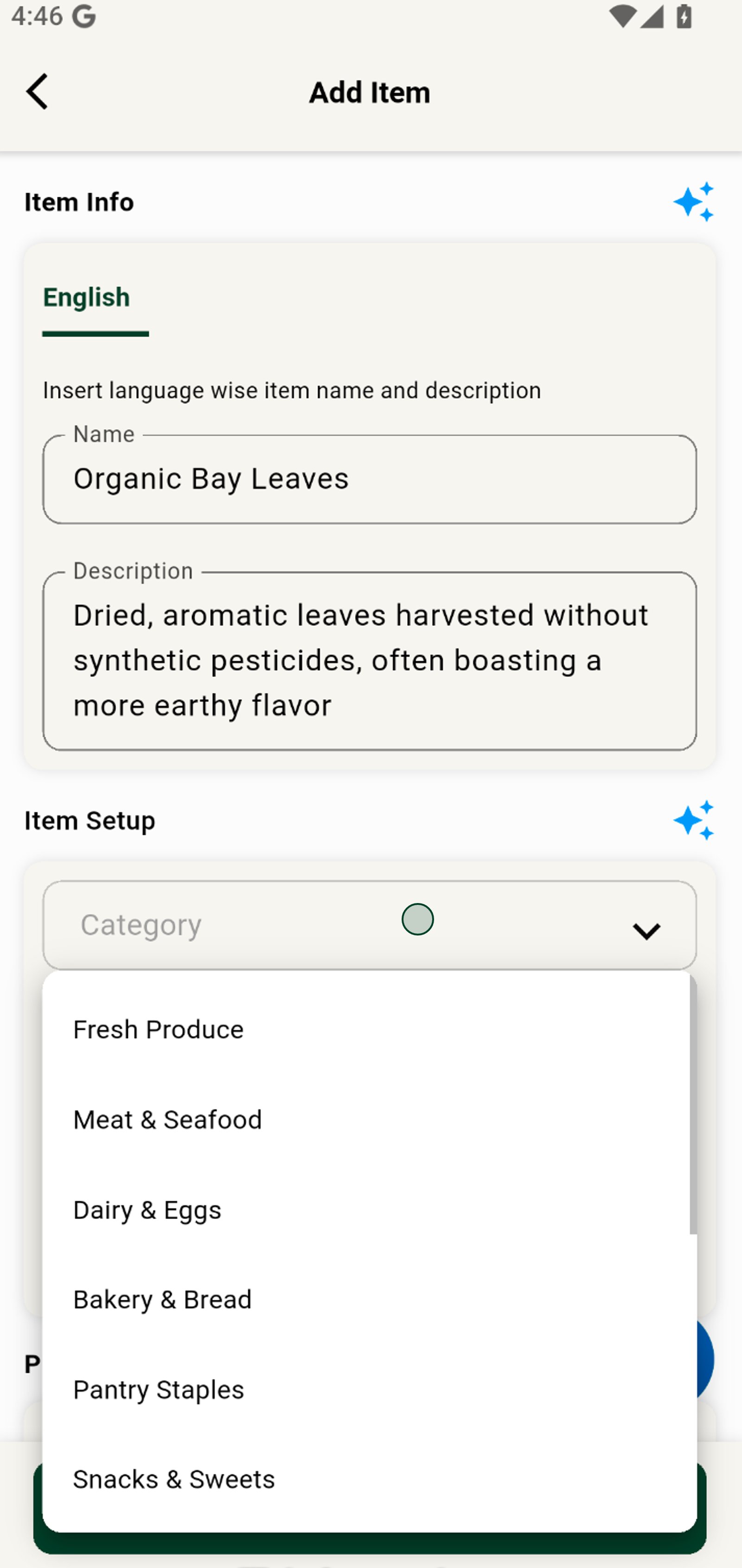
3. Choose a relevant category so customers can easily browse your products.
4. Add nutritional information to boost buyer confidence. Click 'Add' to include the entered nutritional detail in your product listing.
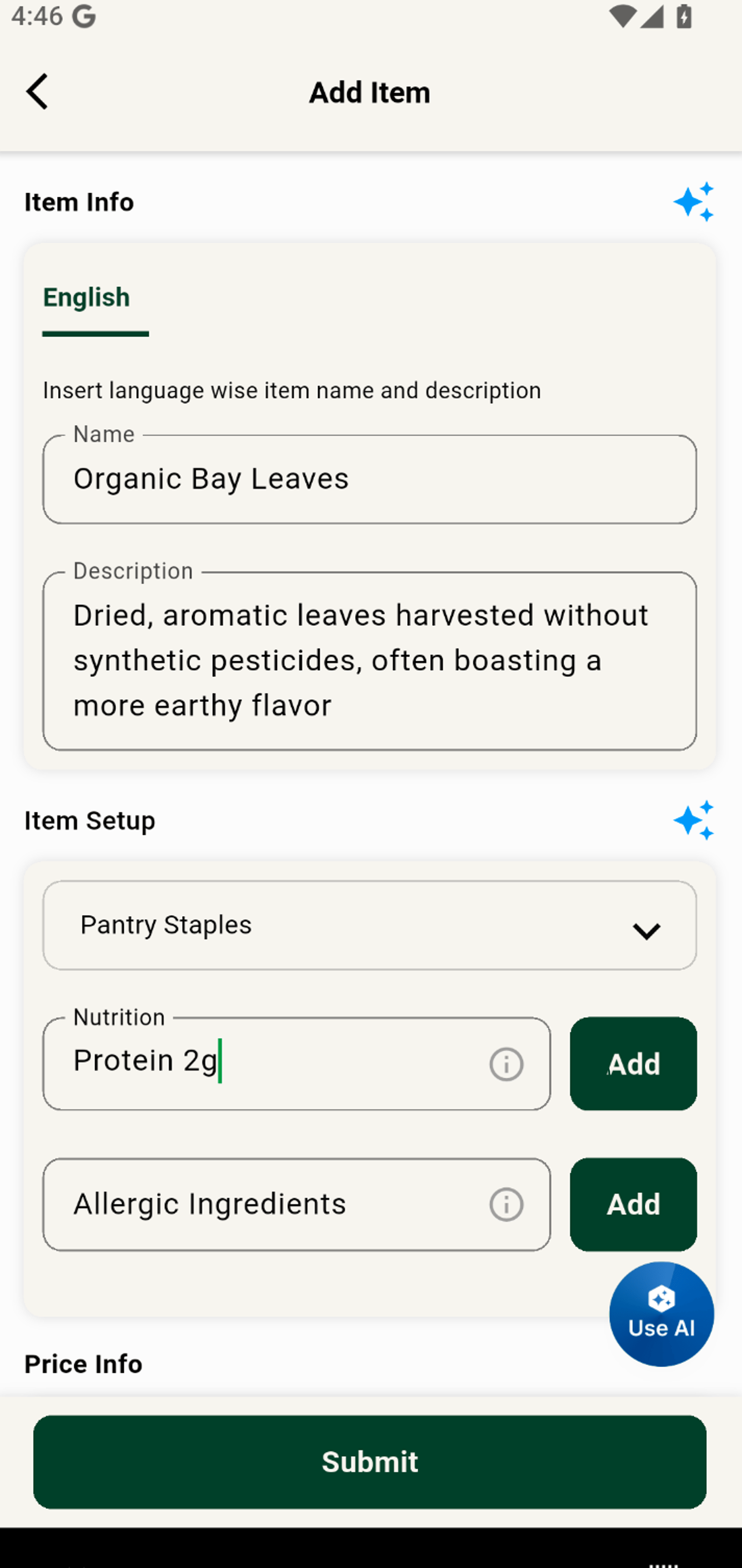
5. Choose the discount type to create compelling promotions for your customers. Pick 'Amount or Percent' to set a fixed discount.
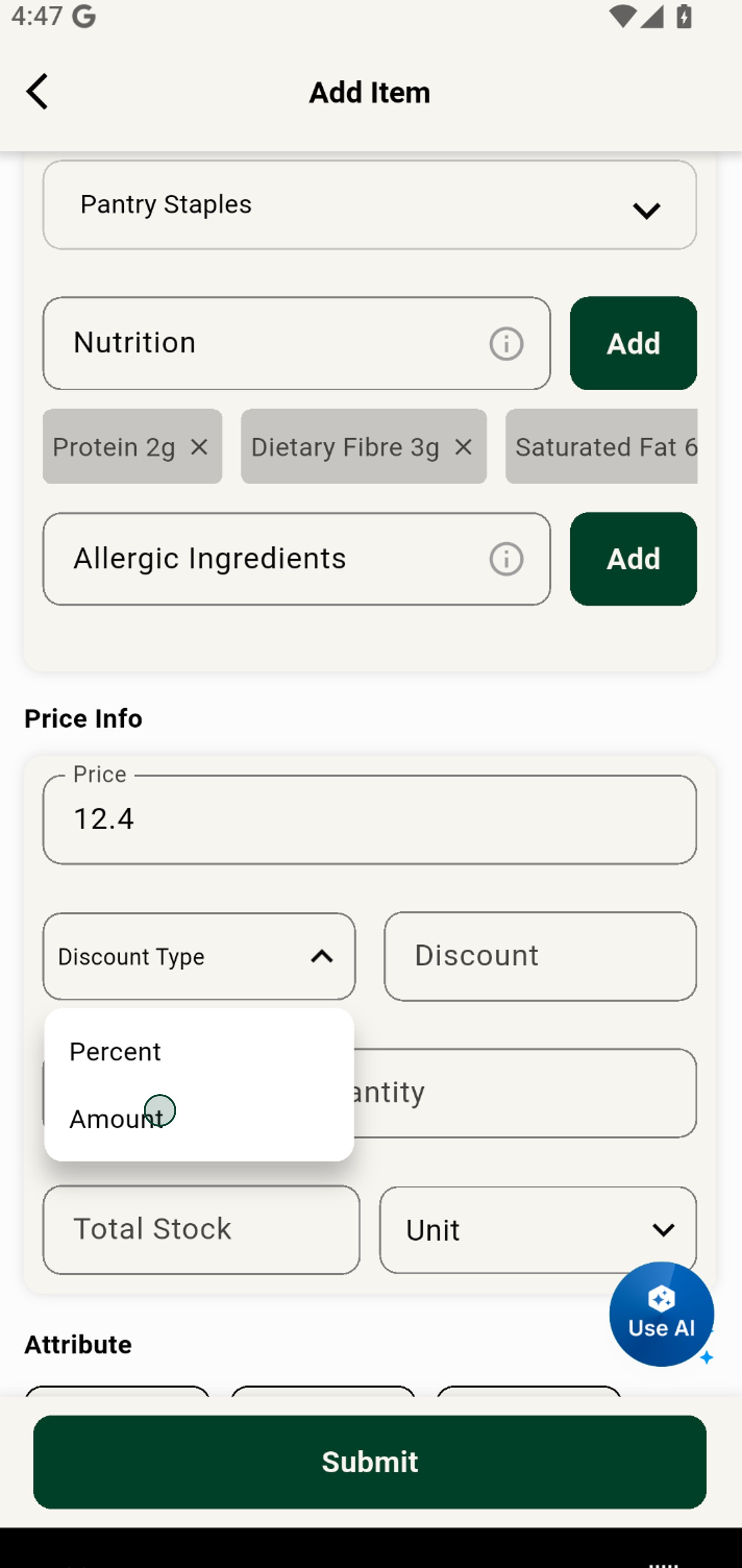
6. Enter your discount value to reward customers and drive sales.
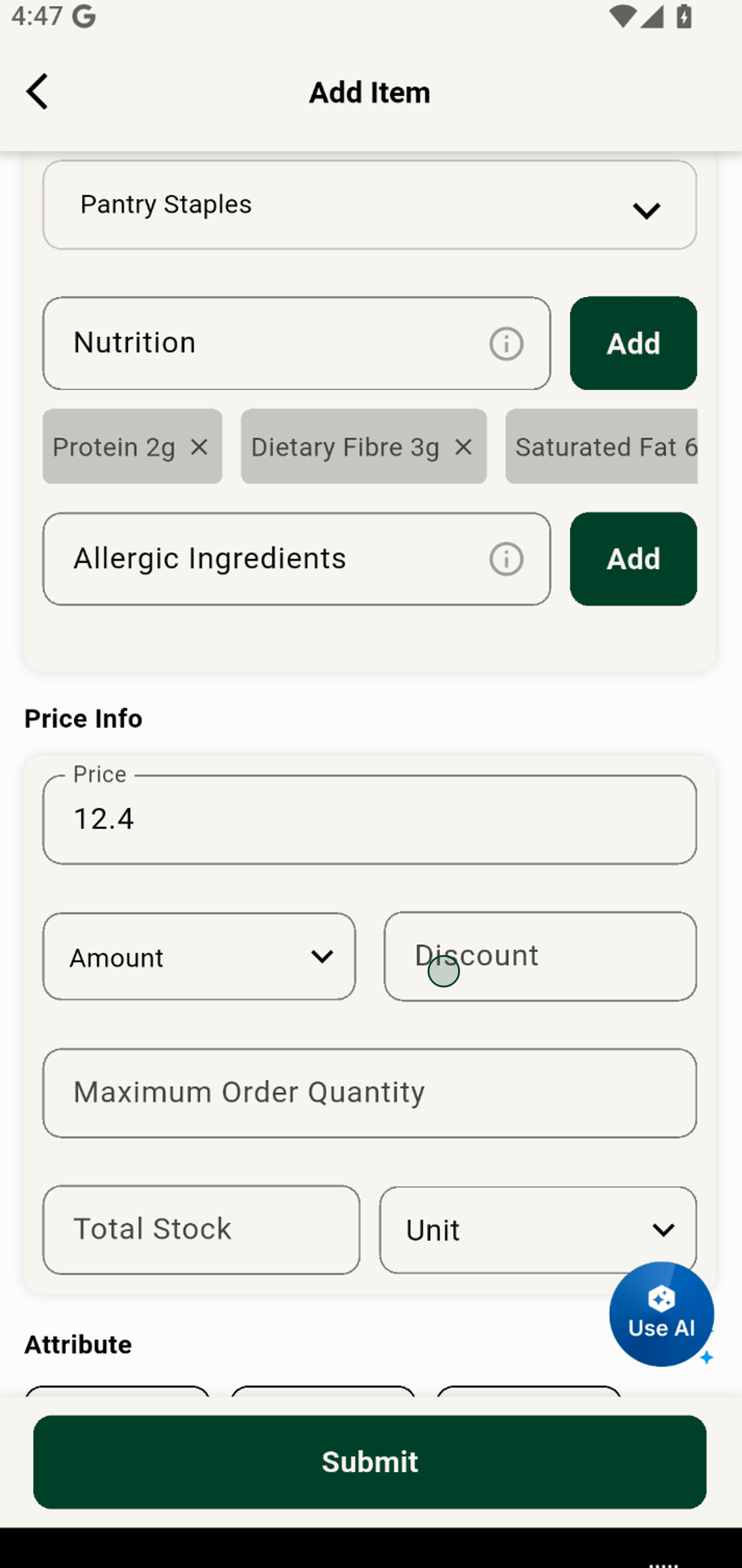
7. Specify a maximum order quantity to easily manage inventory during high demand.
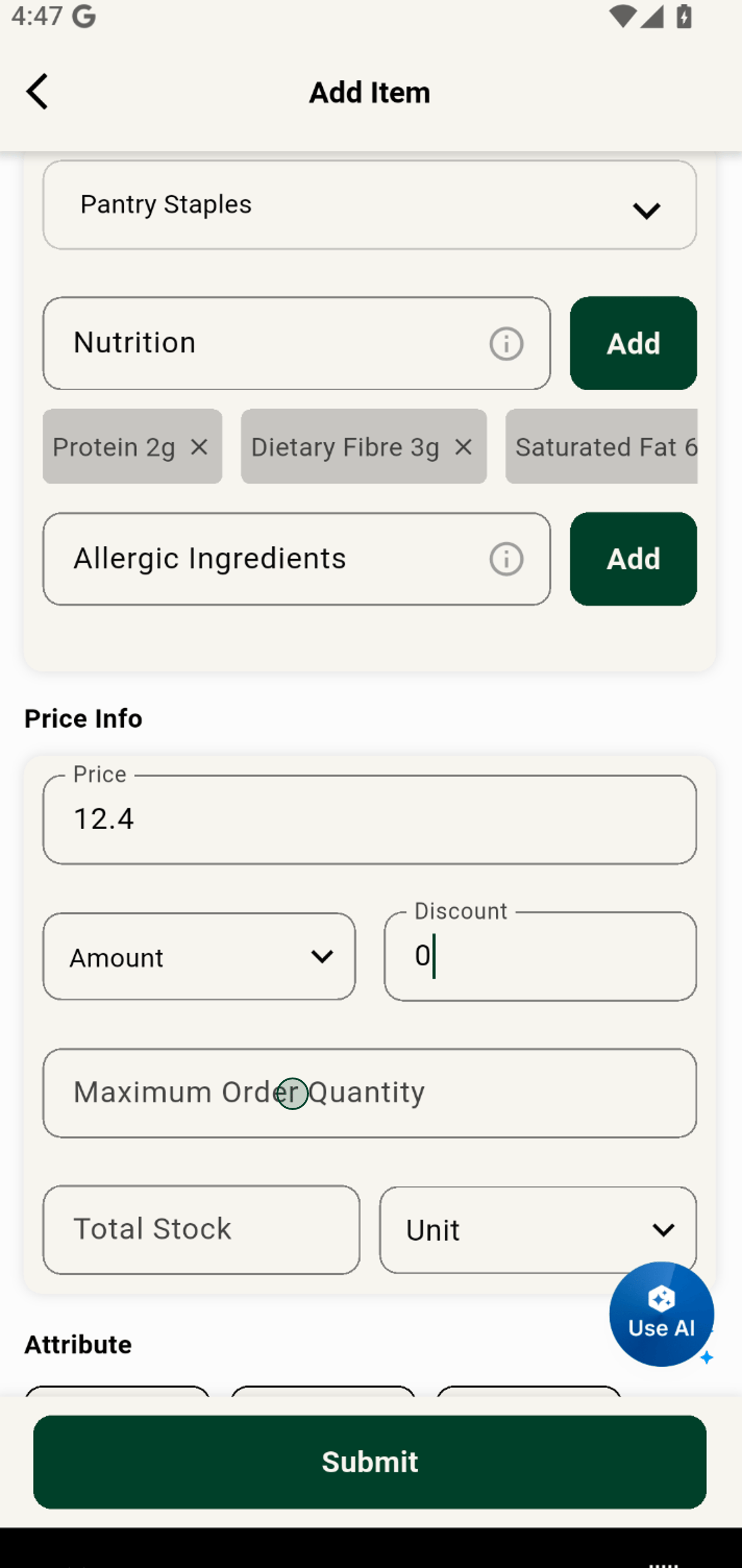
8. Input your total stock to keep inventory levels accurate and up to date.
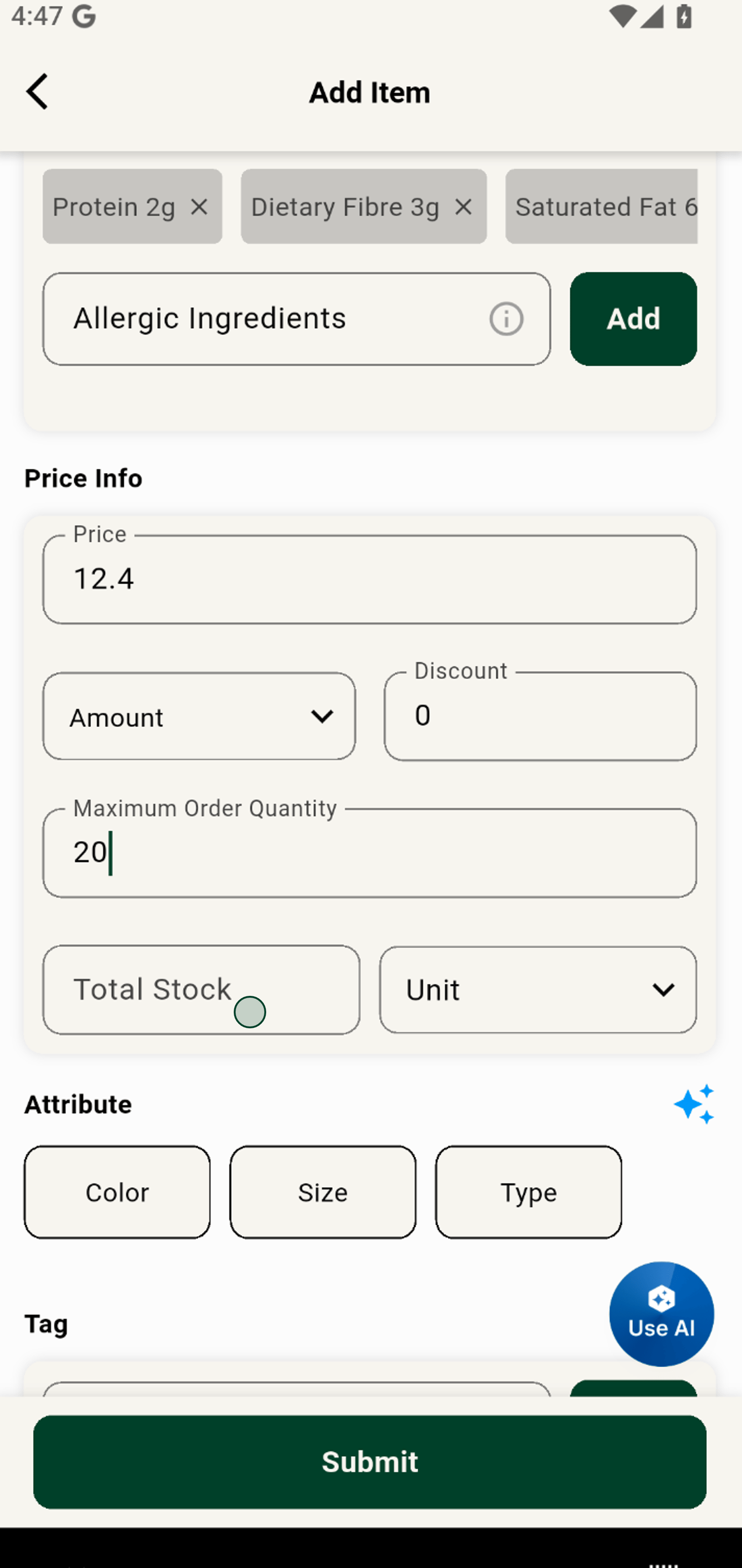
9. Select a unit of measurement to clarify package size for your customers.
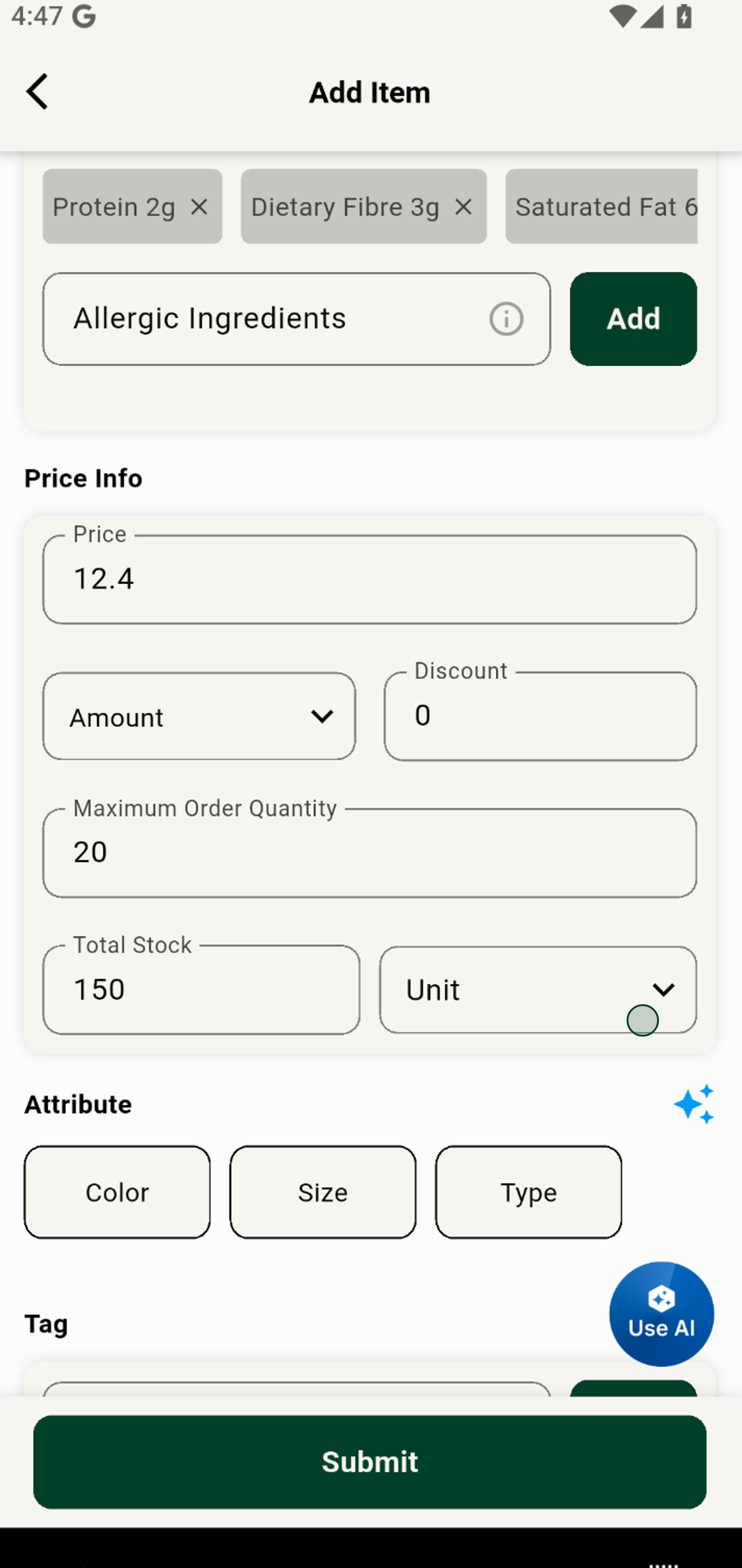
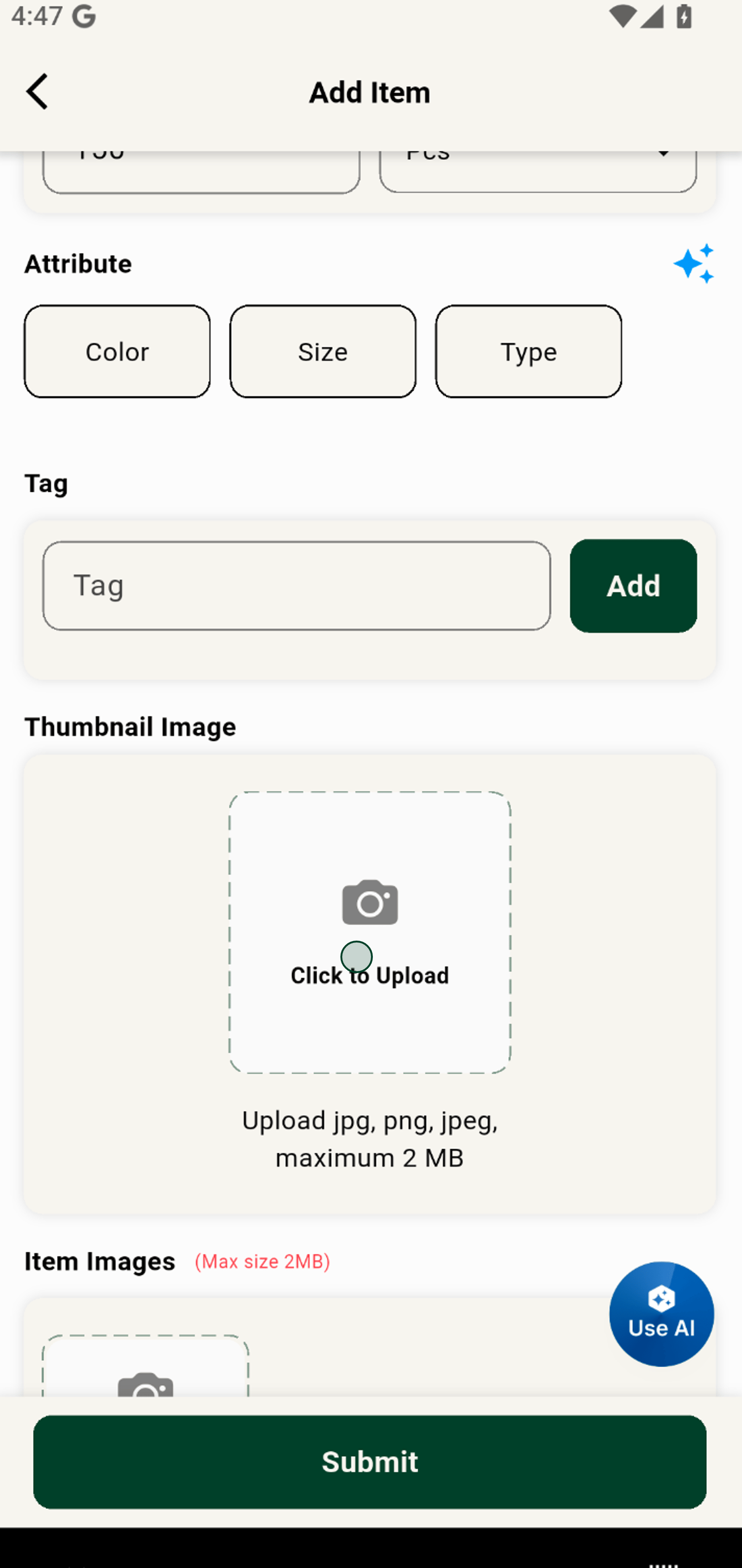
10. Upload a thumbnail image to instantly grab attention and enhance your listing.
11. Choose a photo from your gallery for a professional product appearance.
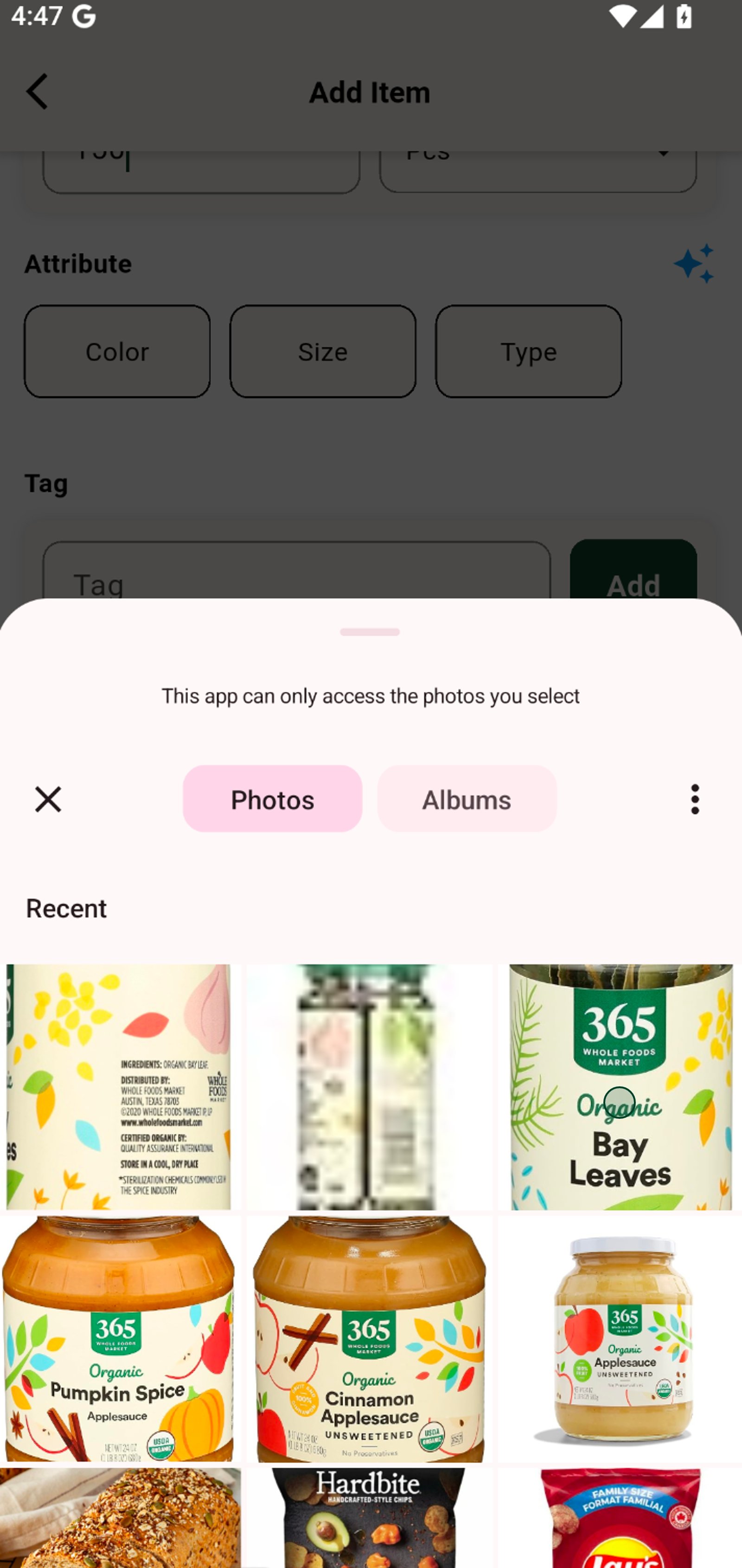
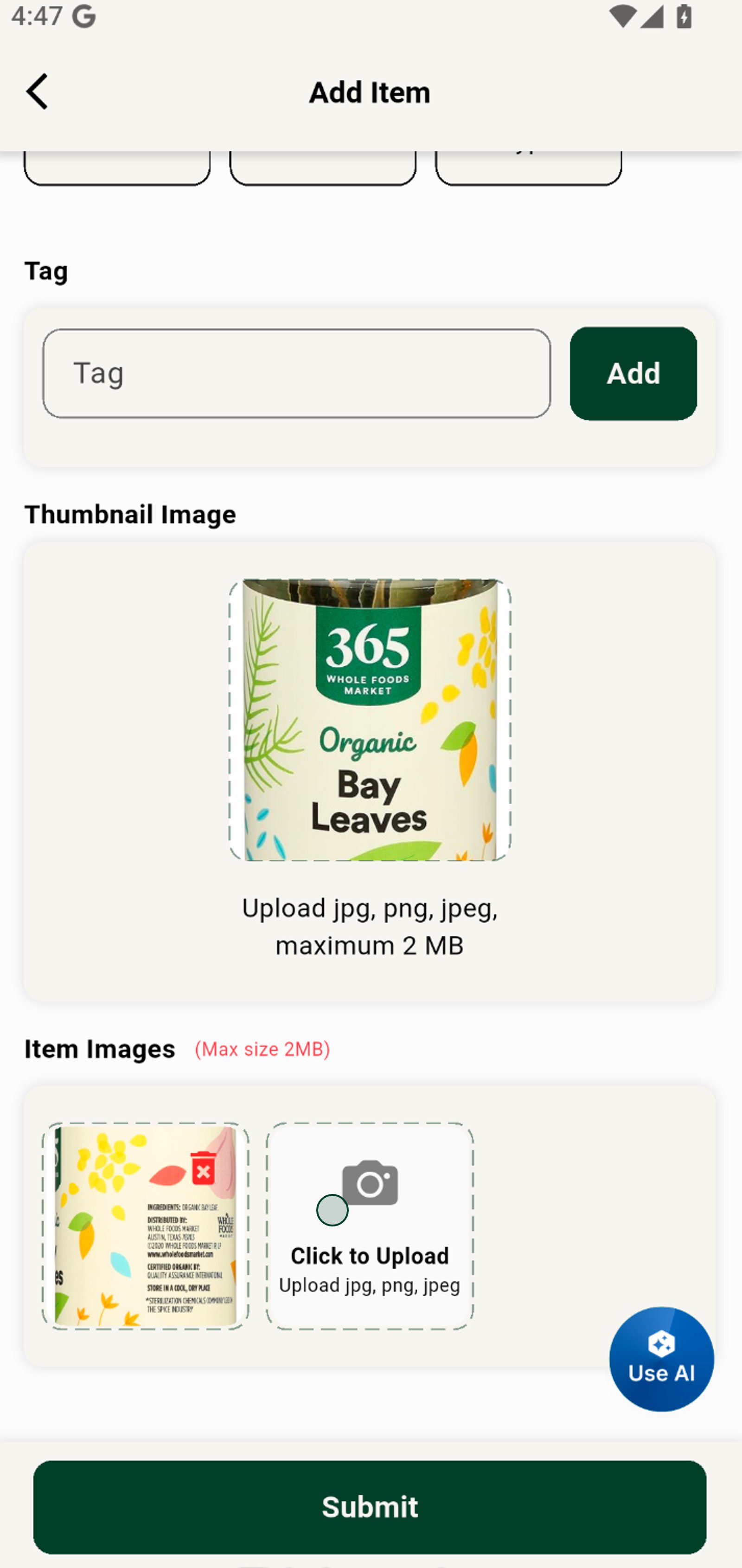
12. Add more product images to showcase your item from different angles.
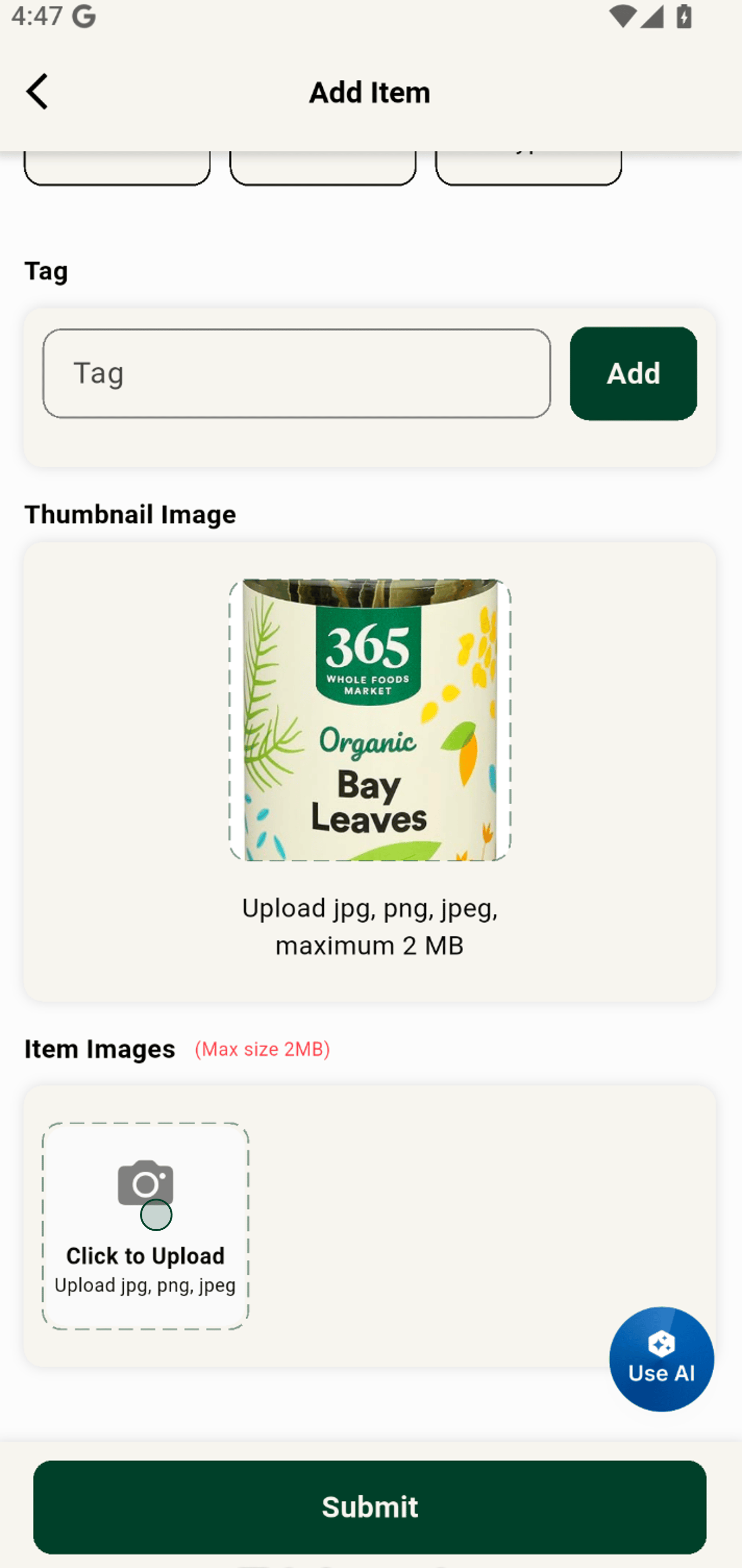
13. Pick the perfect photo to highlight your product's best features.
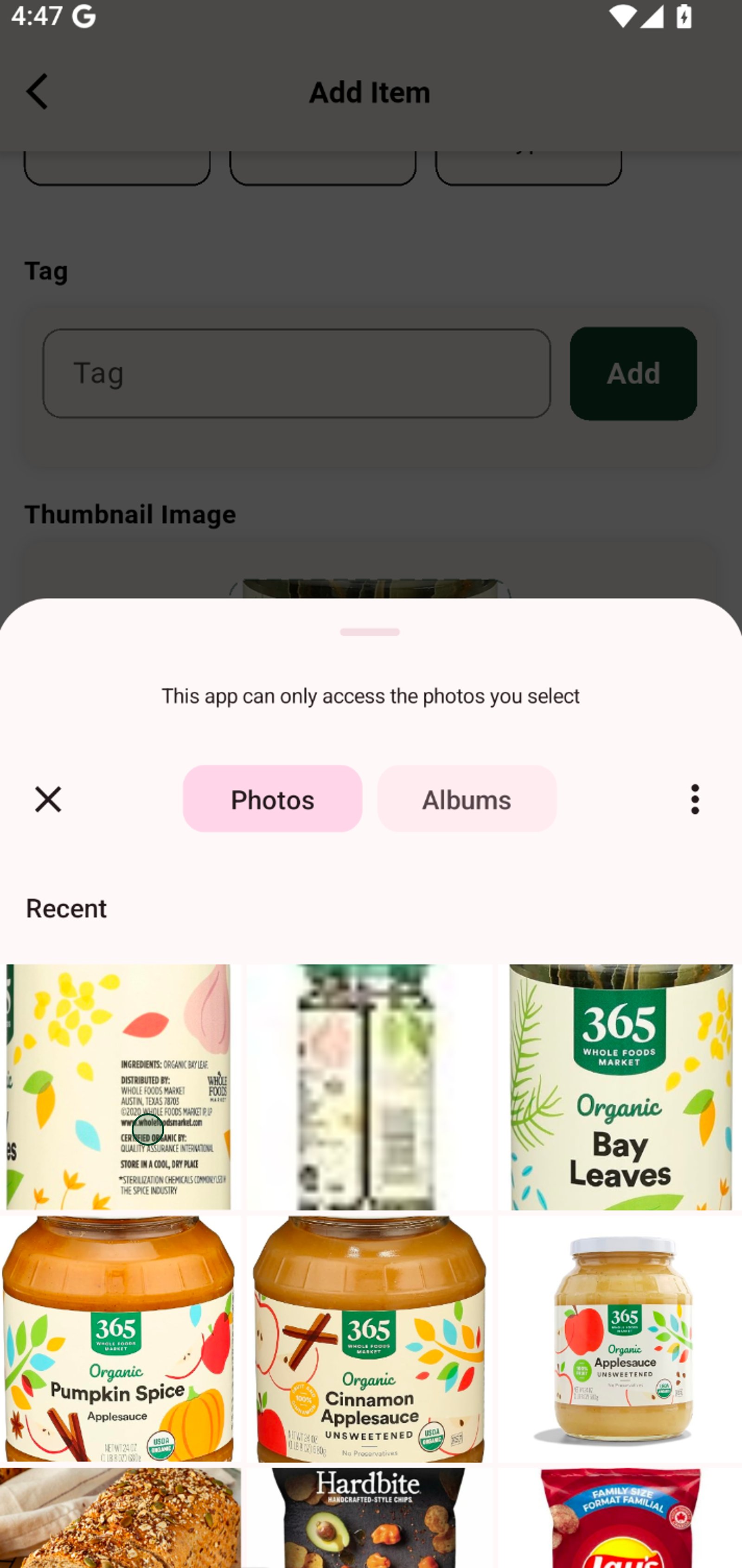
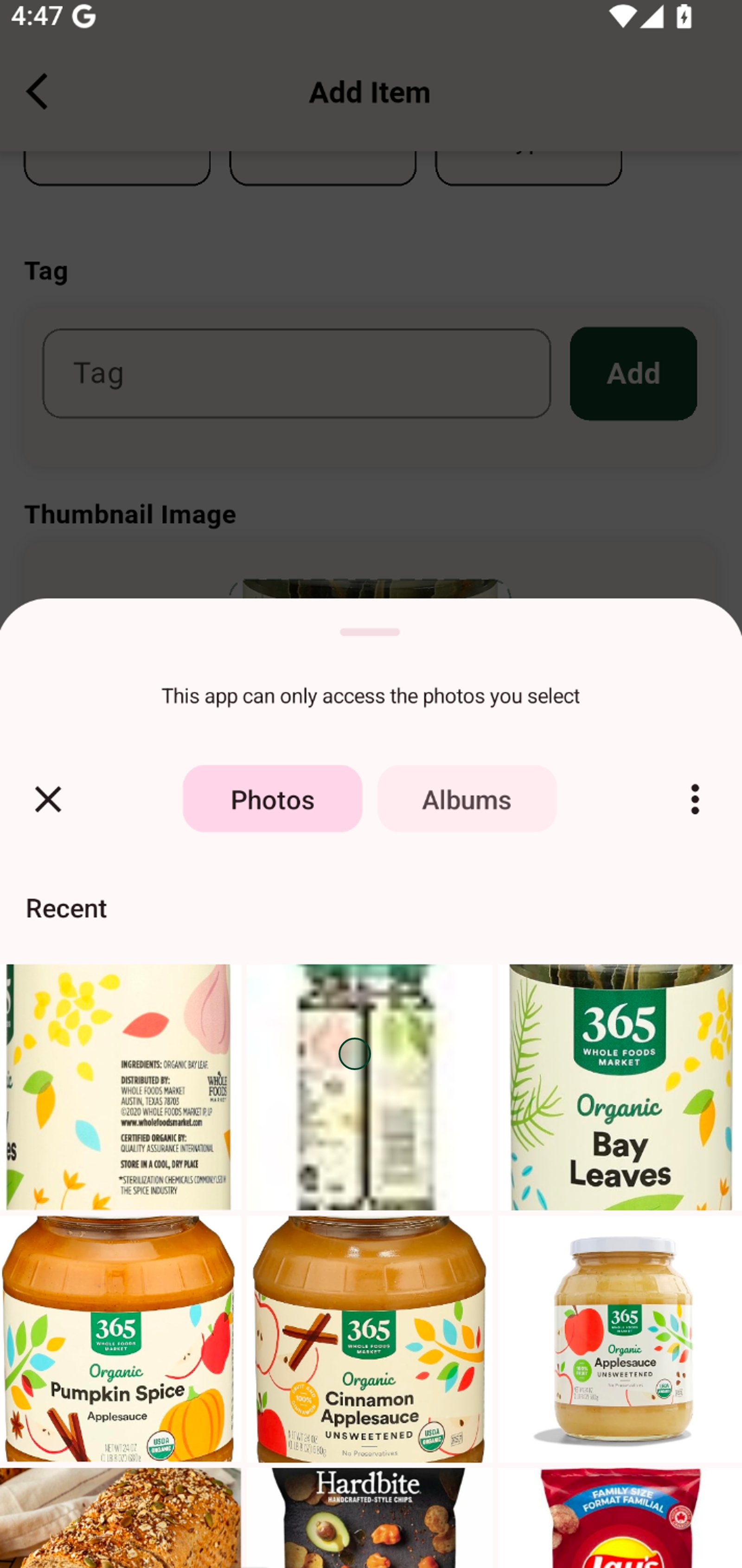
14. Upload multiple images to give buyers a complete view of your product.
15. Select a clear, attractive image to act as your product's main photo.
16. Submit your new product to instantly expand your shop's offerings!