Add a New Product Using AI & Image
Grubdeli Merchant App

Benjamin Mathew
Last Update il y a 6 mois
This video walks merchants through uploading a product image and letting AI automatically generate item names, descriptions, categories, pricing suggestions & more.
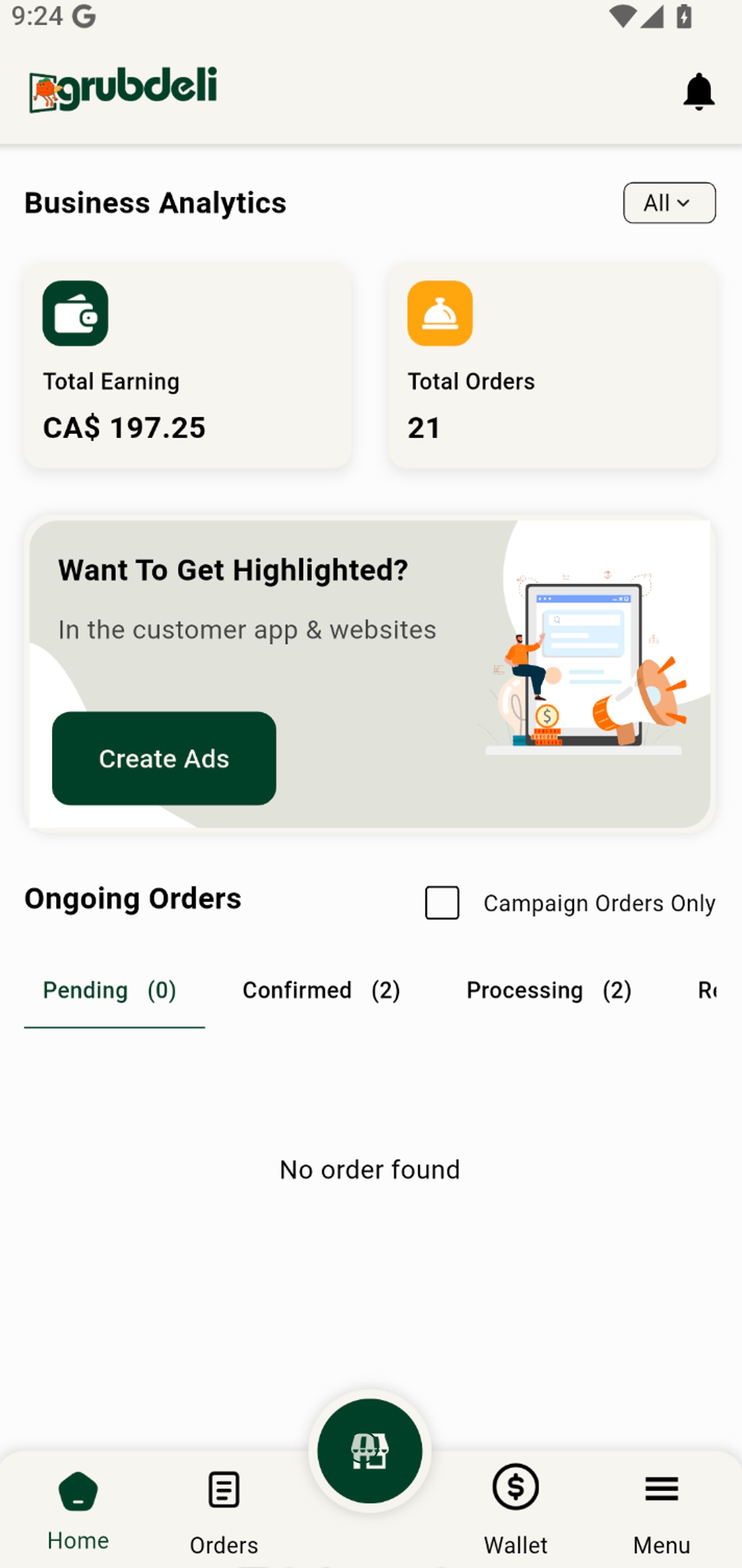
1. Start by accessing your shop dashboard to manage your business at a glance.
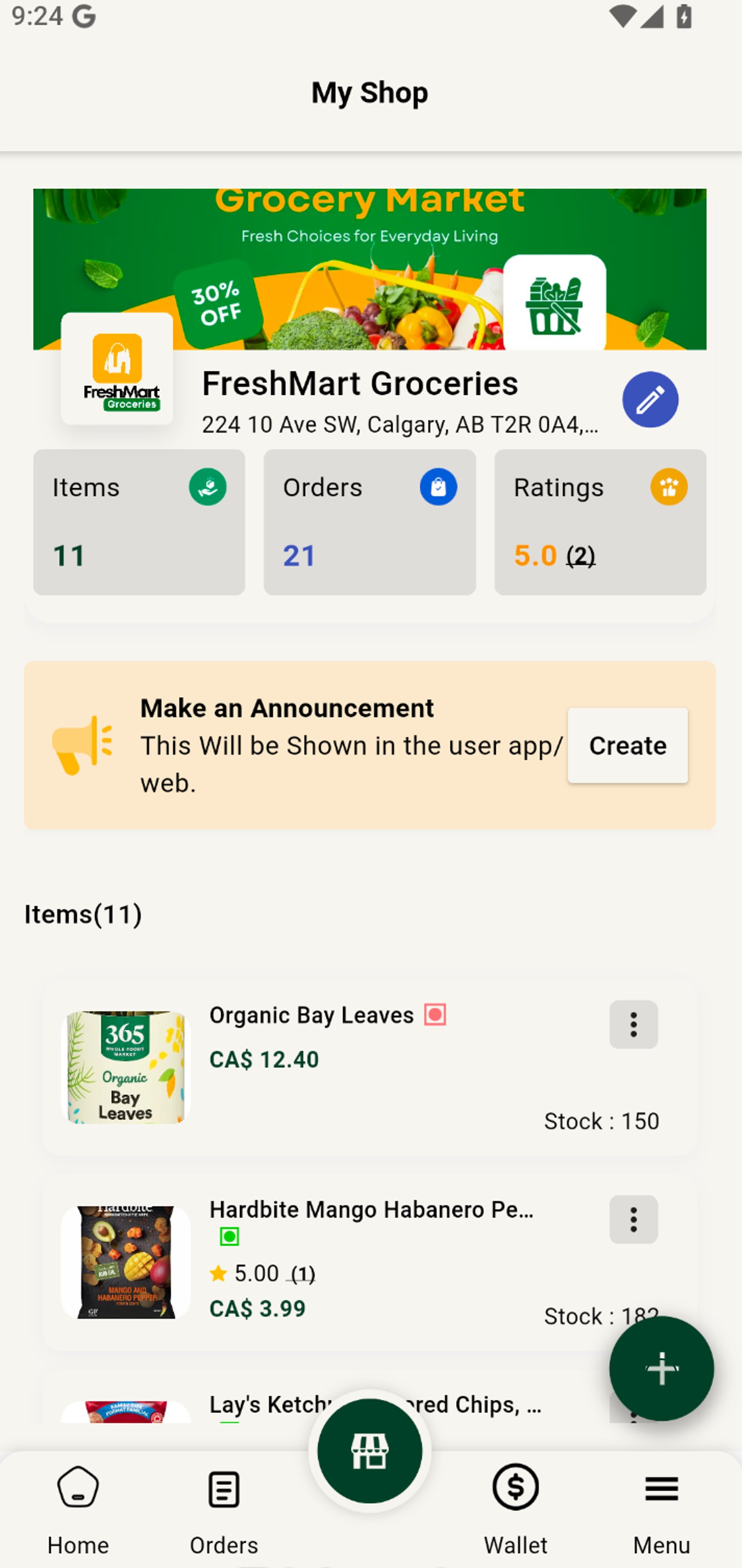
2. Tap the Add button to begin listing a new product in your shop.
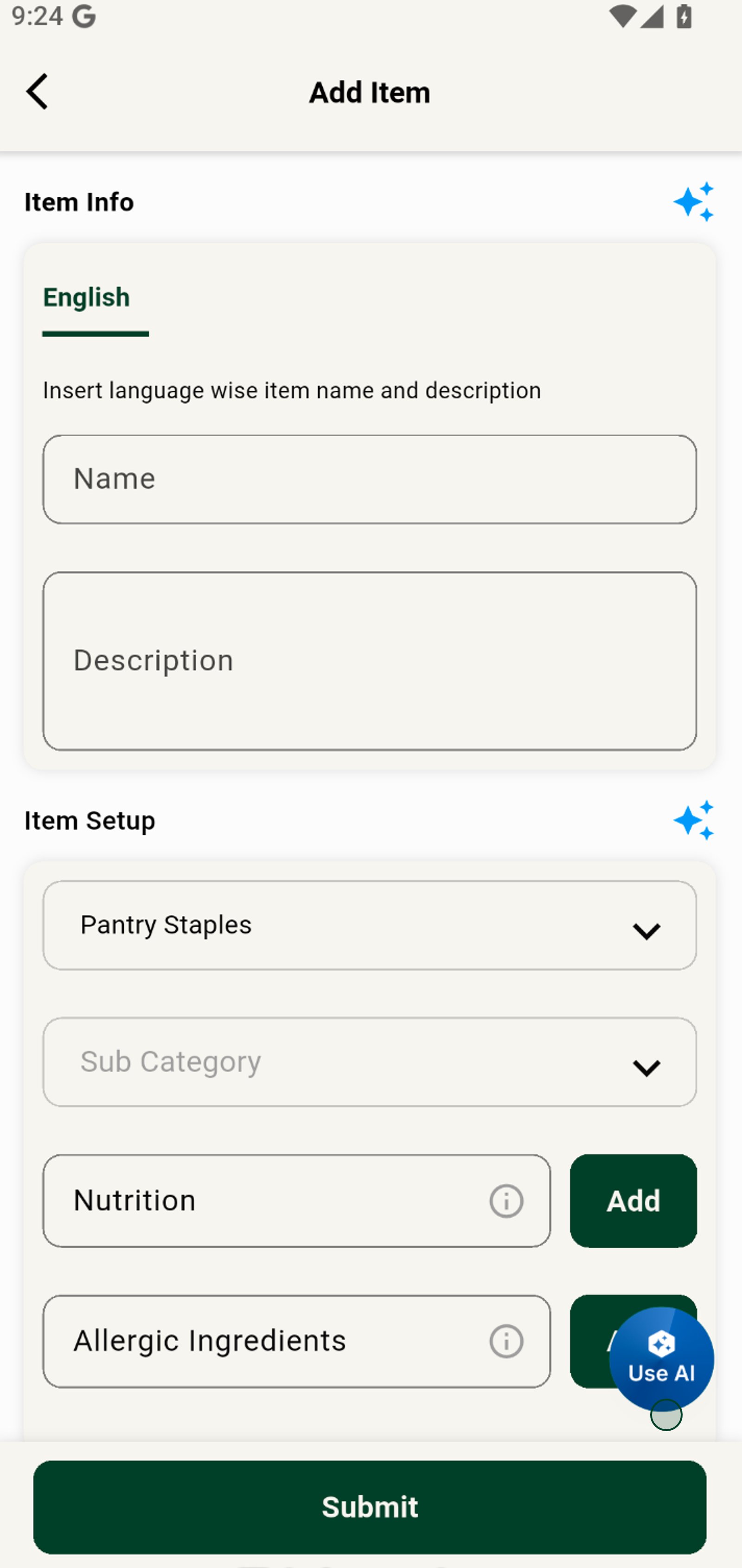
3. Click the Use AI button to add a new item with AI.
4. Upload a product image that grabs shoppers’ attention and builds trust.
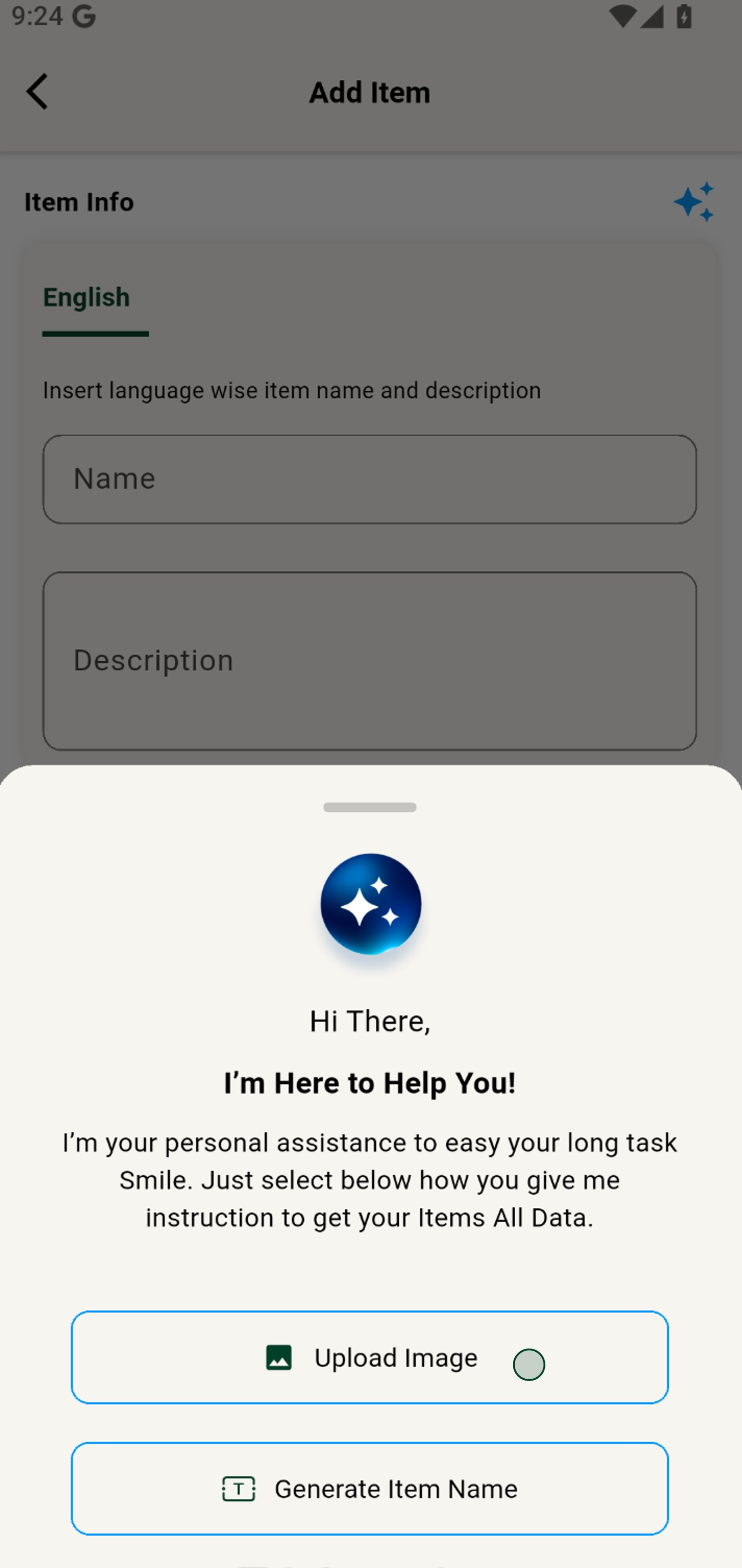
5. Tap the Upload Image area and select a clear photo to enhance your listing.
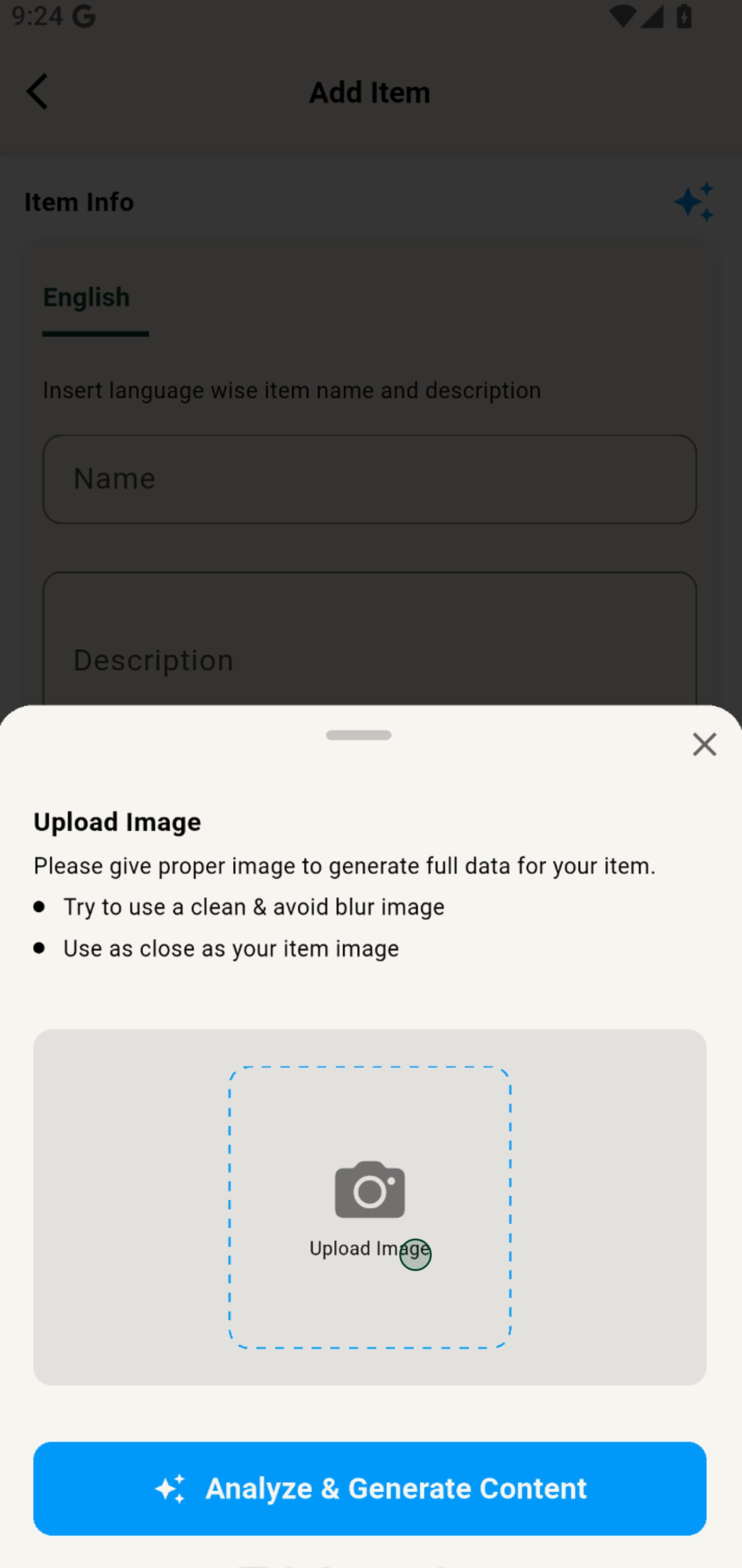
6. Choose a recent photo of your product for a professional look.
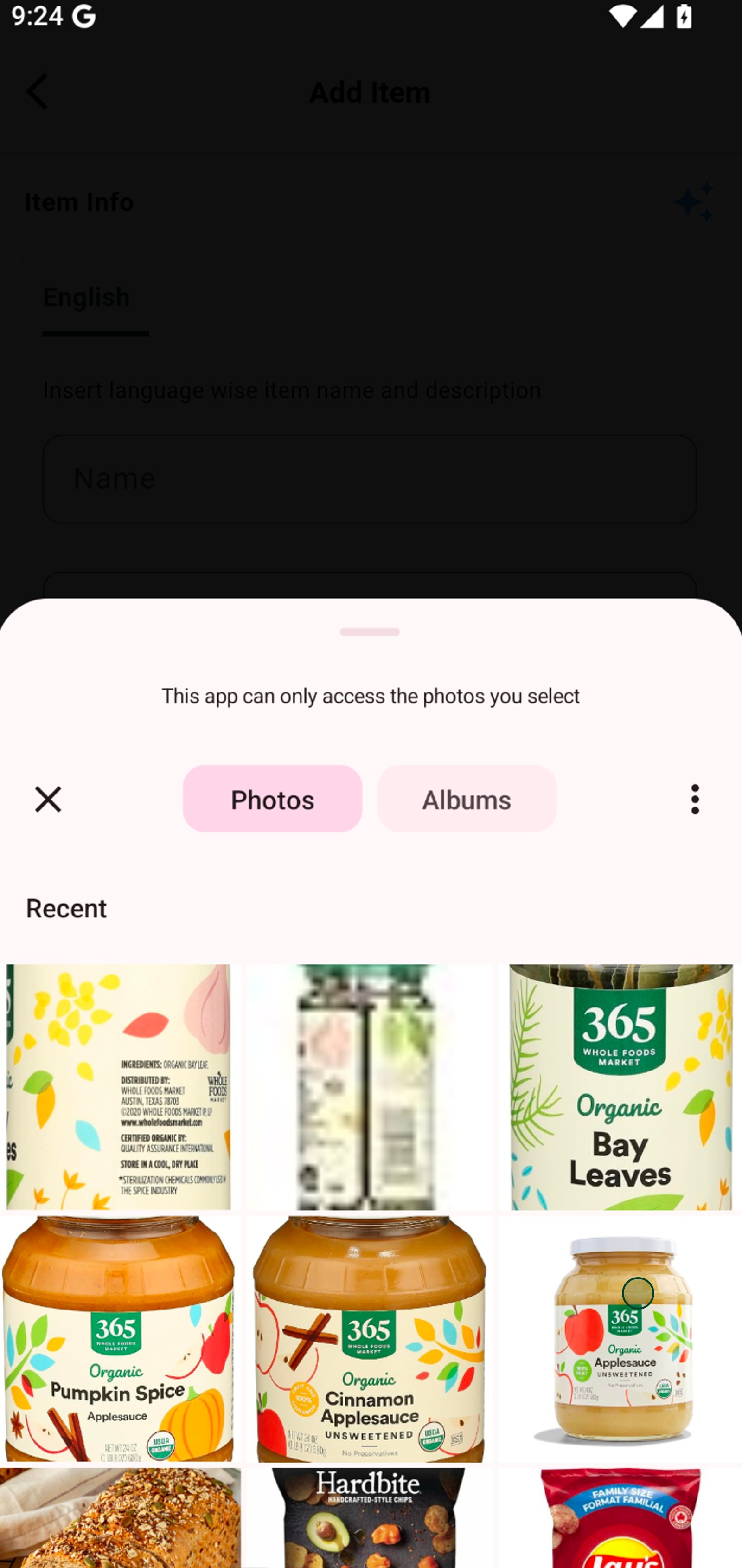
7. Click Analyze & Generate Content for time-saving automatic product details using Ai.
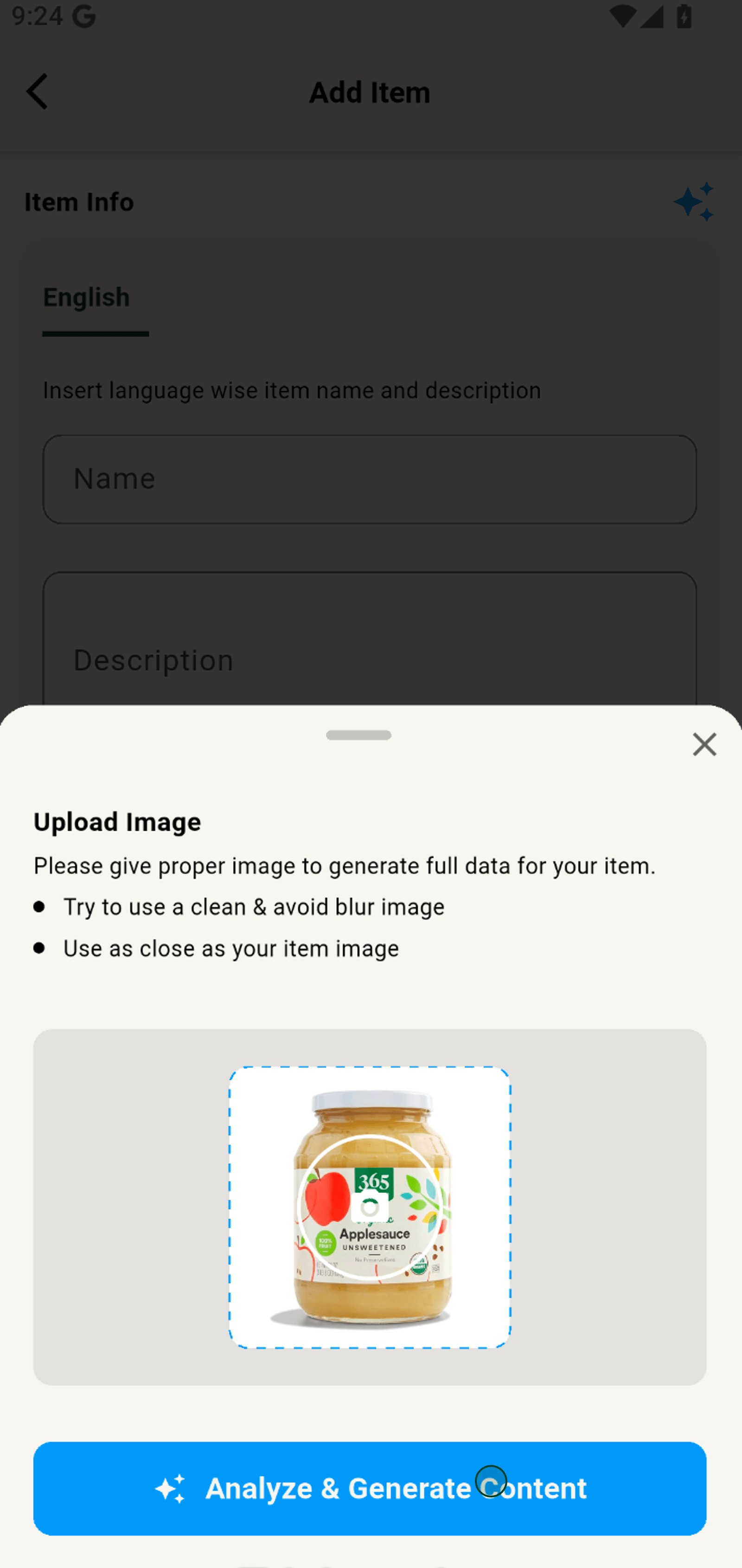
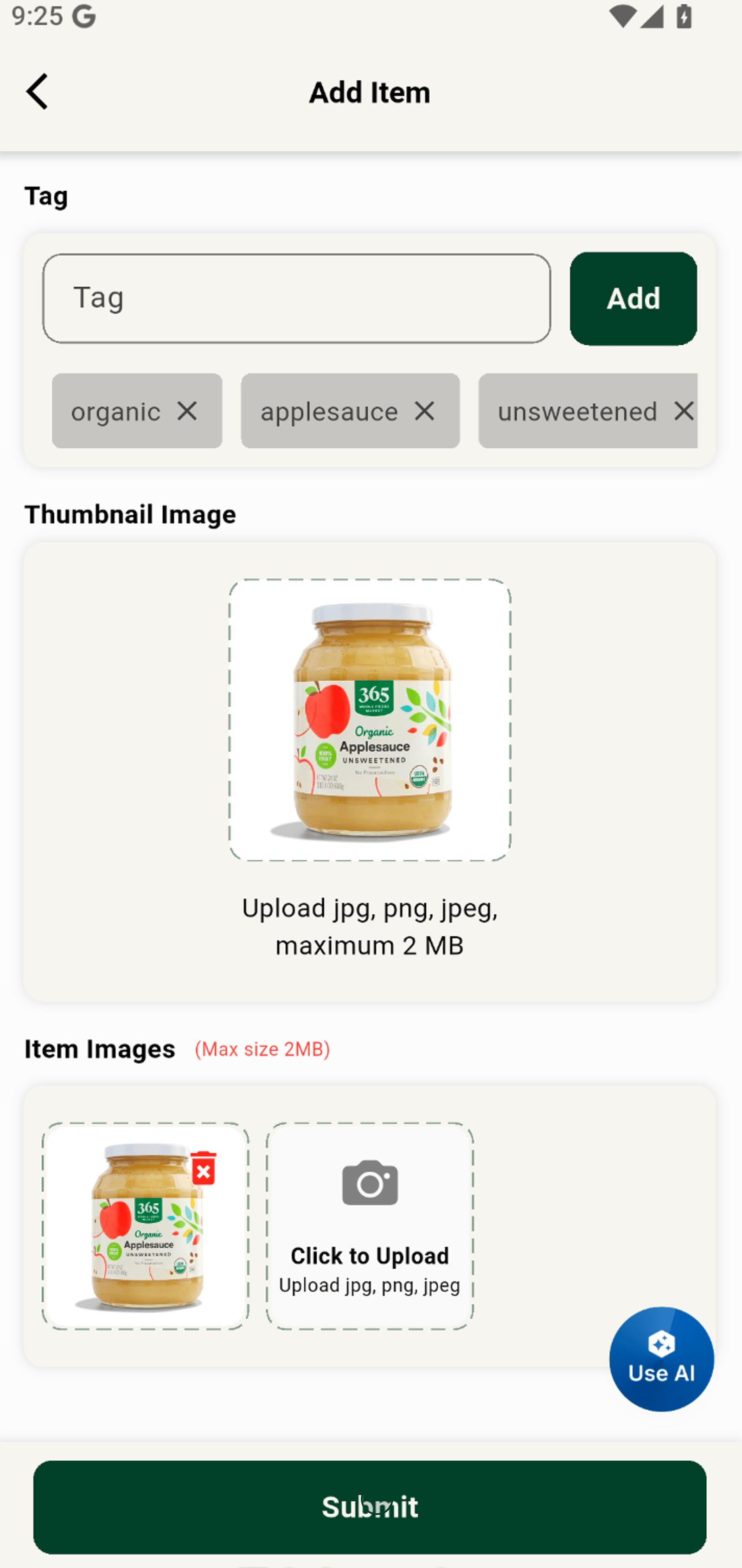
8. Start reviewing, and editing everything before publishing.
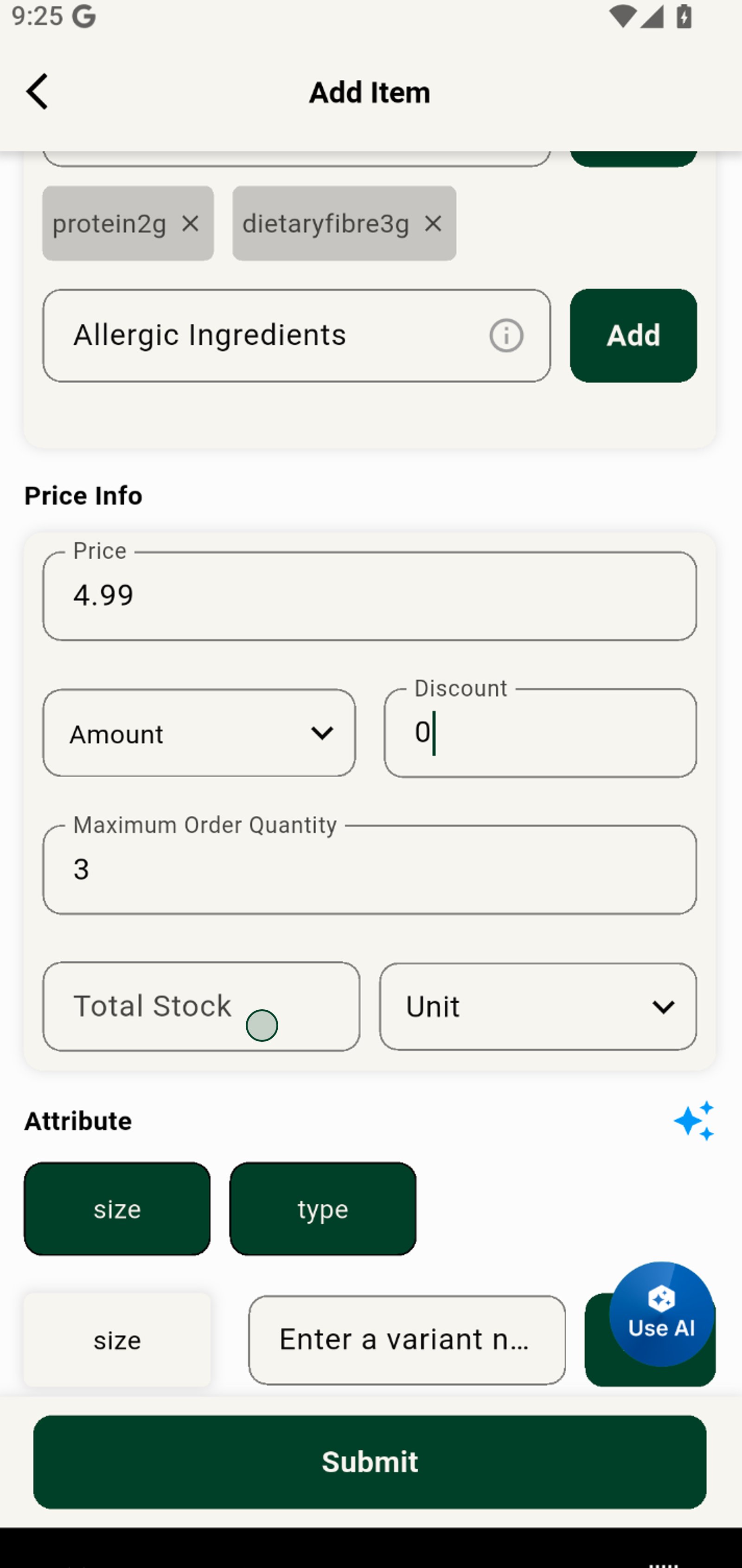
9. Review and update product attributes like size or type to customize your offering.
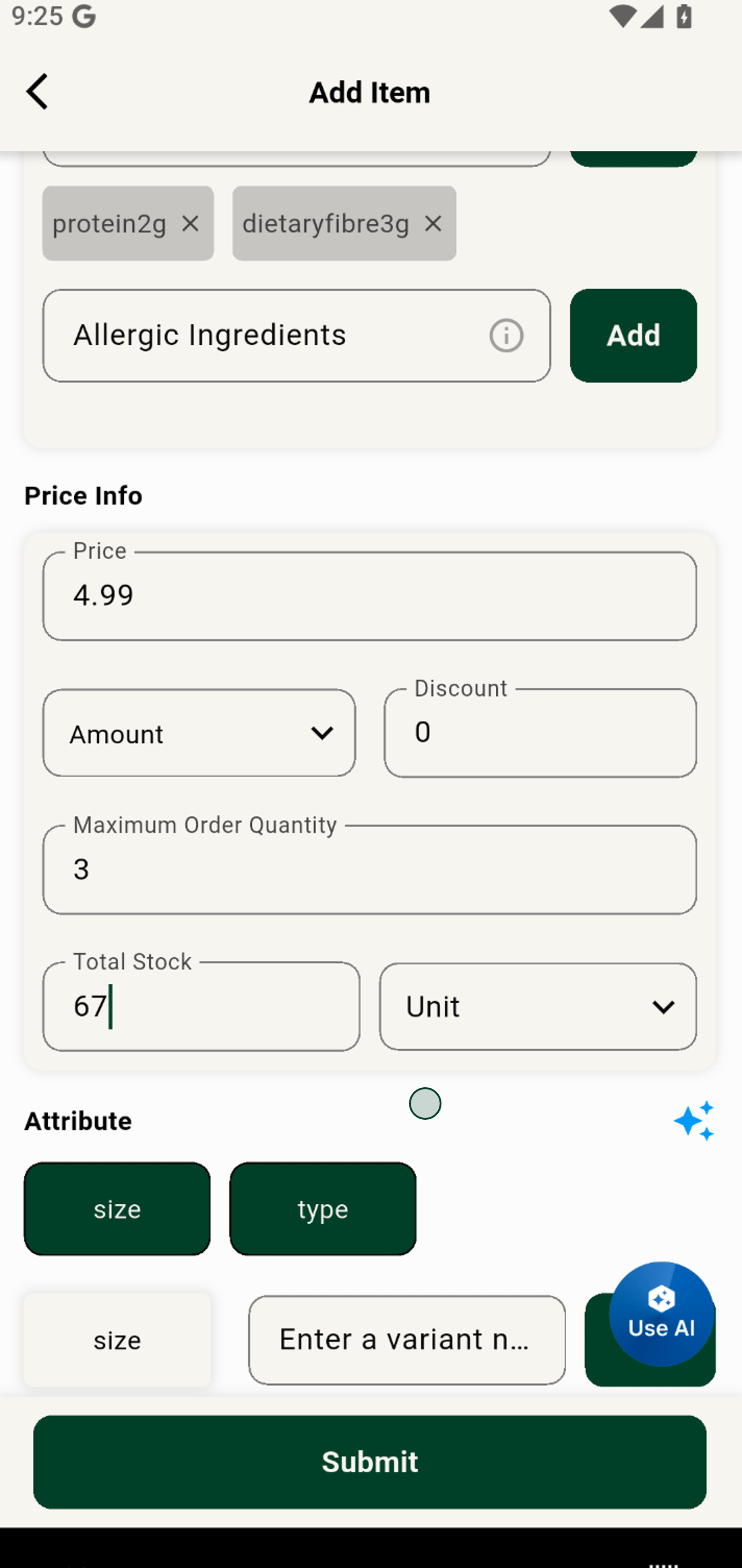
10. Click to upload extra images to help customers see every detail of your item.
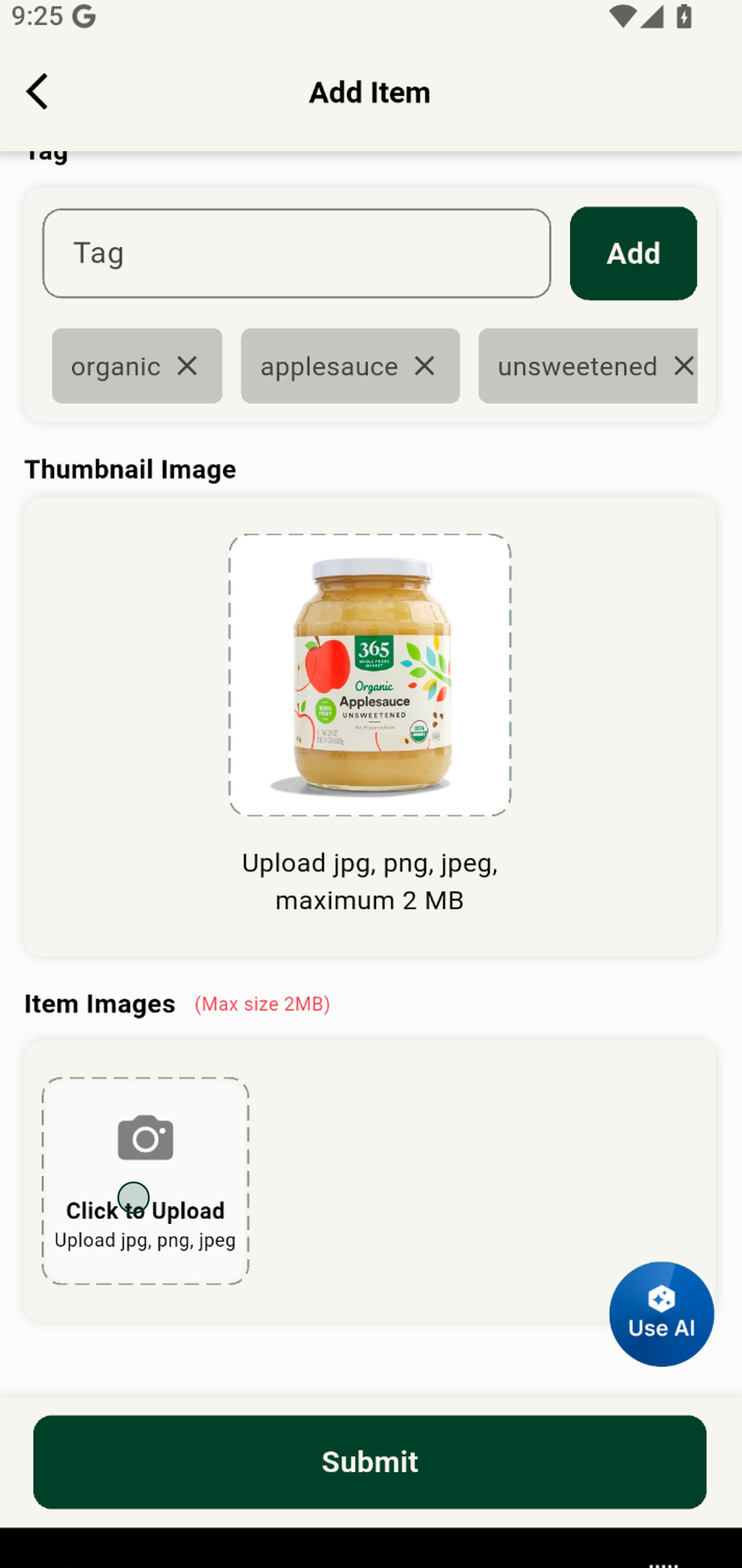
11. Select the Photos option to easily pick from your gallery for a great thumbnail.
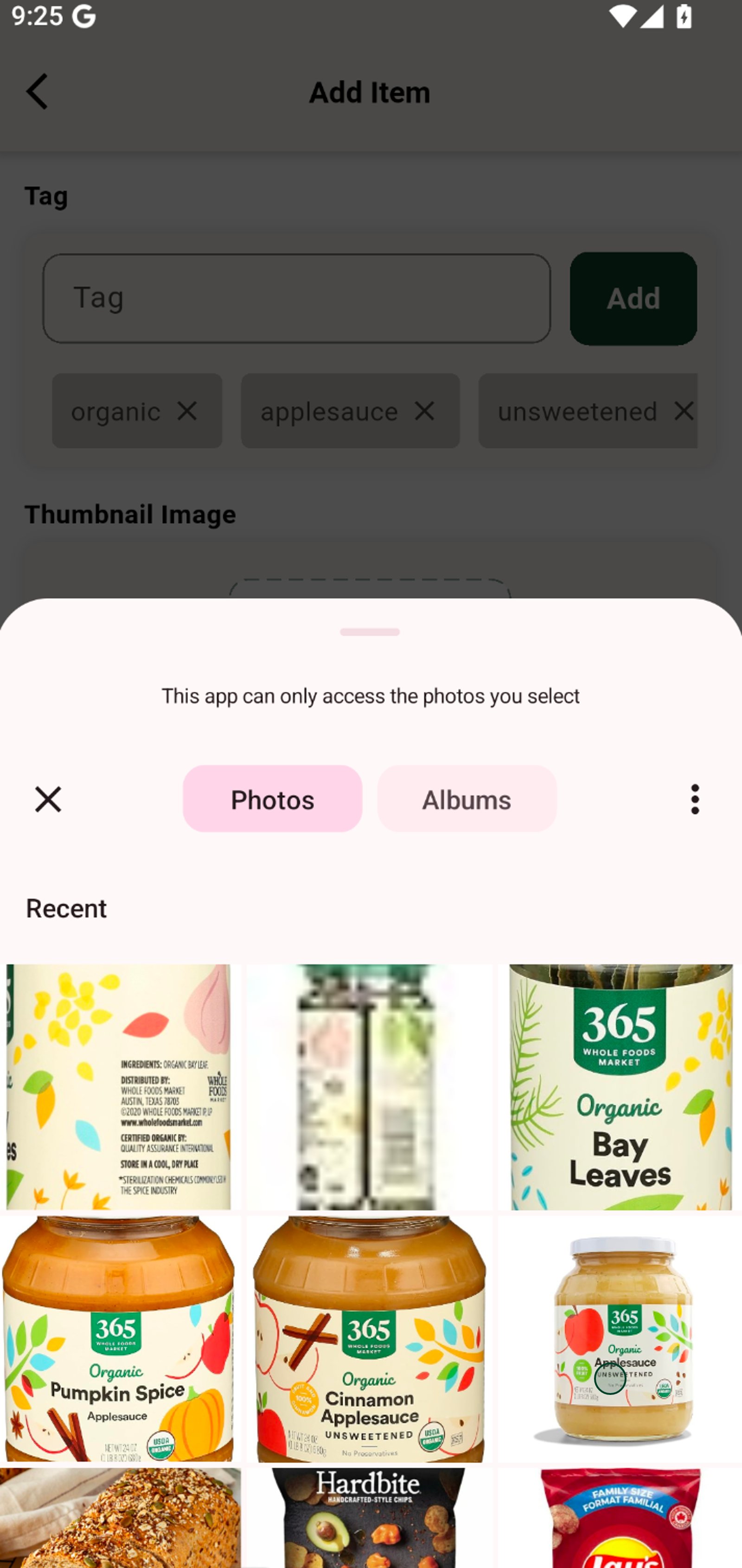
12. Press Submit to add your new product and start reaching more customers today!