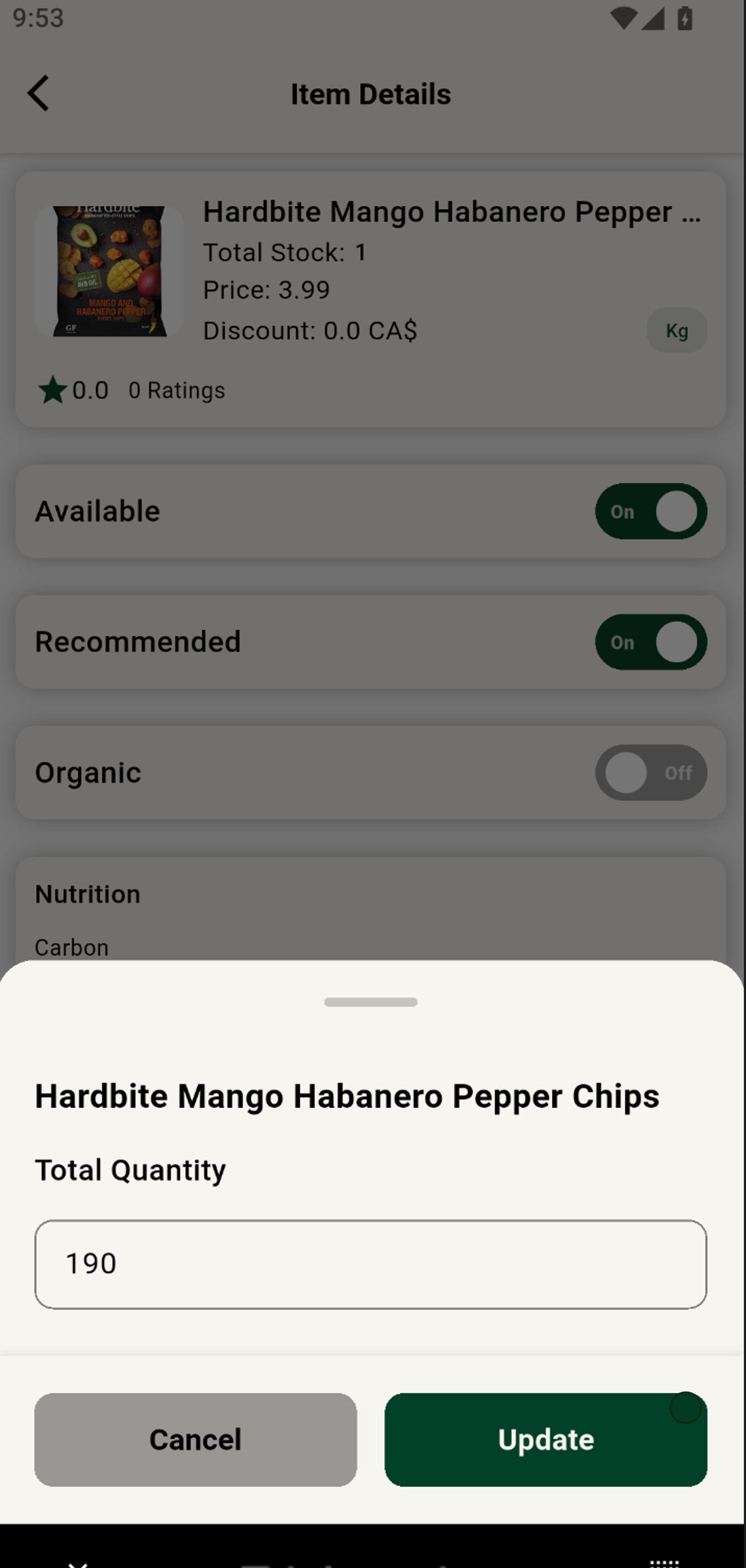
Managing Inventory & Item Availability
Grubdeli Merchant App

Benjamin Mathew
Last Update il y a 6 mois
How to update stock levels, mark items as available/unavailable, and avoid order issues.
1. Start by launching the inventory management dashboard.
Start by launching the inventory management section.
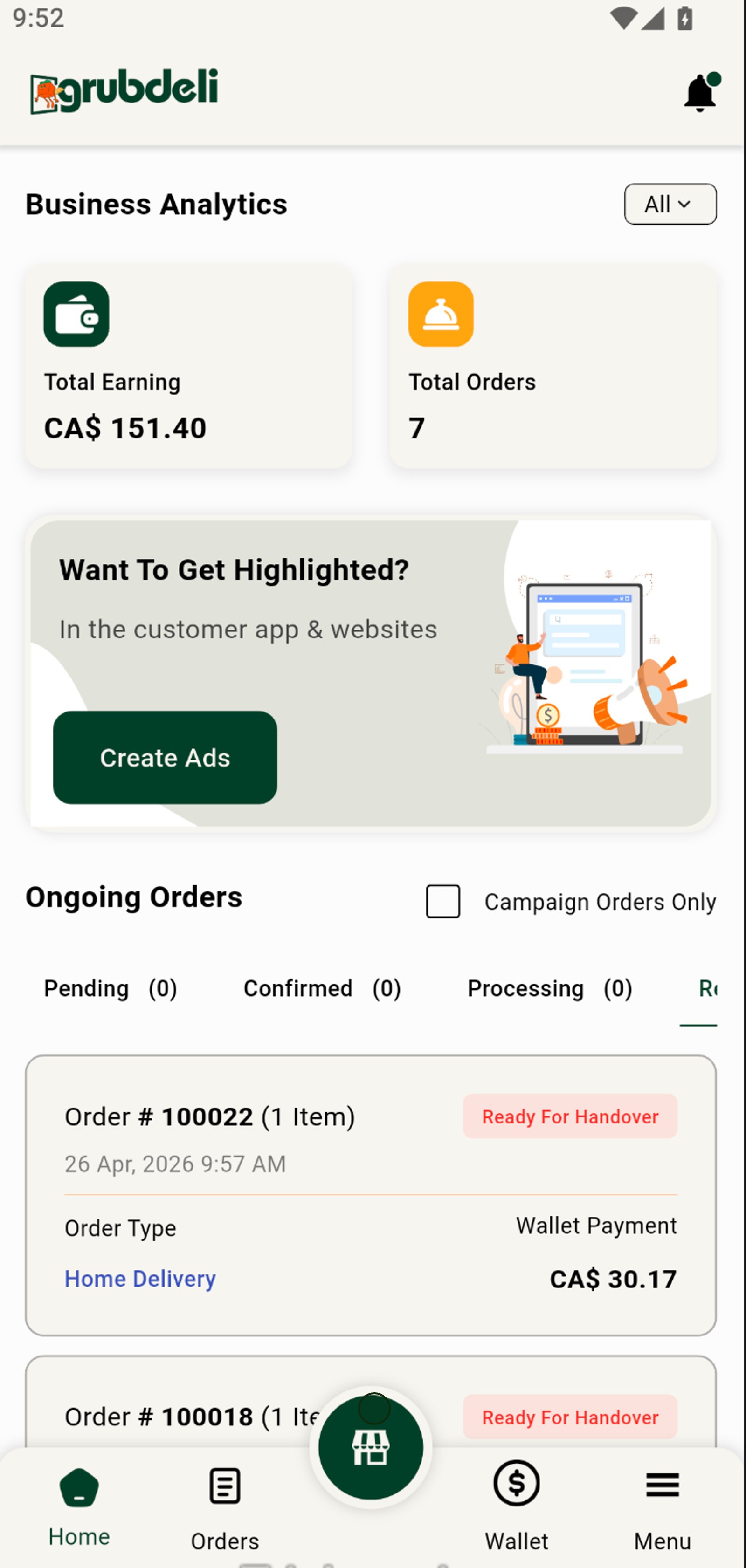
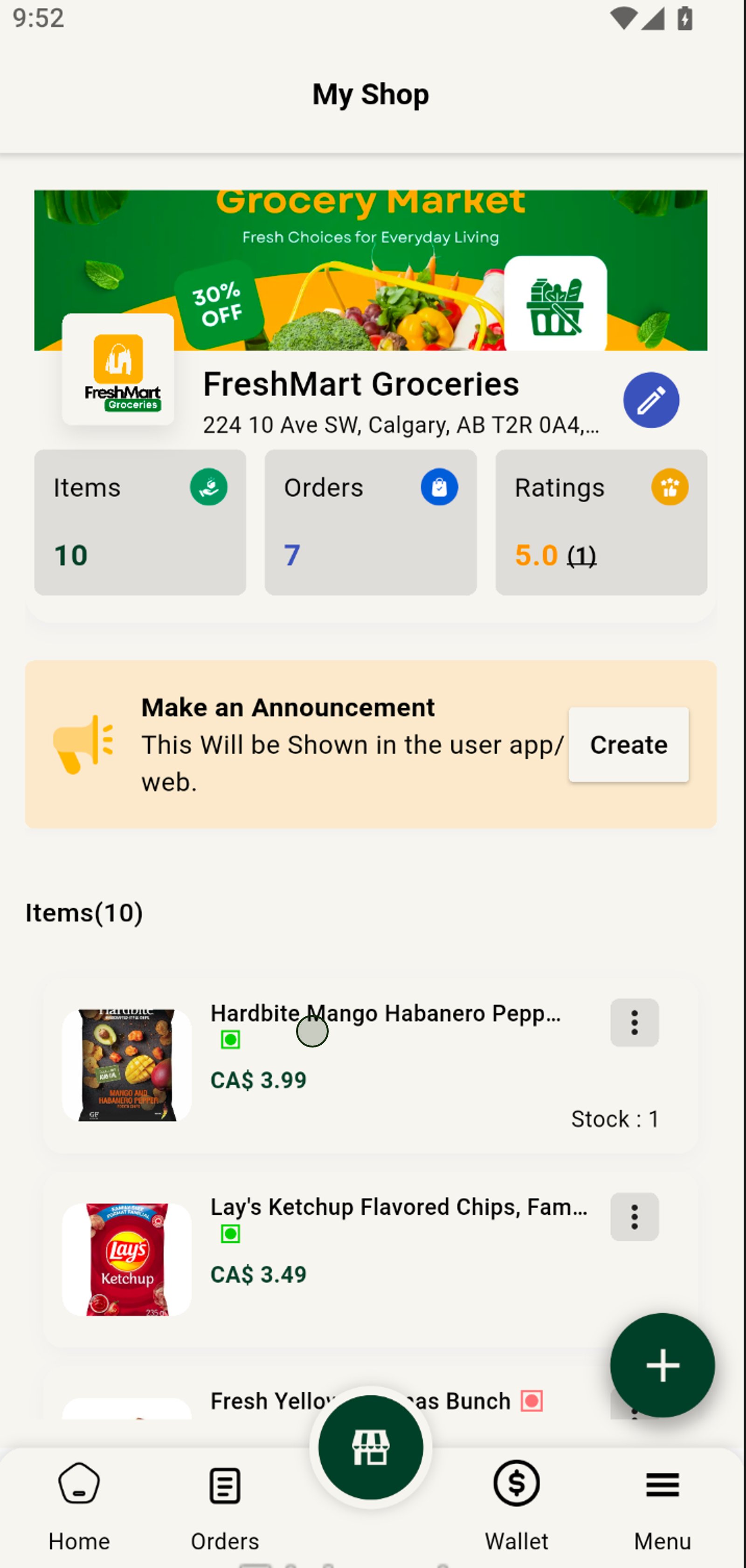
2. Browse your inventory list to see all available items at a glance.
Select the item you want to update from your product list.
3. Click on any item to instantly view detailed information and stock level.
Toggle the item's availability to instantly control whether it appears in your shop.
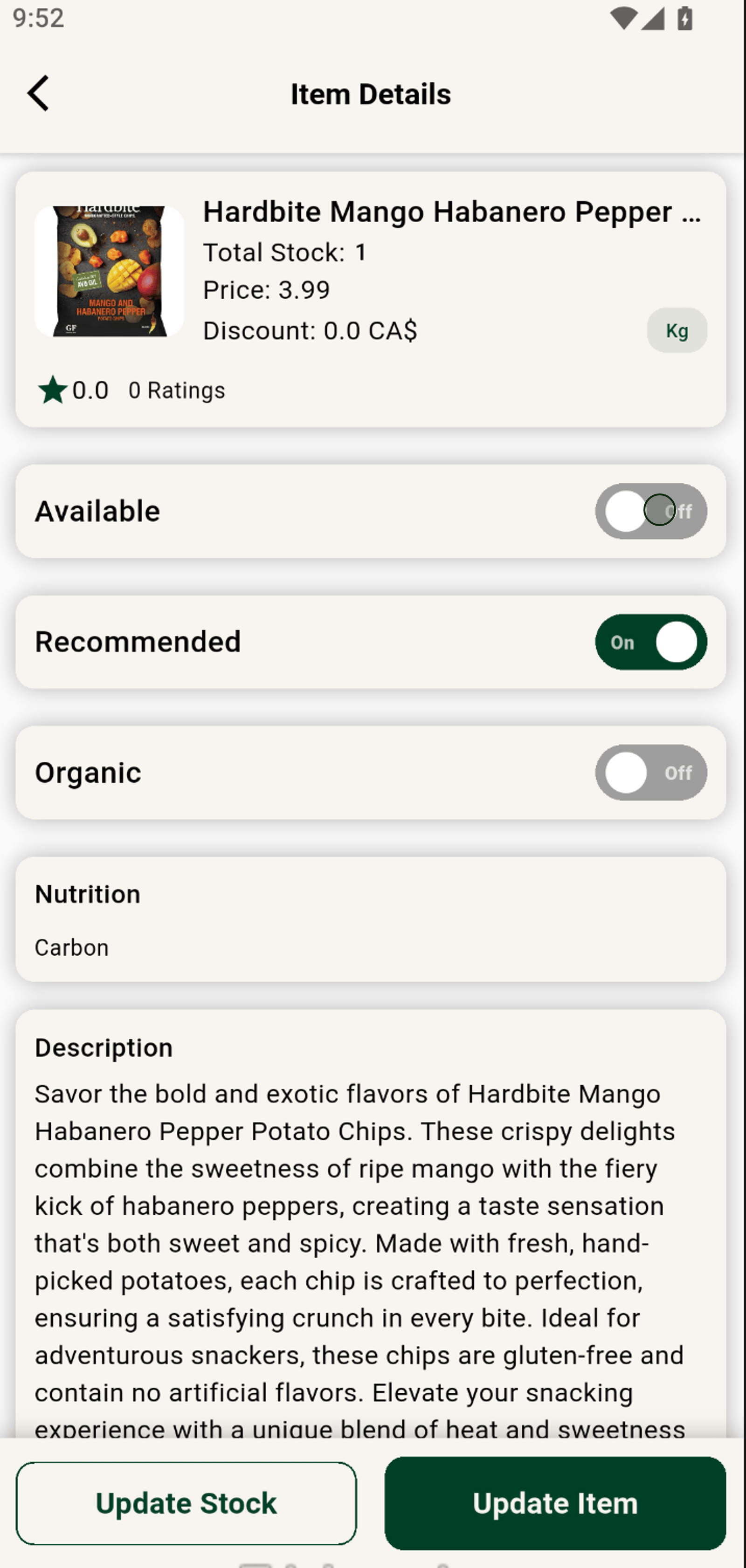
4. Update item availability with one click to keep your inventory accurate.
Click 'Update Stock' to adjust inventory for this item.
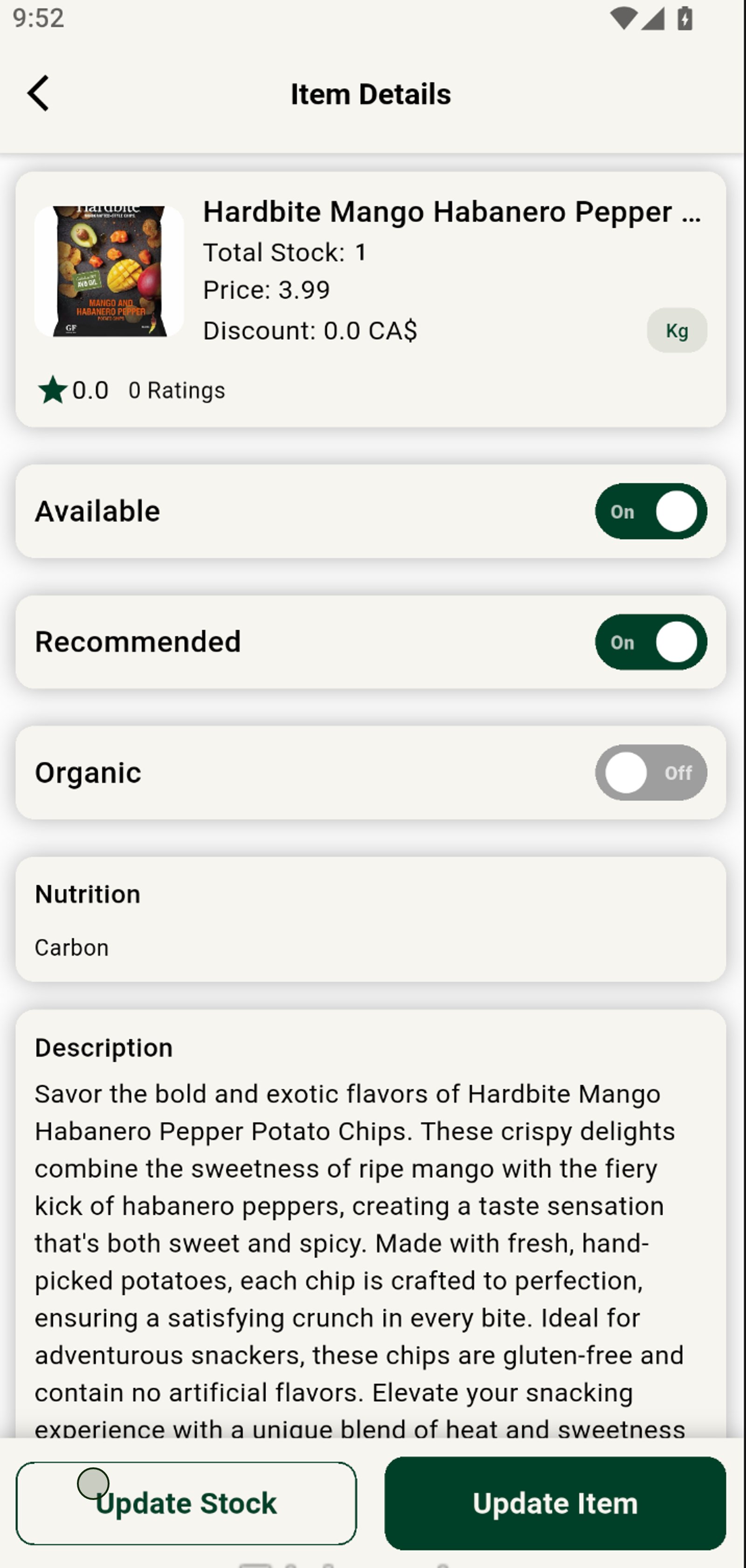
5. Save changes to ensure your team always has real-time data.
Press Update to save your new stock levels and keep your shop up to date.