Add a New Product With Keywords AI Suggestions
Grubdeli Merchant App

Benjamin Mathew
Last Update il y a 6 mois
Discover how to create and customize a new product listing—complete with auto-generated names, keywords, tags, and images.
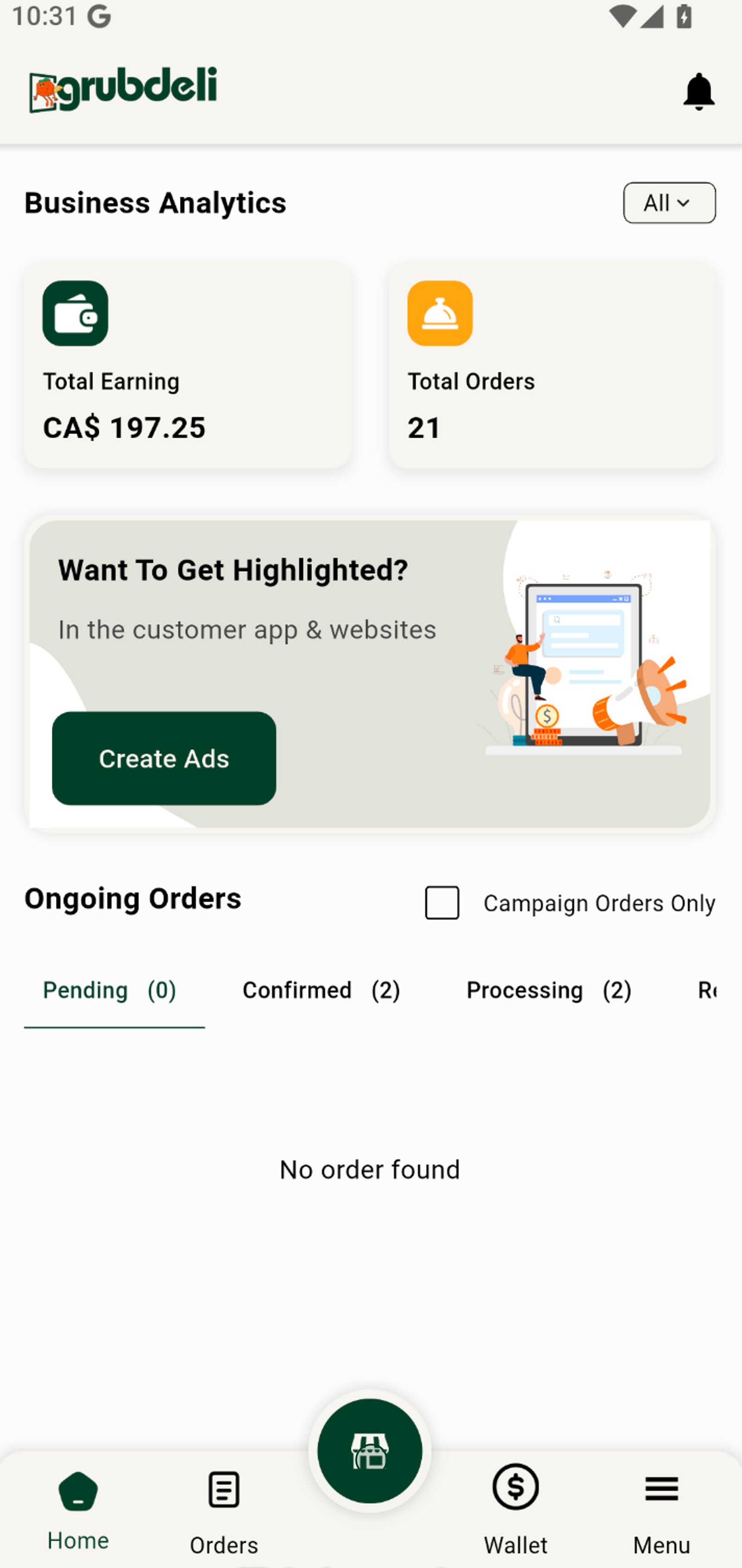
1. Start by accessing your business dashboard to manage products and track performance at a glance.
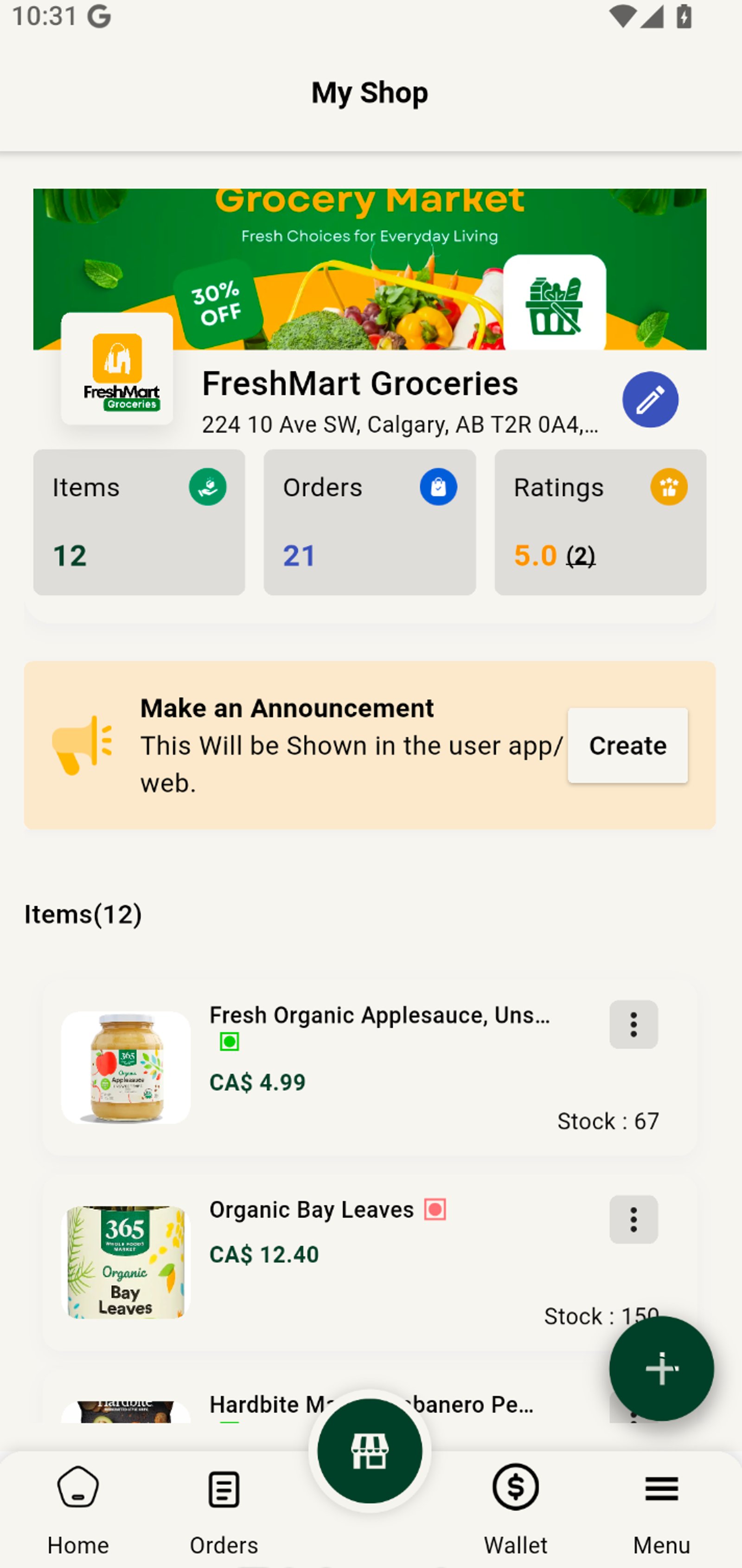
2. Tap the Add button to start listing a new product for your shop.
3. Open AI category option to choose what you will be generating
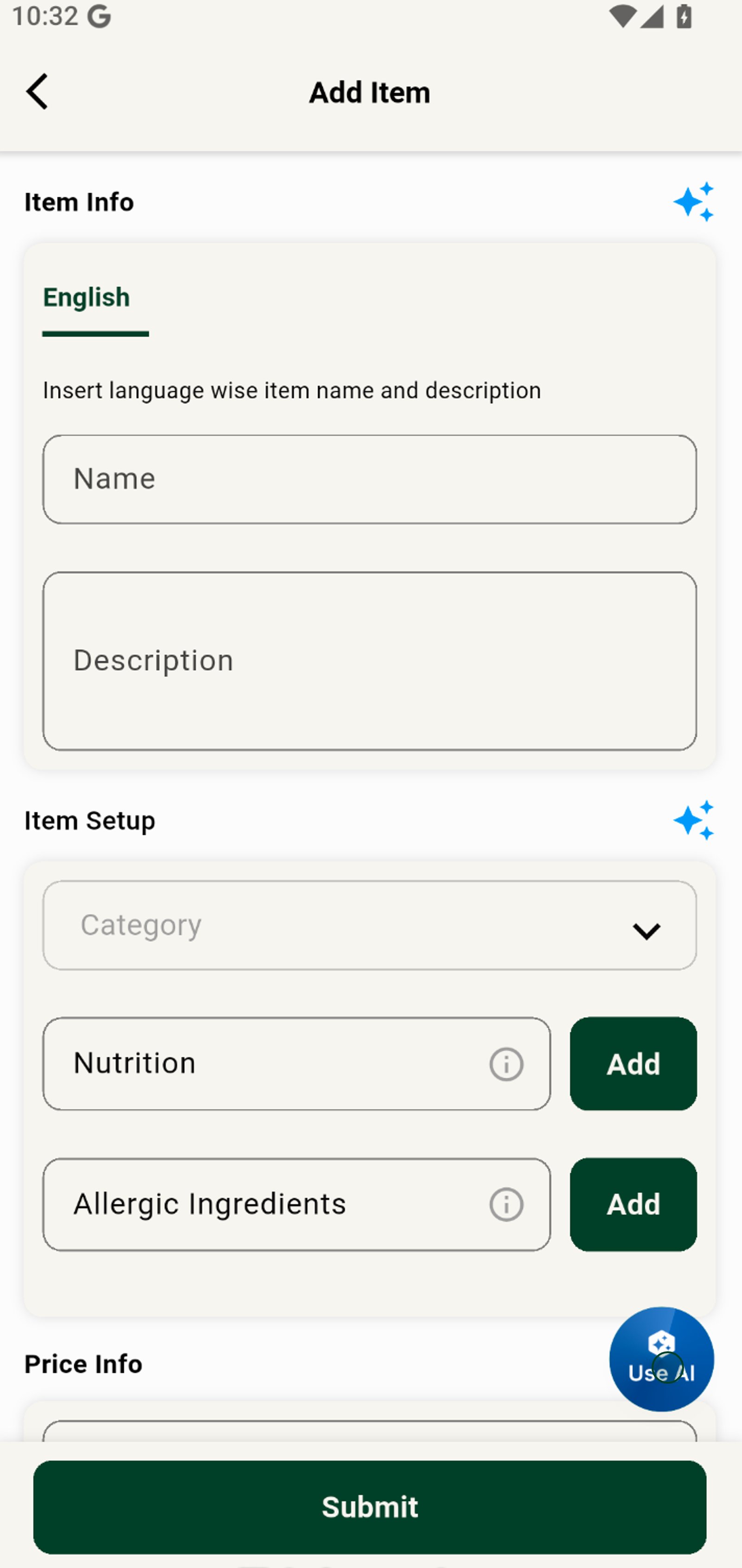
4. For a fast start, tap Generate Item Name to let our AI suggest catchy product names.
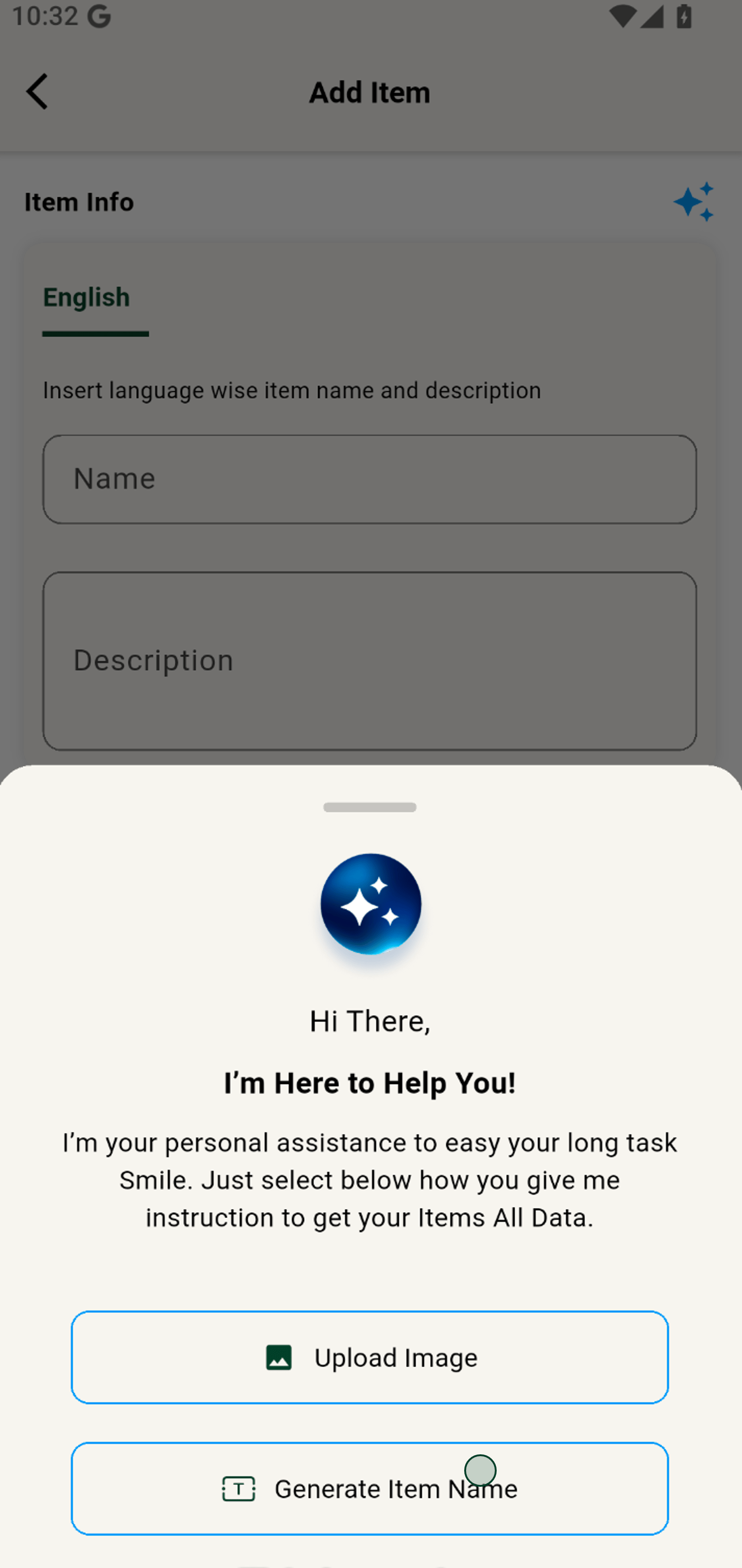
5. Enter a keyword to guide the AI in generating a fitting product name.
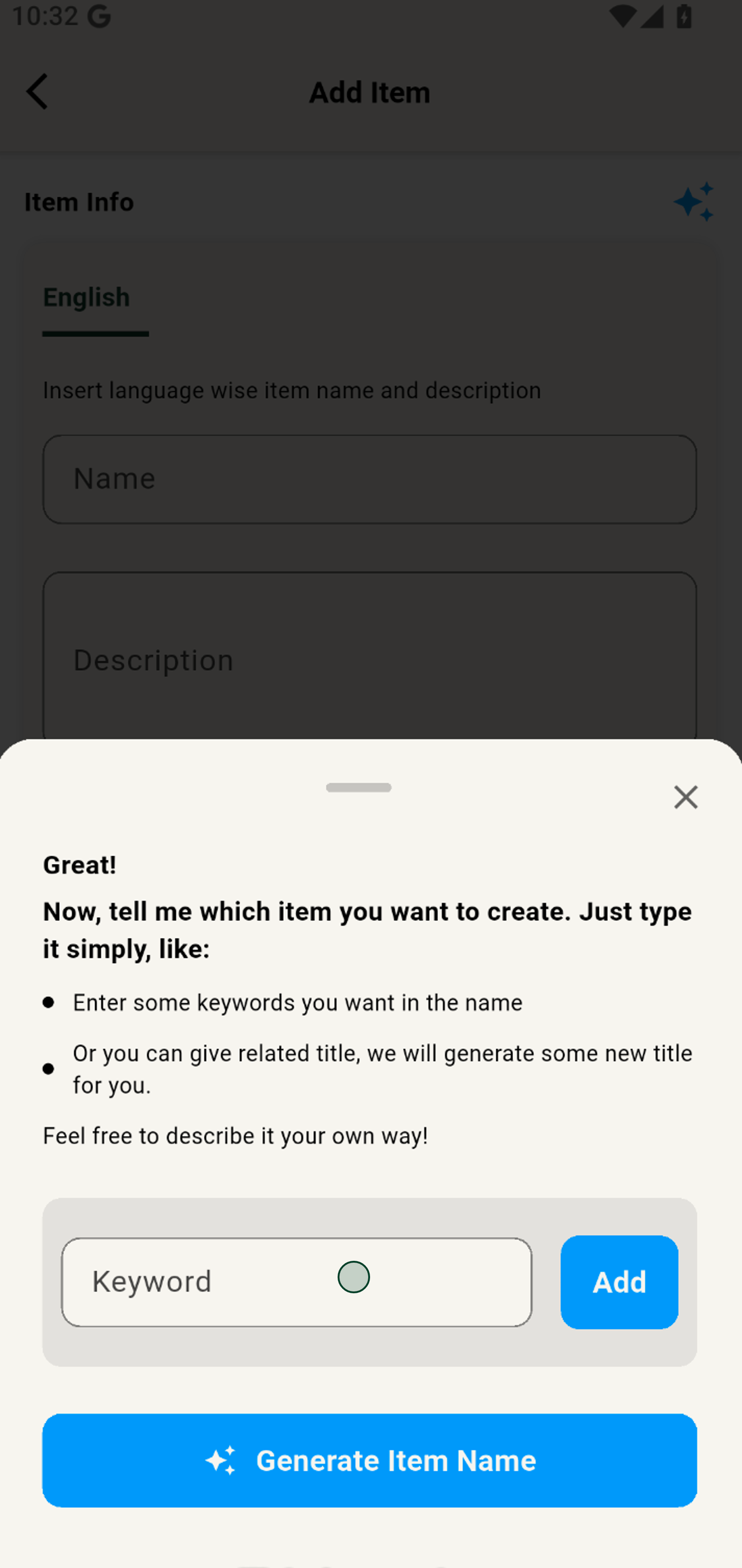
6. Hit Add to include your chosen keyword for personalized suggestions.
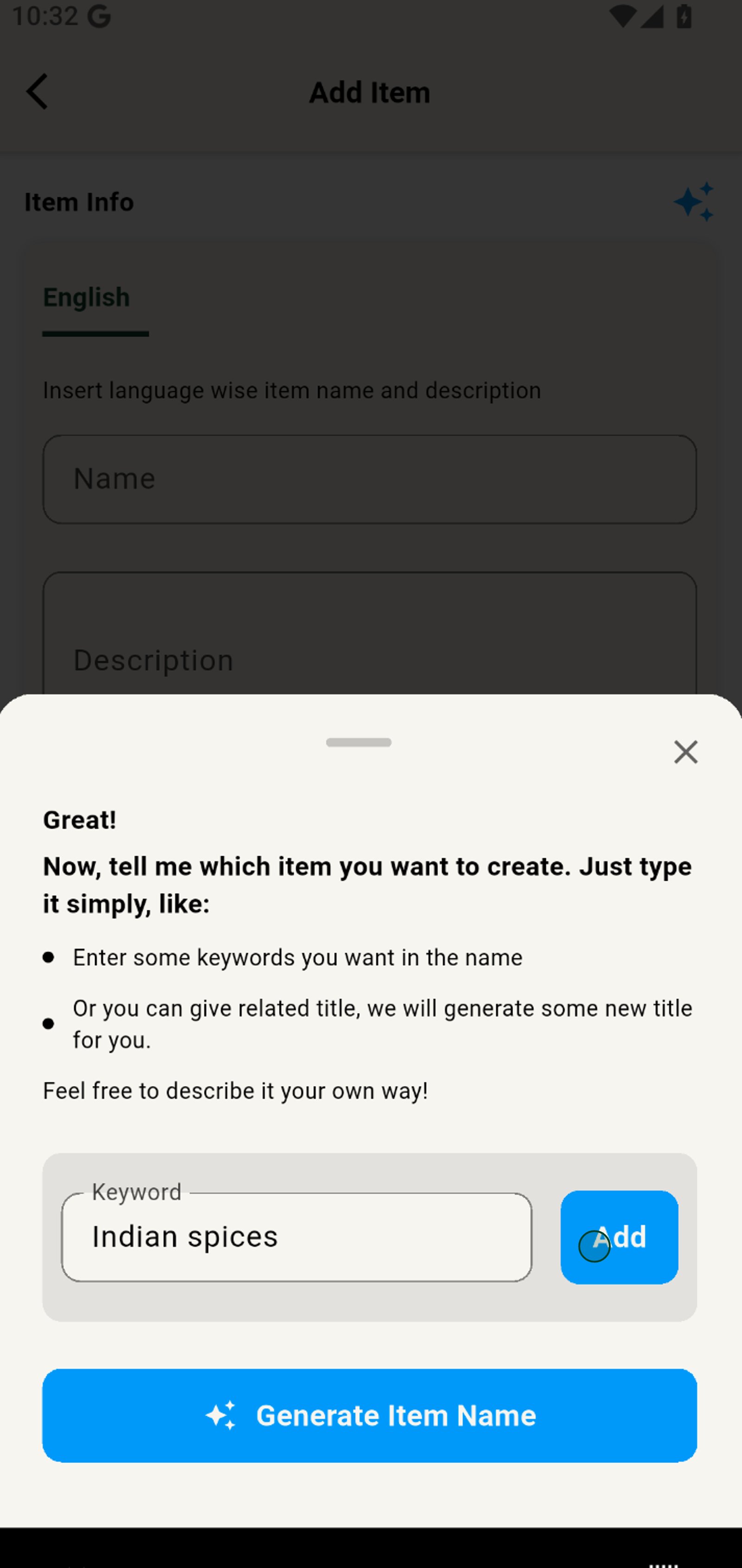
7. Add more keywords for even smarter, more tailored product name ideas.
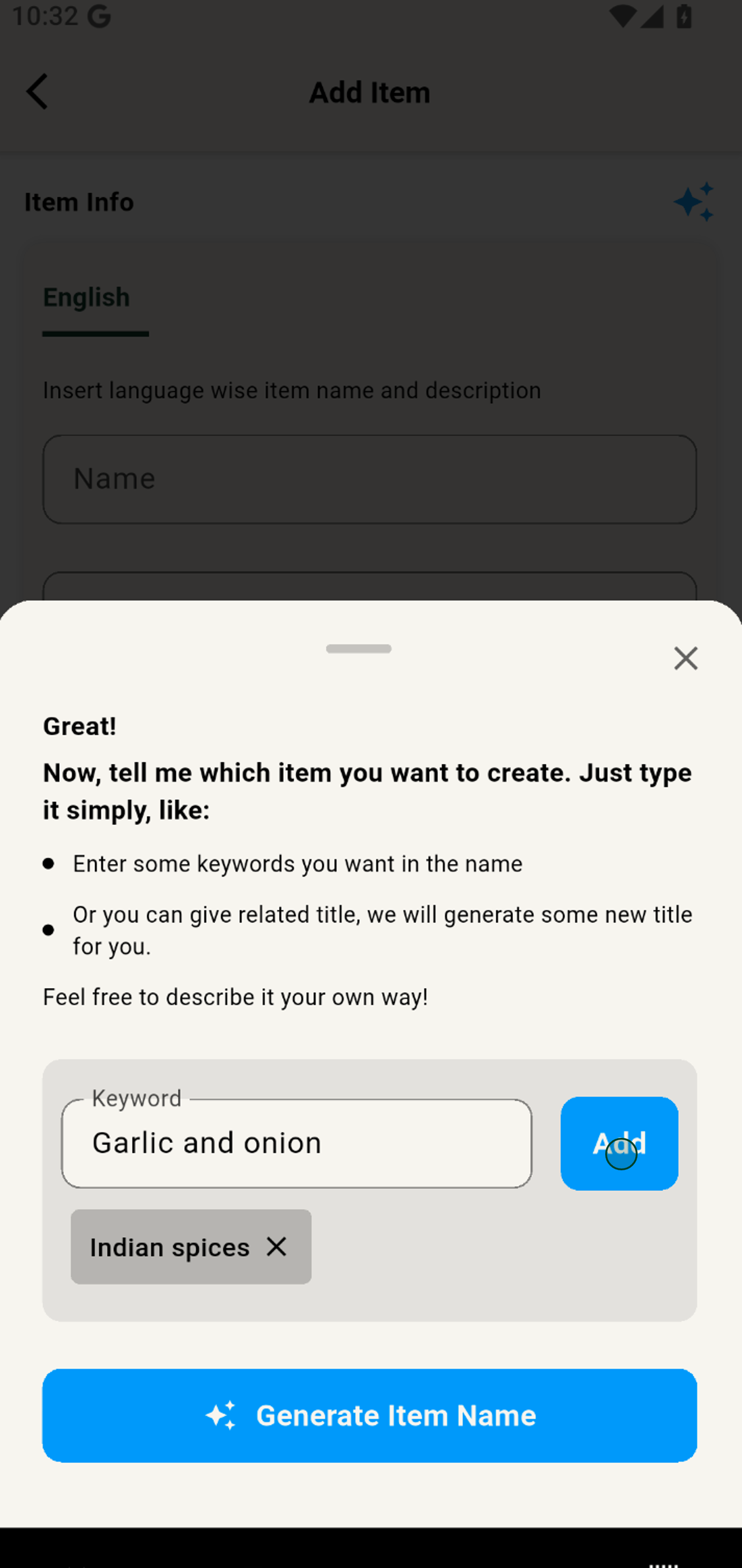
8. Include another keyword to refine the AI's recommendations for your product.
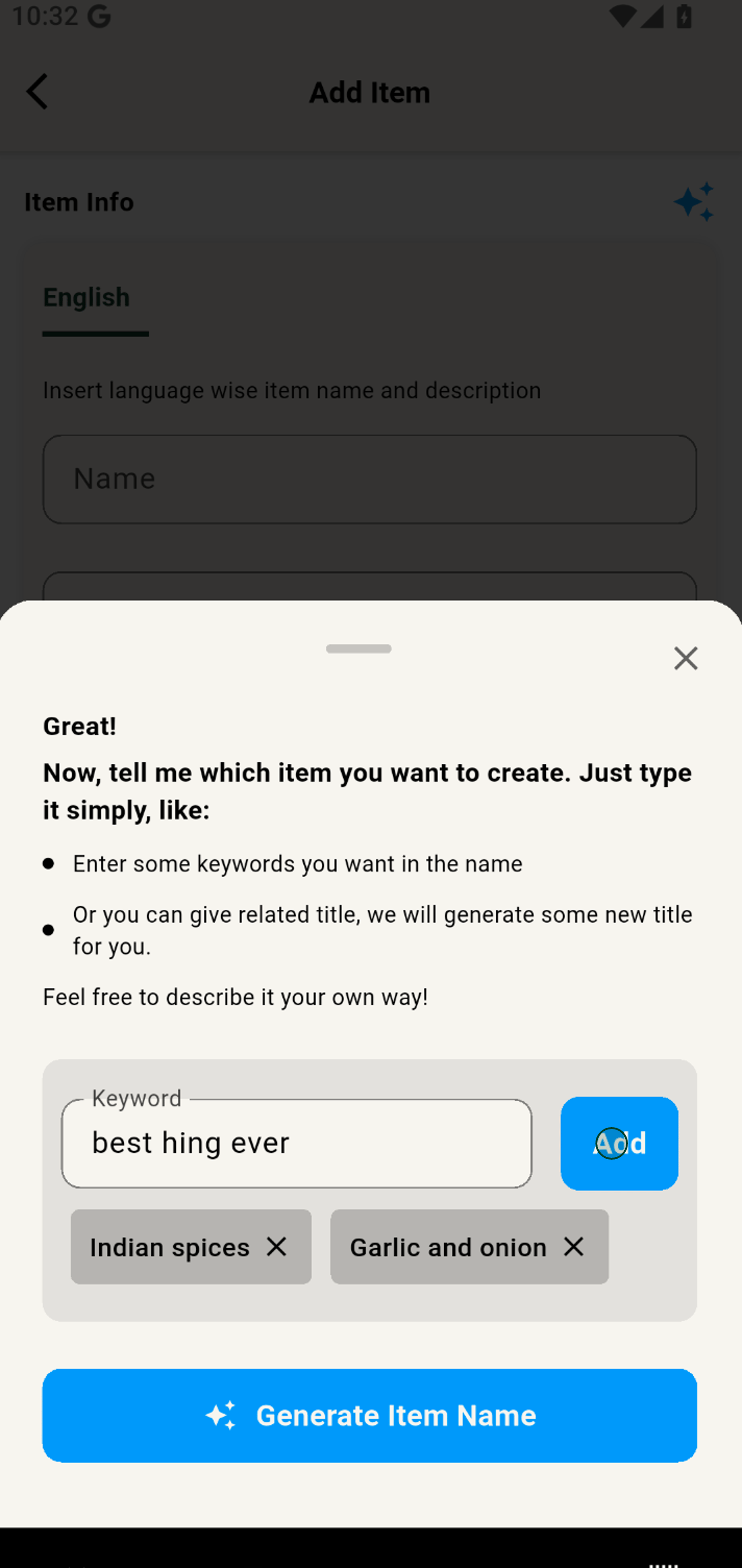
9. Tap Generate Item Name again to see updated suggestions based on your keywords.
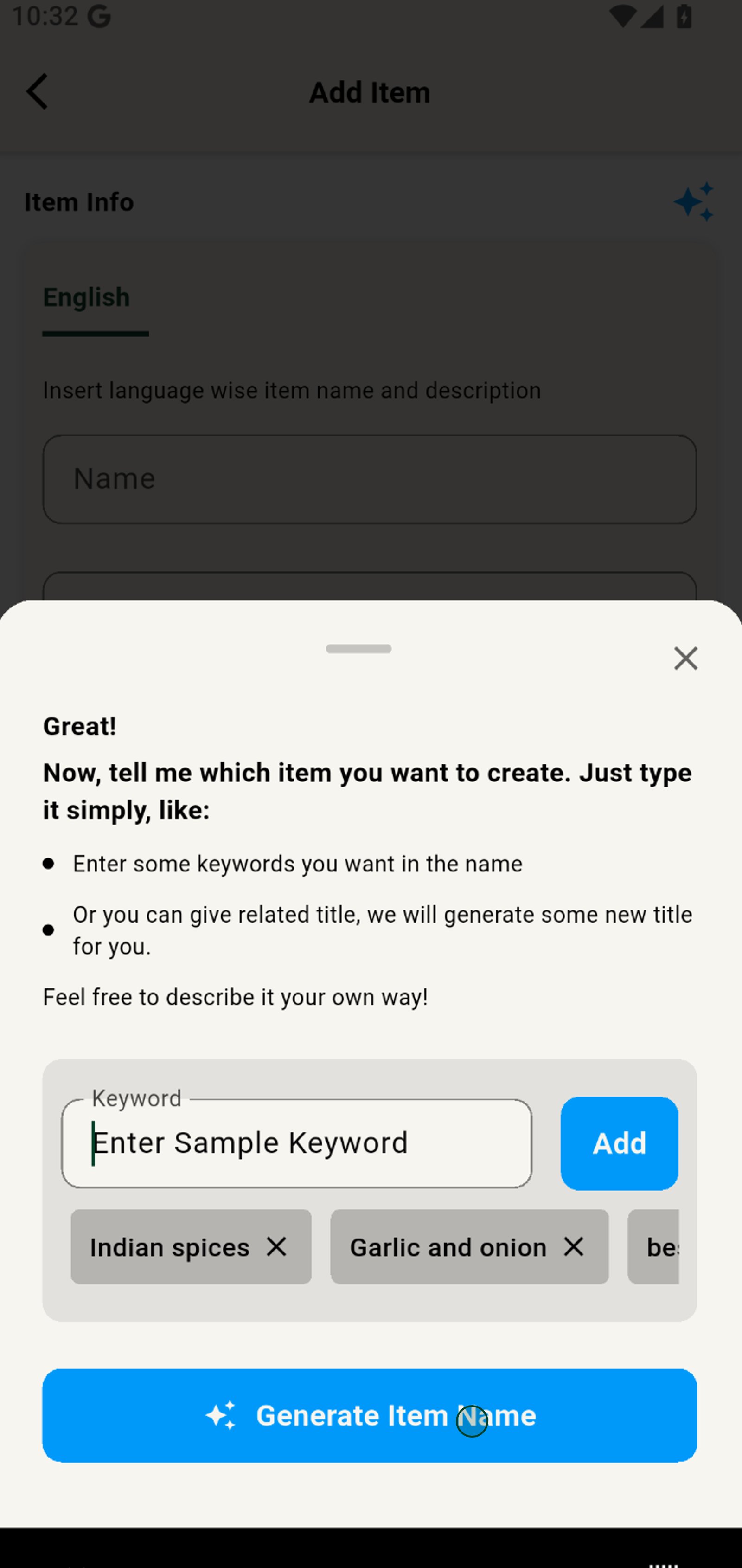
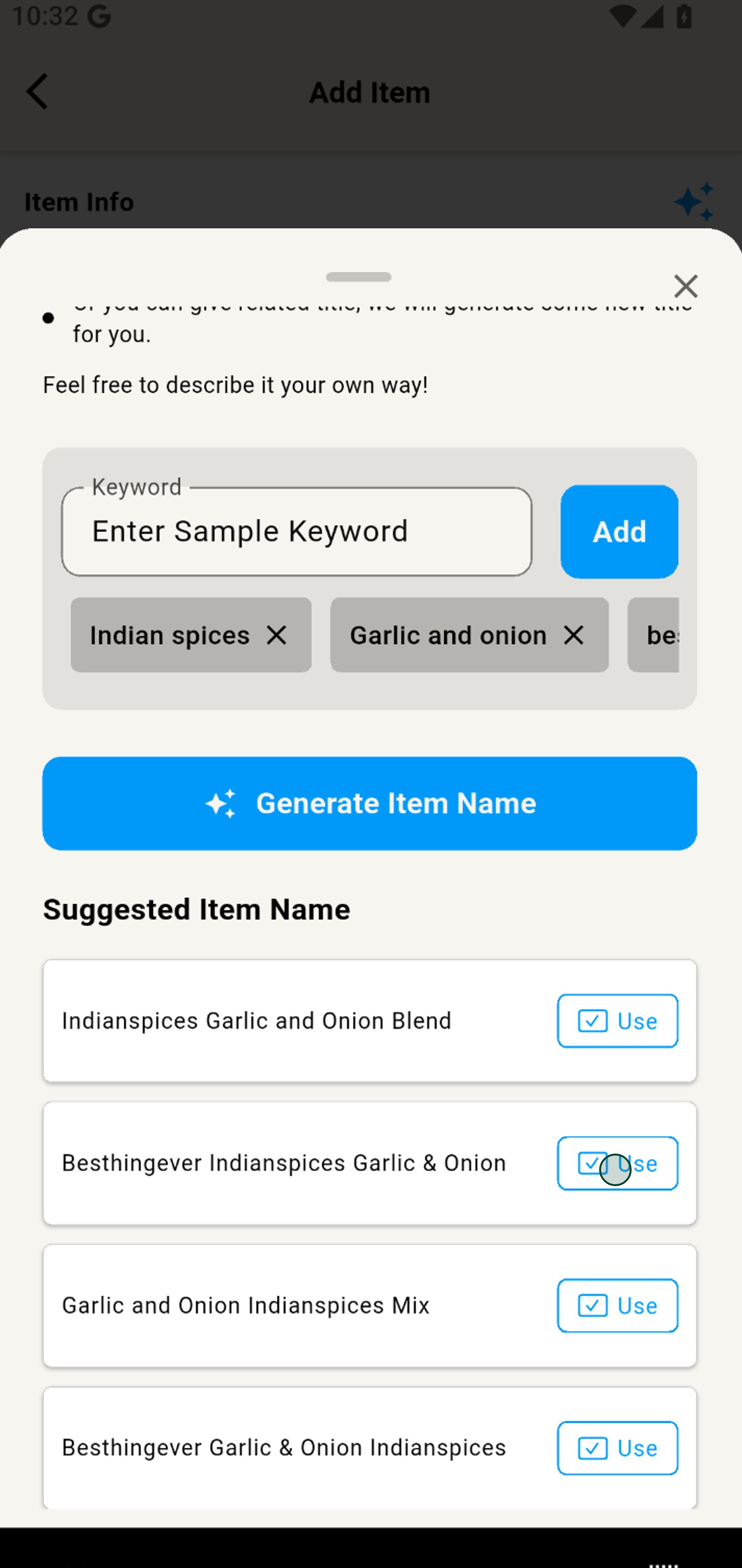
10. Select Use on your favorite AI-suggested name to instantly fill it in.
11. Click the AI star icon to generate product details
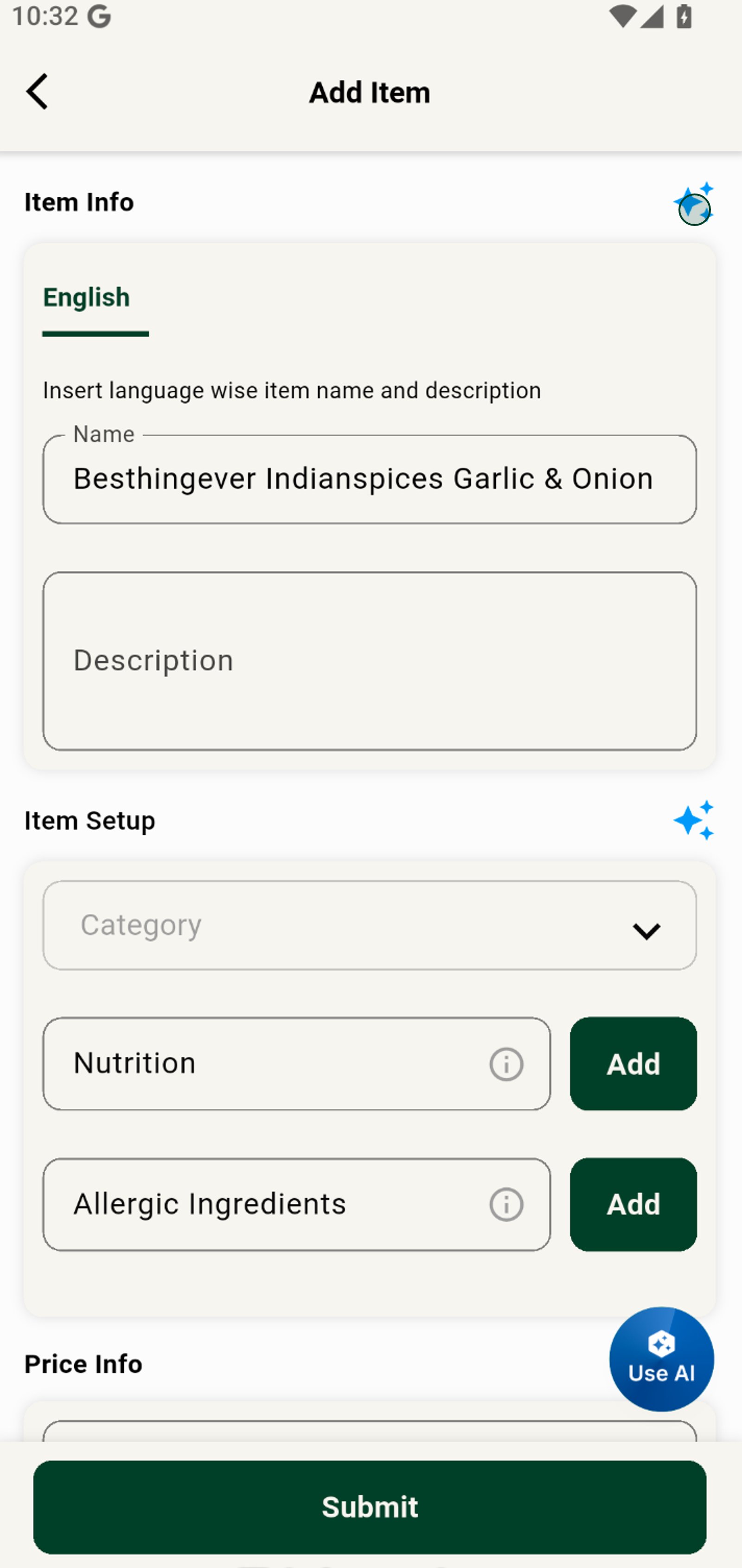
12. Choose the best category using AI for your item to ensure customers find it effortlessly.
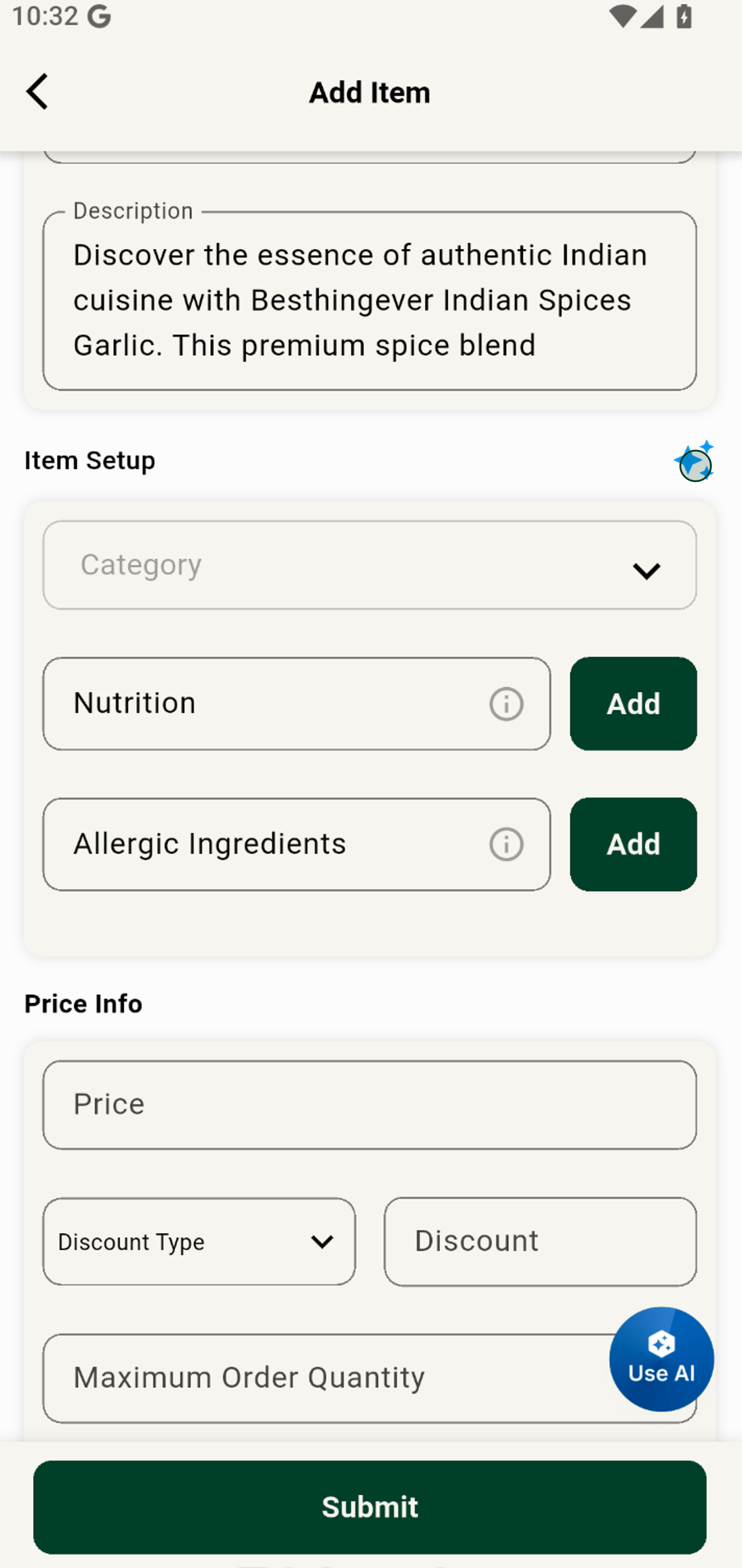
13. Use AI for instant variants, and tag suggestions that boost your product's discoverability.
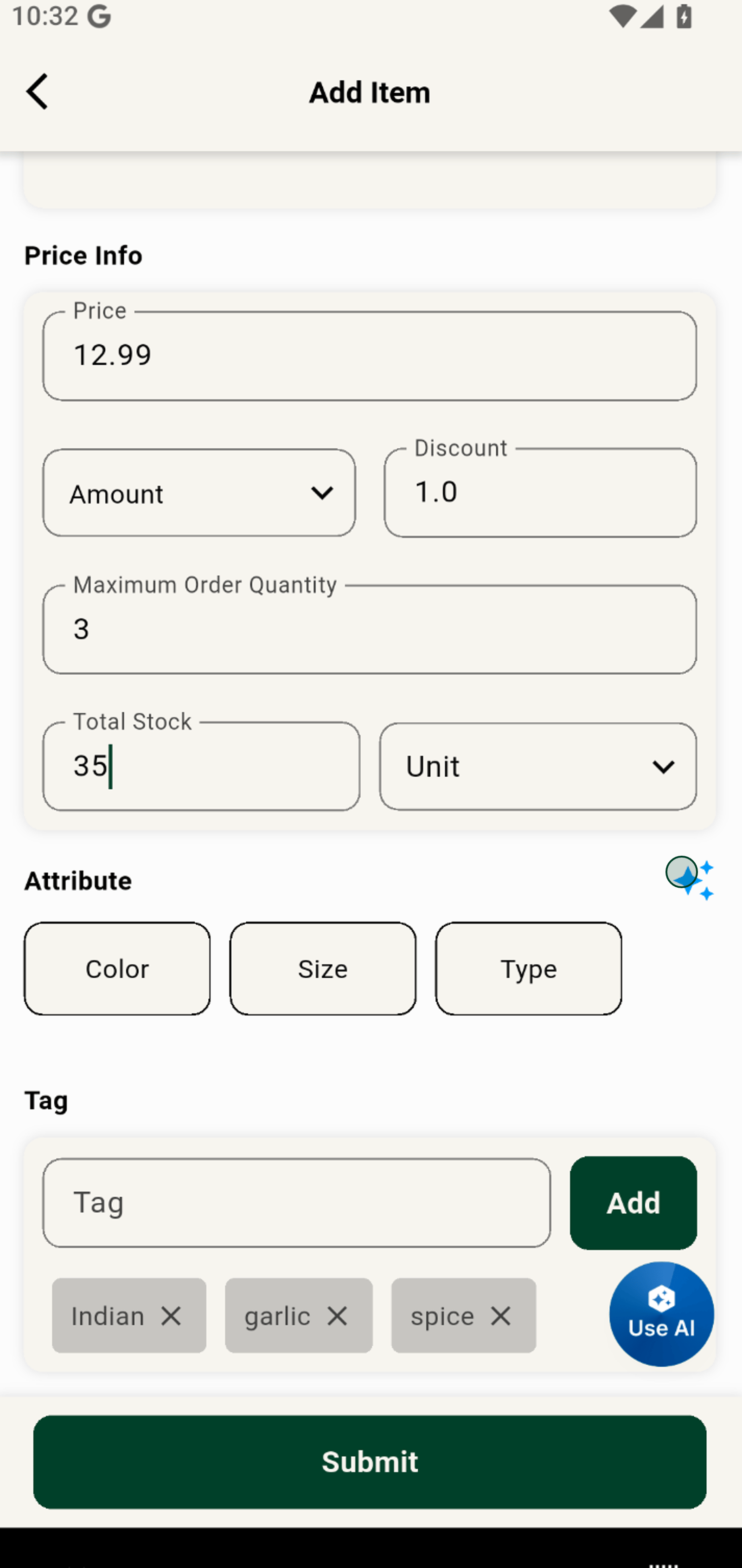
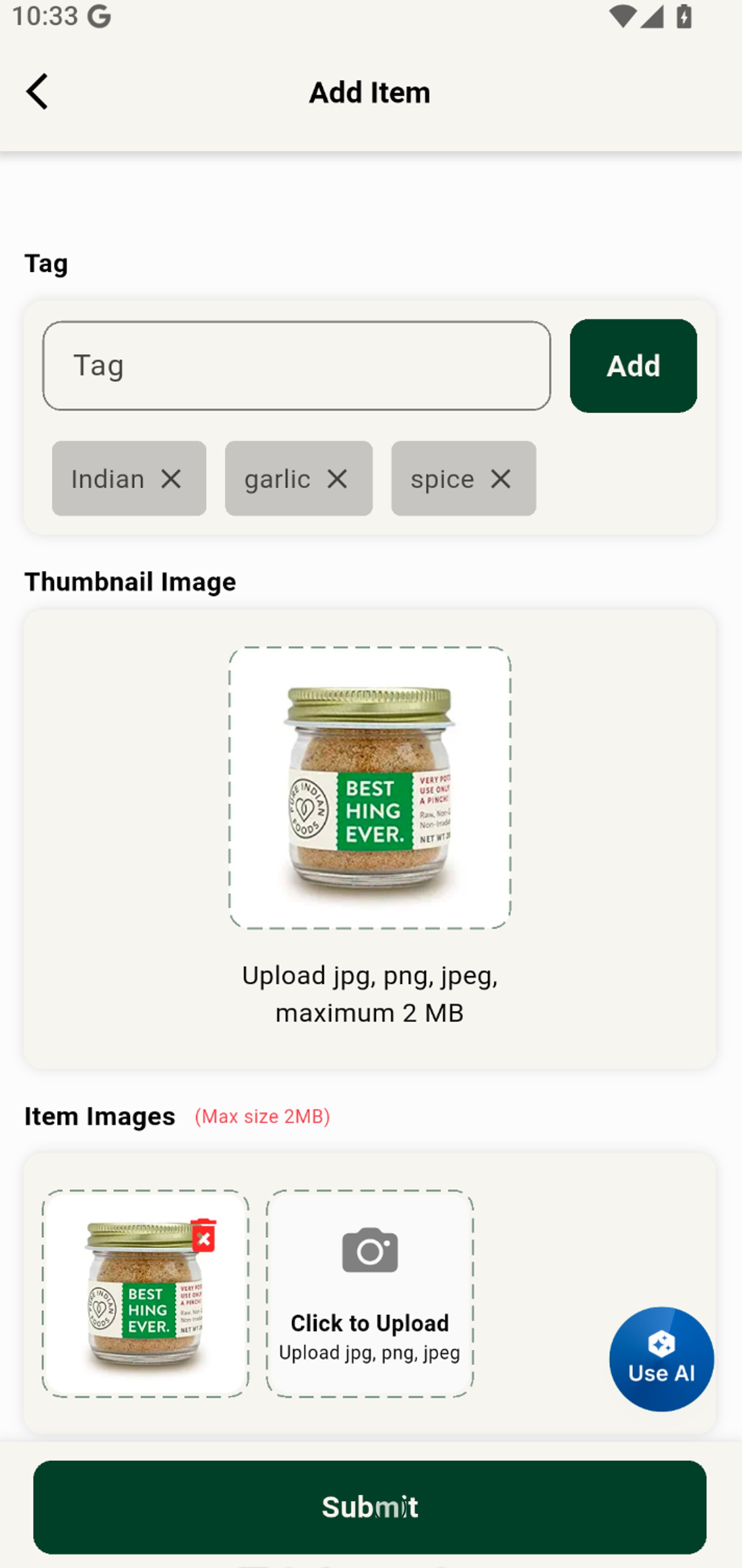
14. Click to upload a vibrant thumbnail image that helps your product shine.
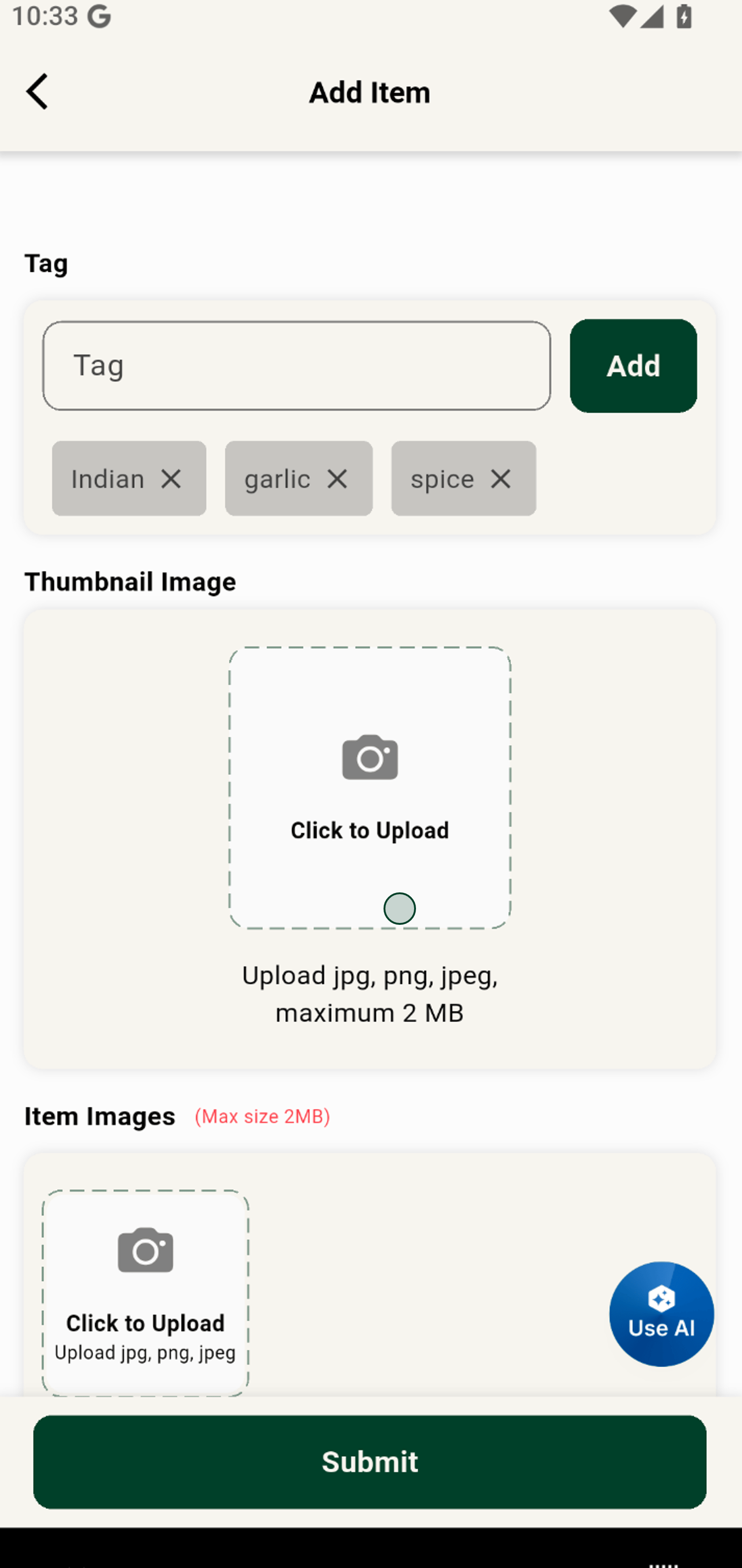
15. Select a standout product photo from your gallery for the perfect first impression.
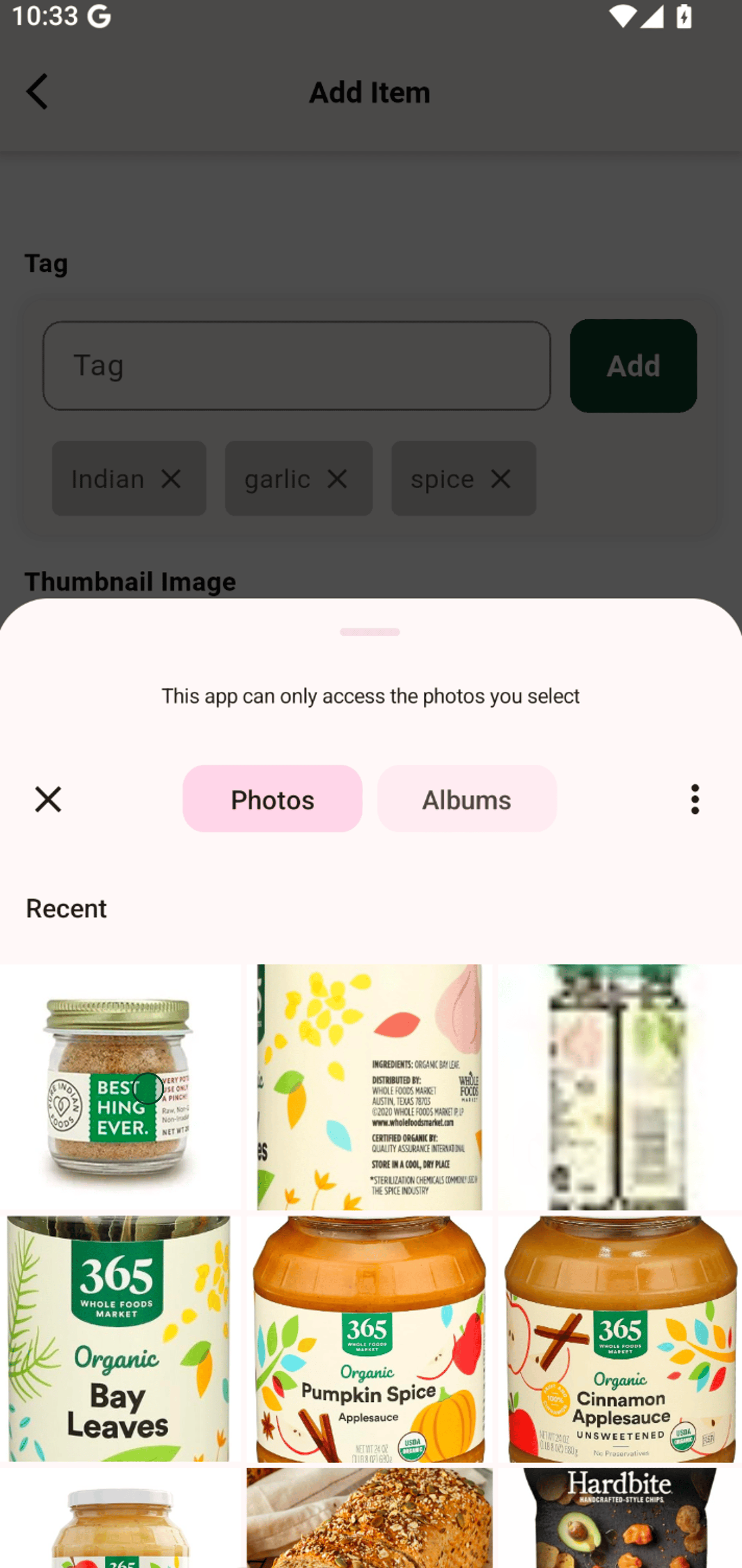
16. Add more item images for a complete and enticing product gallery.
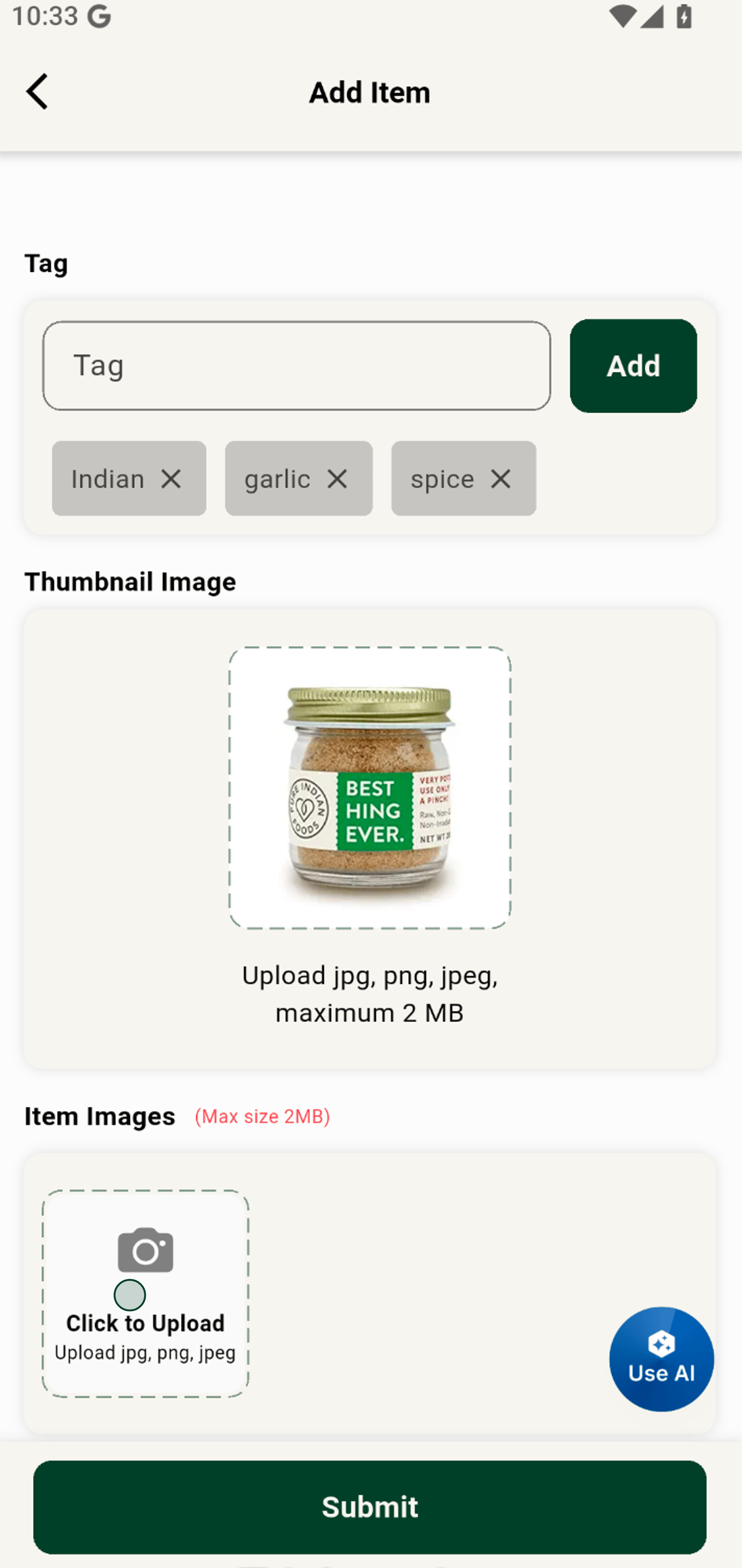
17. Tap Submit to launch your new, AI-optimized product into your shop!