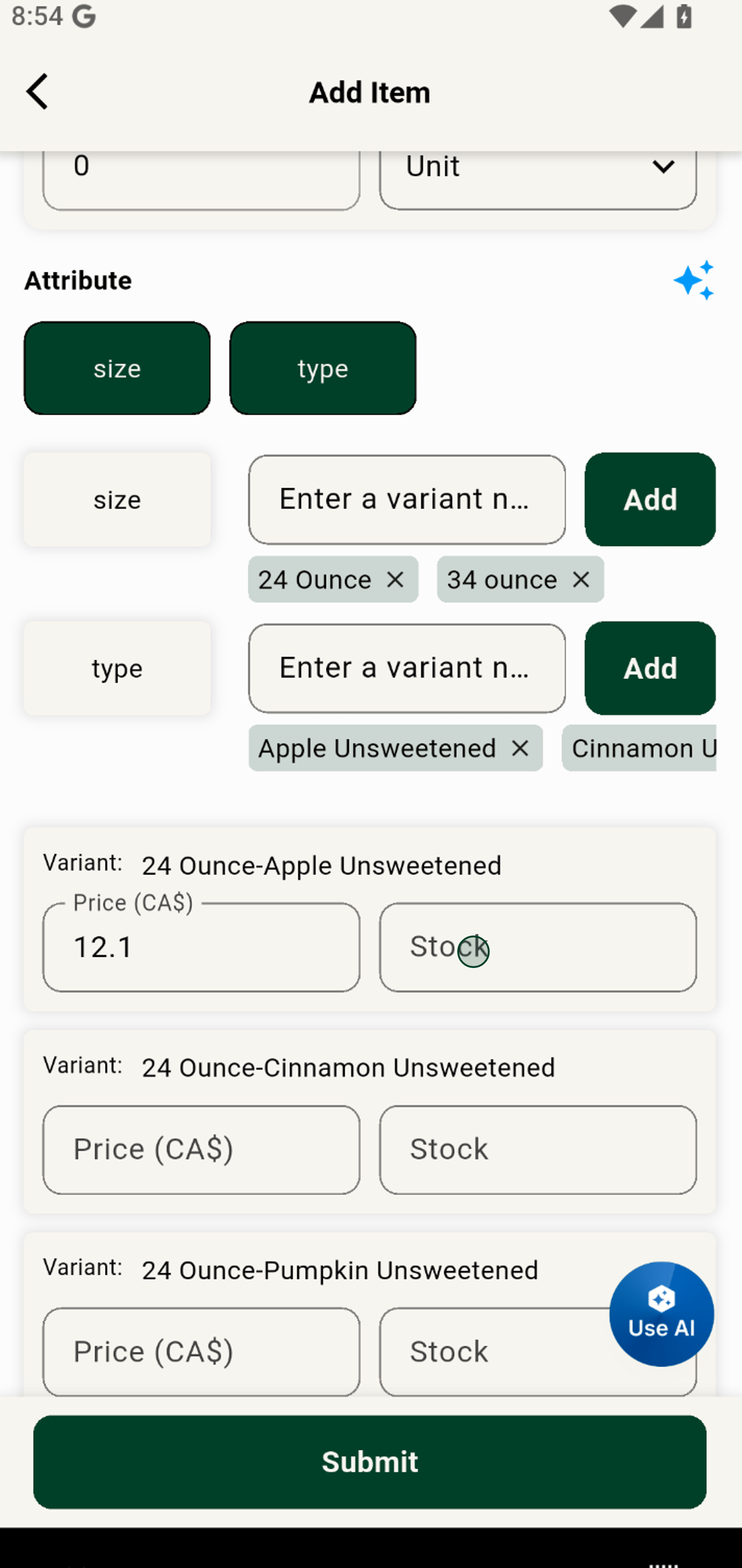
Adding Variants, stock & Pricing
Grubdeli Merchant App

Benjamin Mathew
Last Update 6 months ago
Explains how to create item variations (sizes, options) and additional extras with proper pricing.
1. Click on the 'type' attribute to start creating customizable product variants by color, size or type.
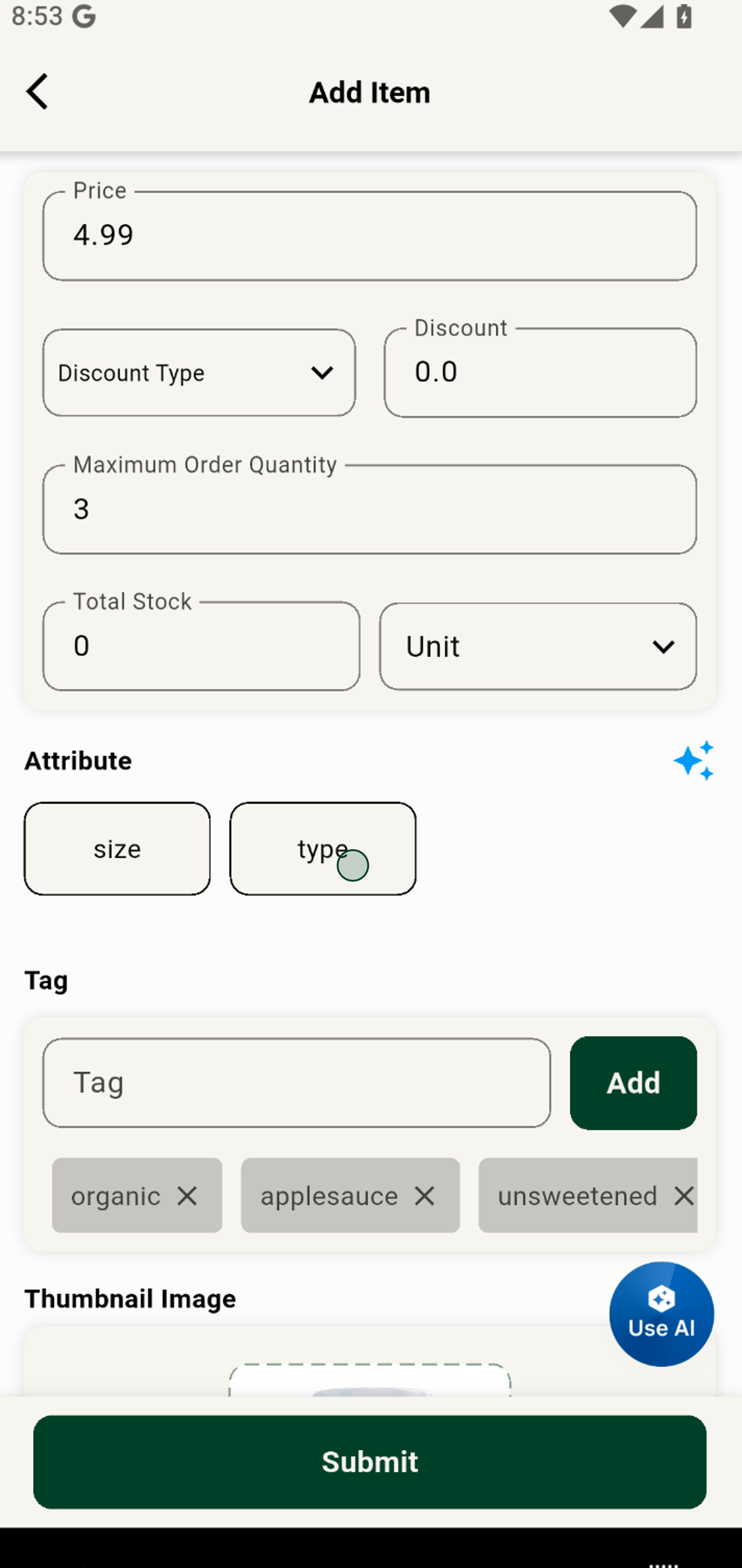
2. Enter a variant name, such as a specific flavor, to offer more choices for your customers.
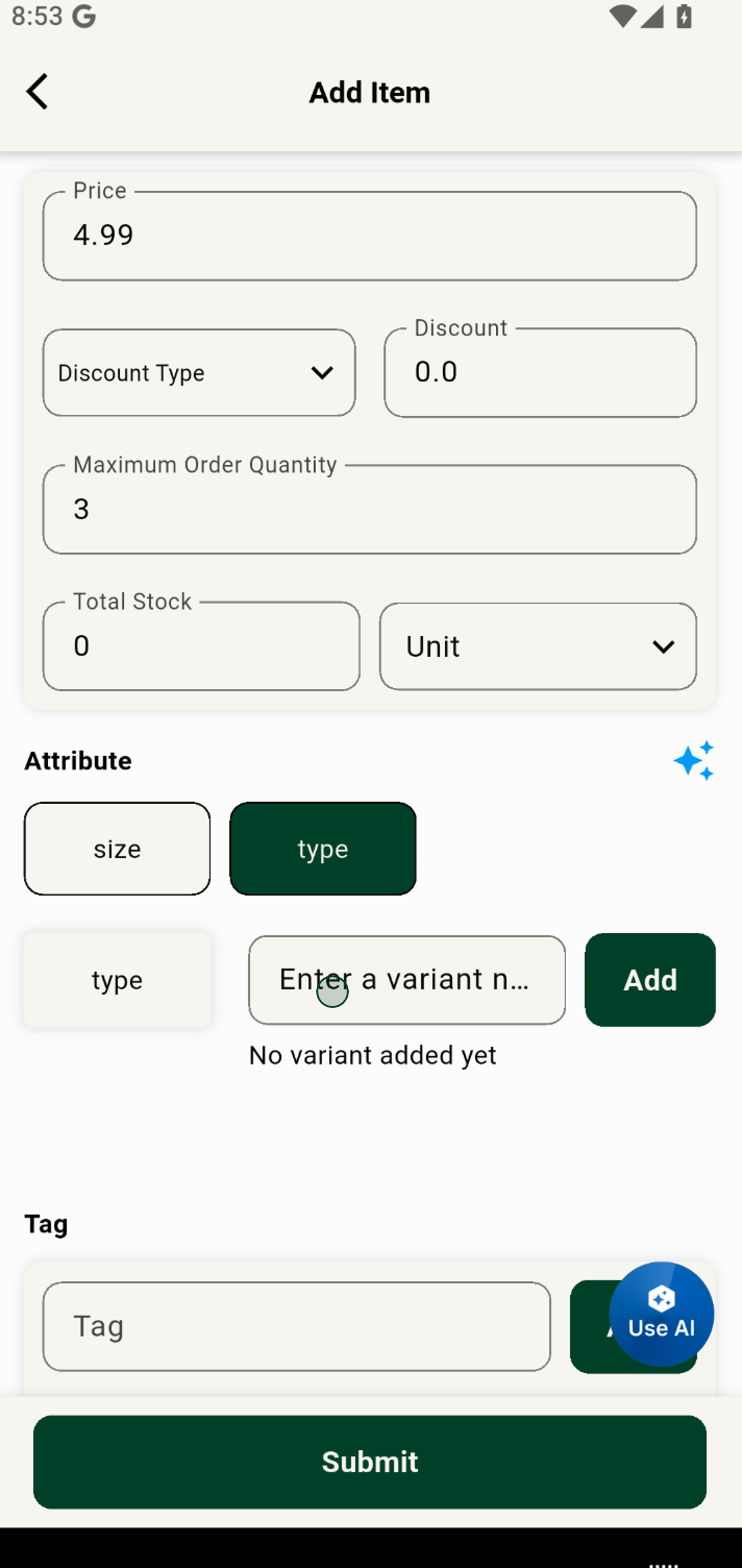
3. Hit the Add button to instantly include this new variant in your item options.
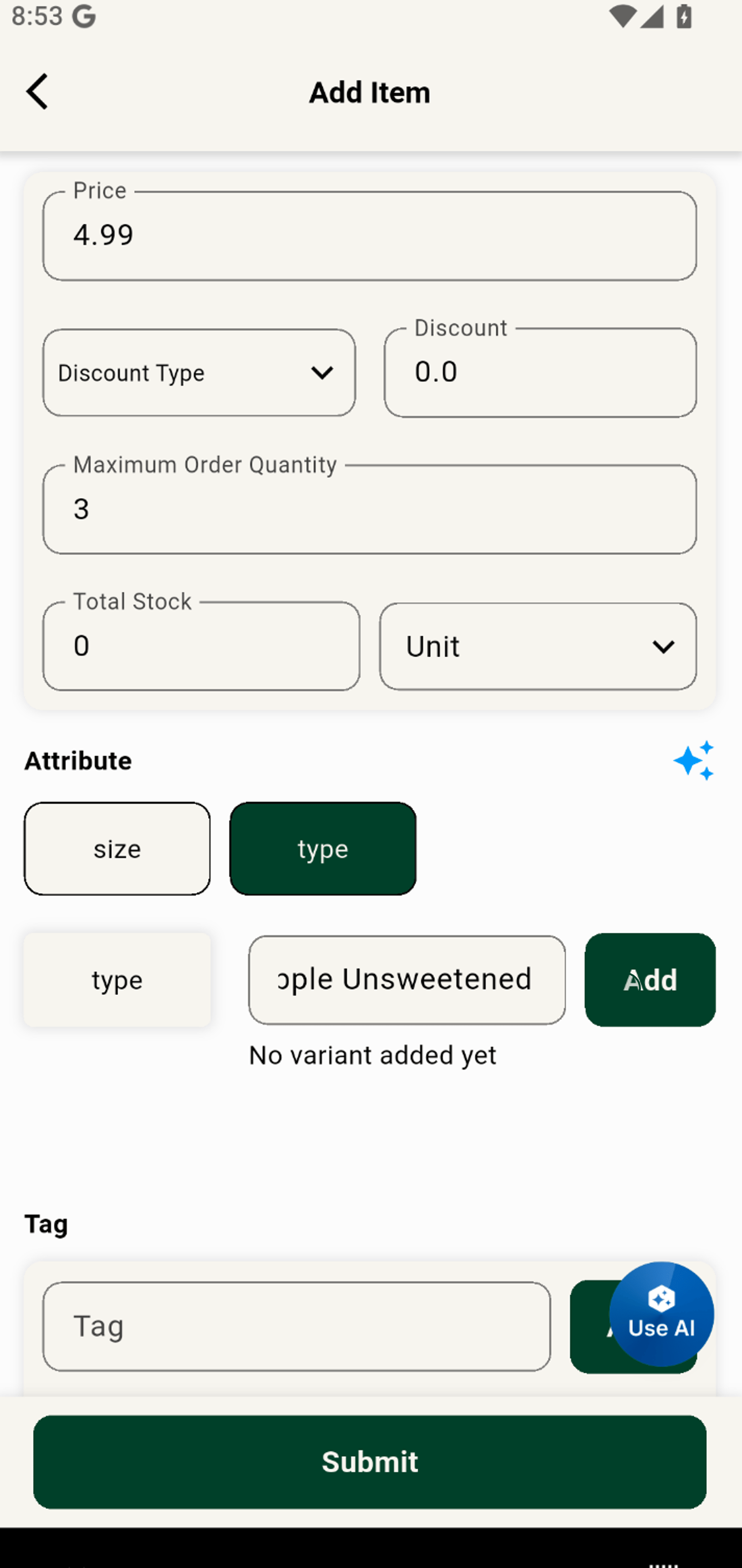
4. Click Add to expand your product line with another unique variant.
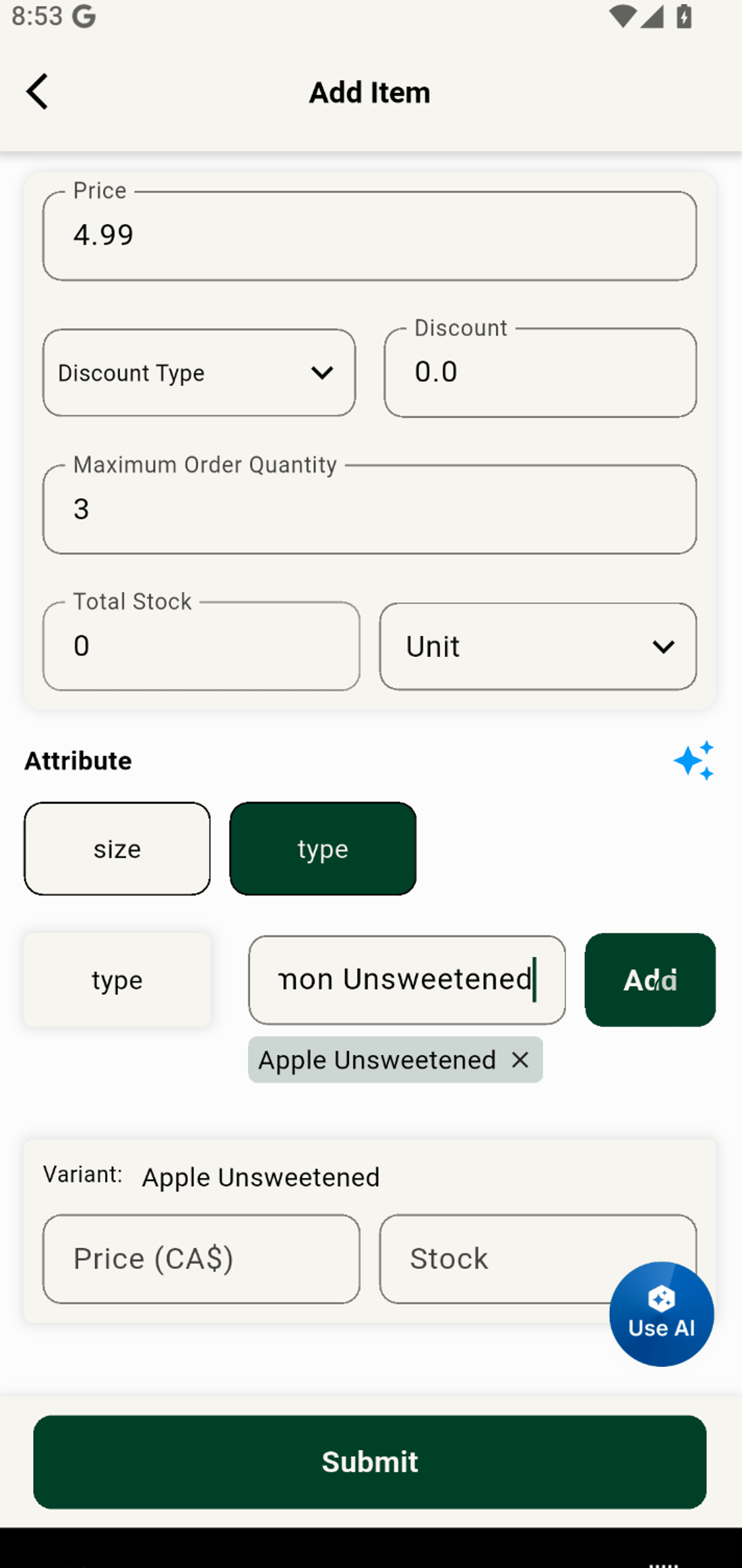
5. Type in a new variant name to keep building out your range and meet every need.
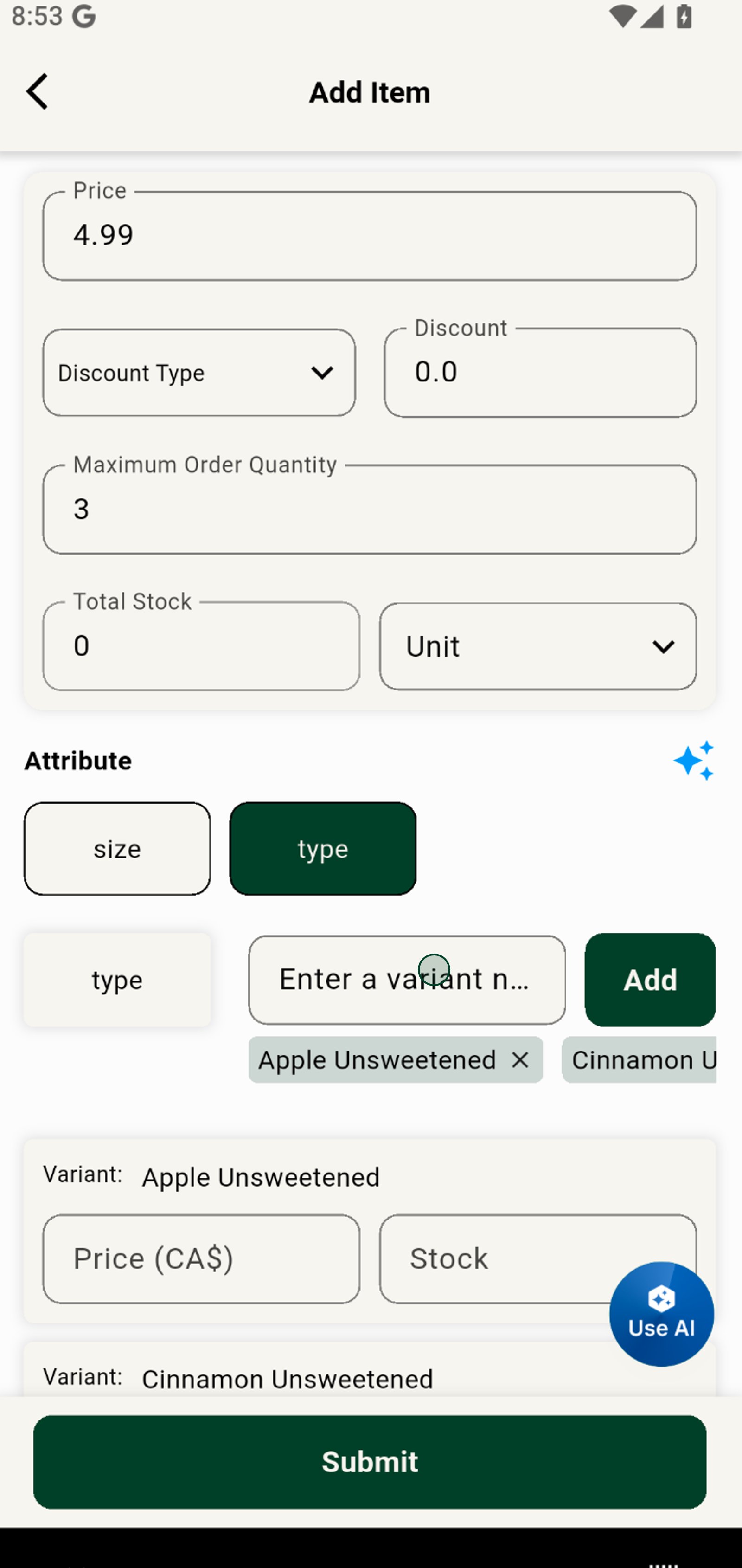
6. Add your latest item variant to give customers even more delicious options.
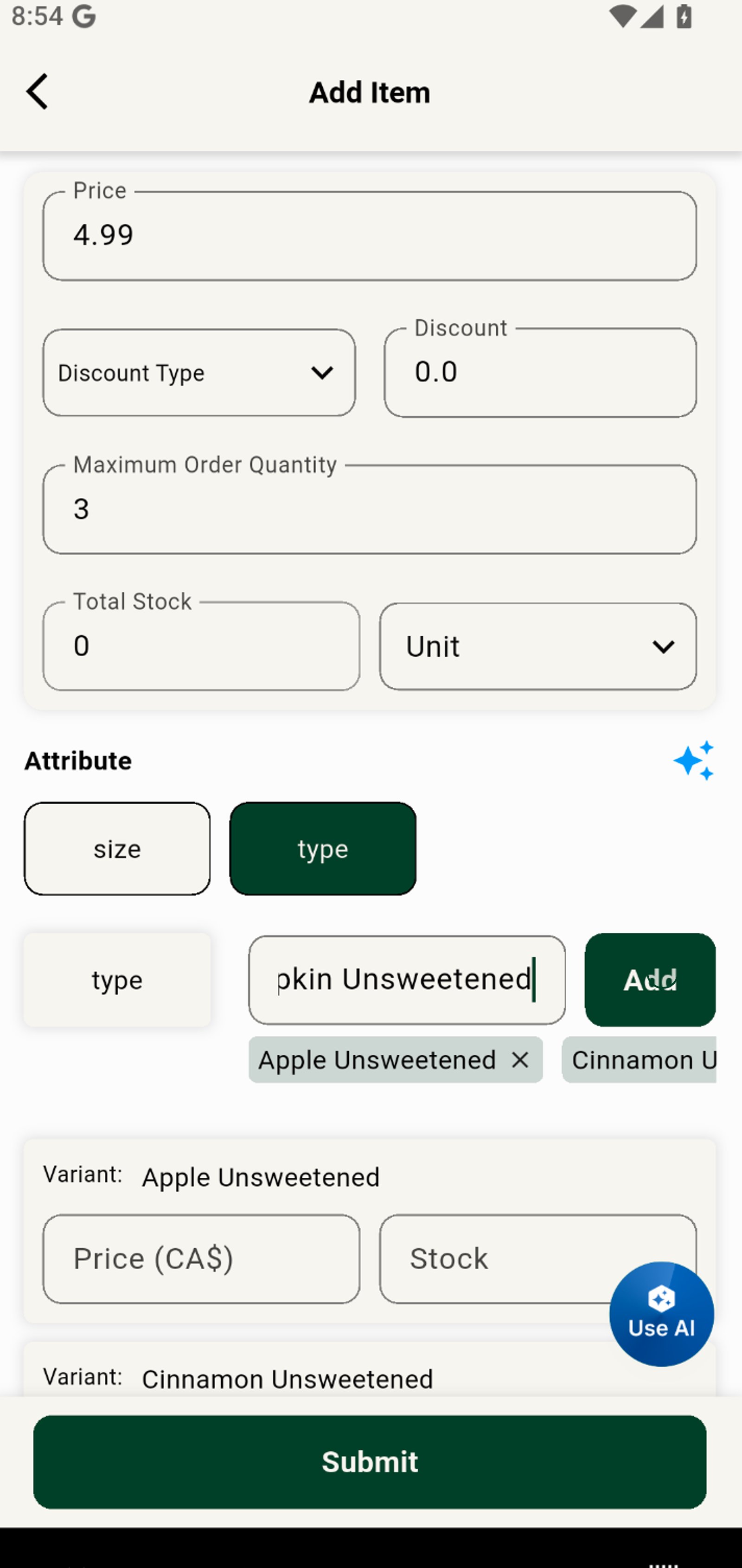
7. Switch to the 'size' attribute to manage sizing options and enhance the flexibility of your offering.
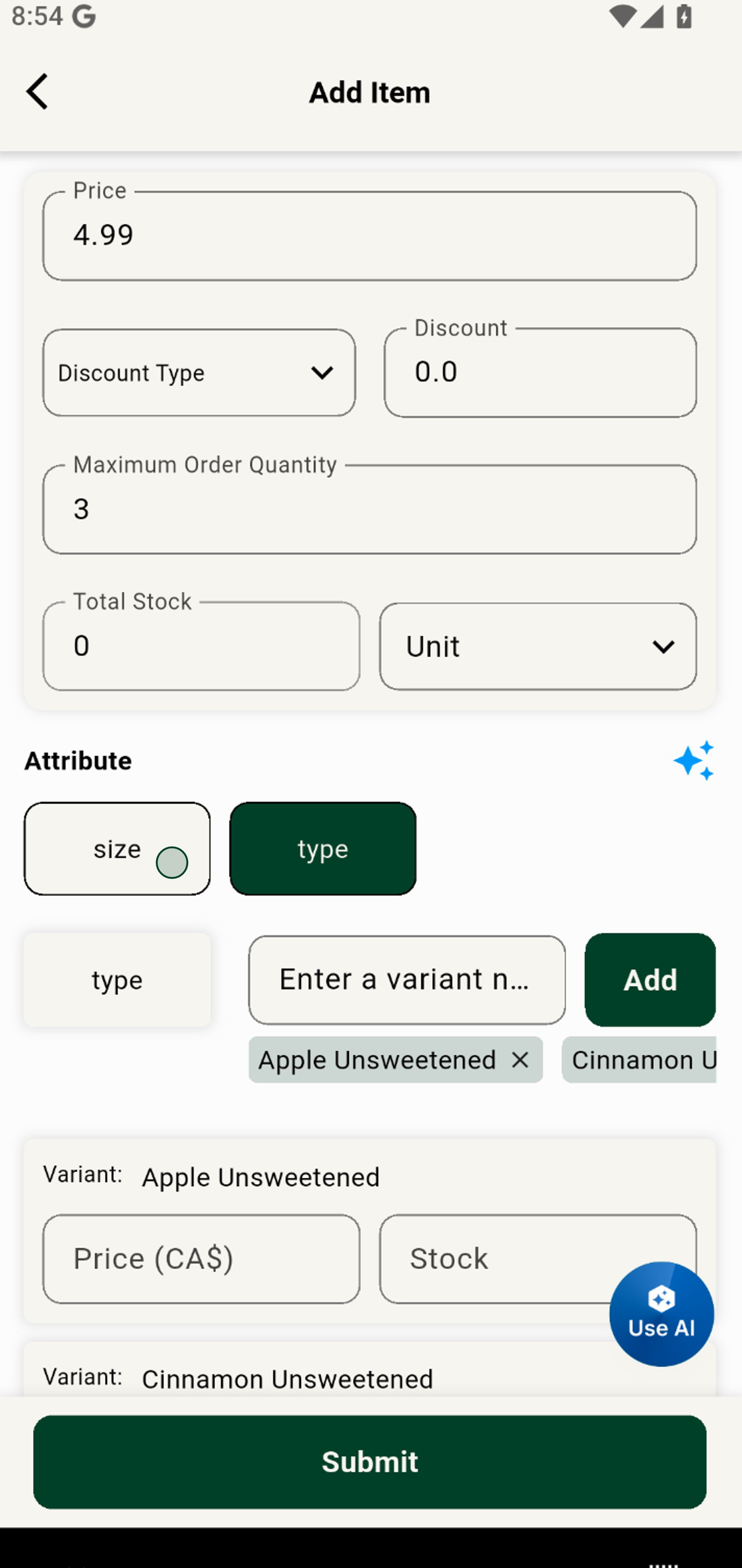
8. Enter a new size variant so shoppers can pick the product that fits them best.
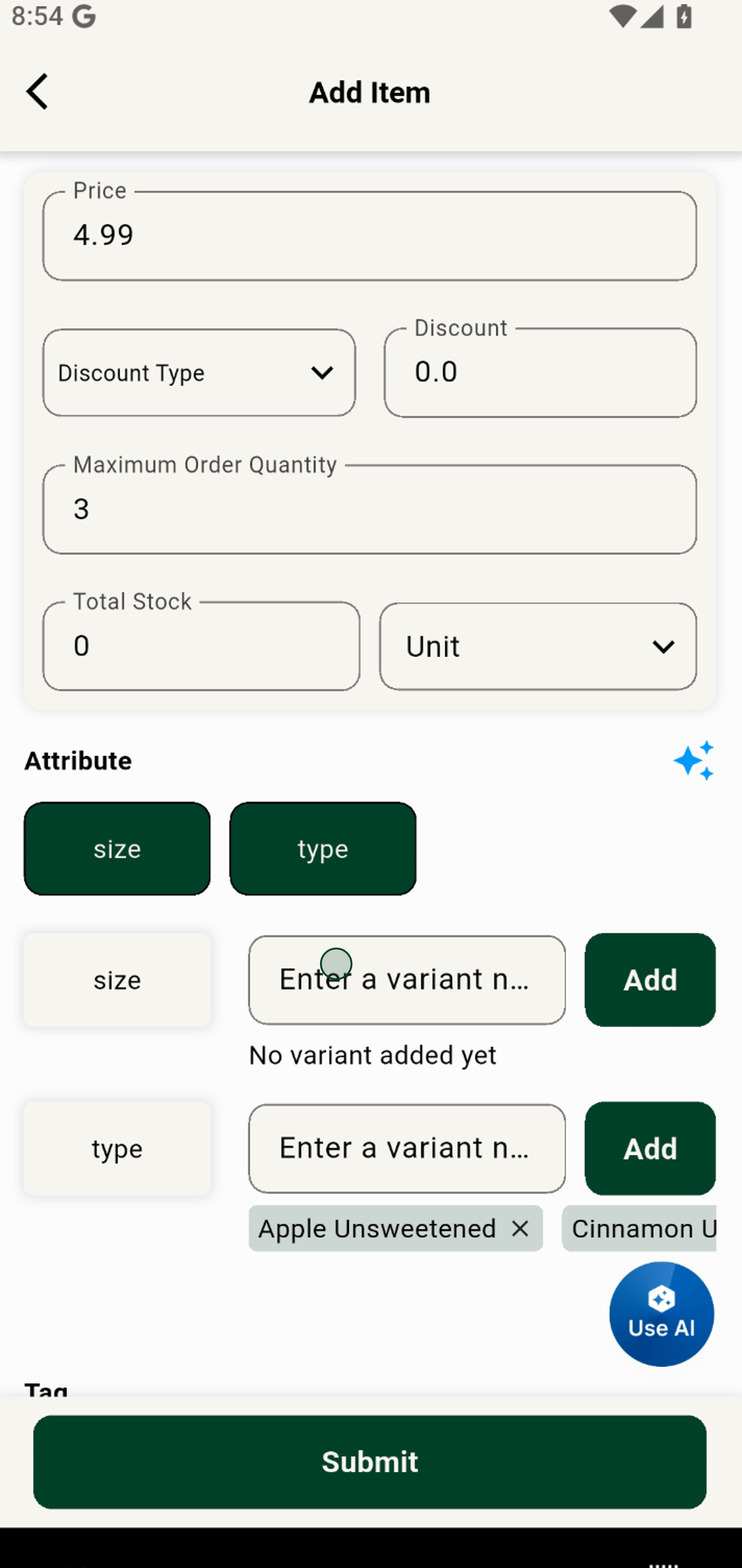
9. Click Add to make this new size instantly available as an option.
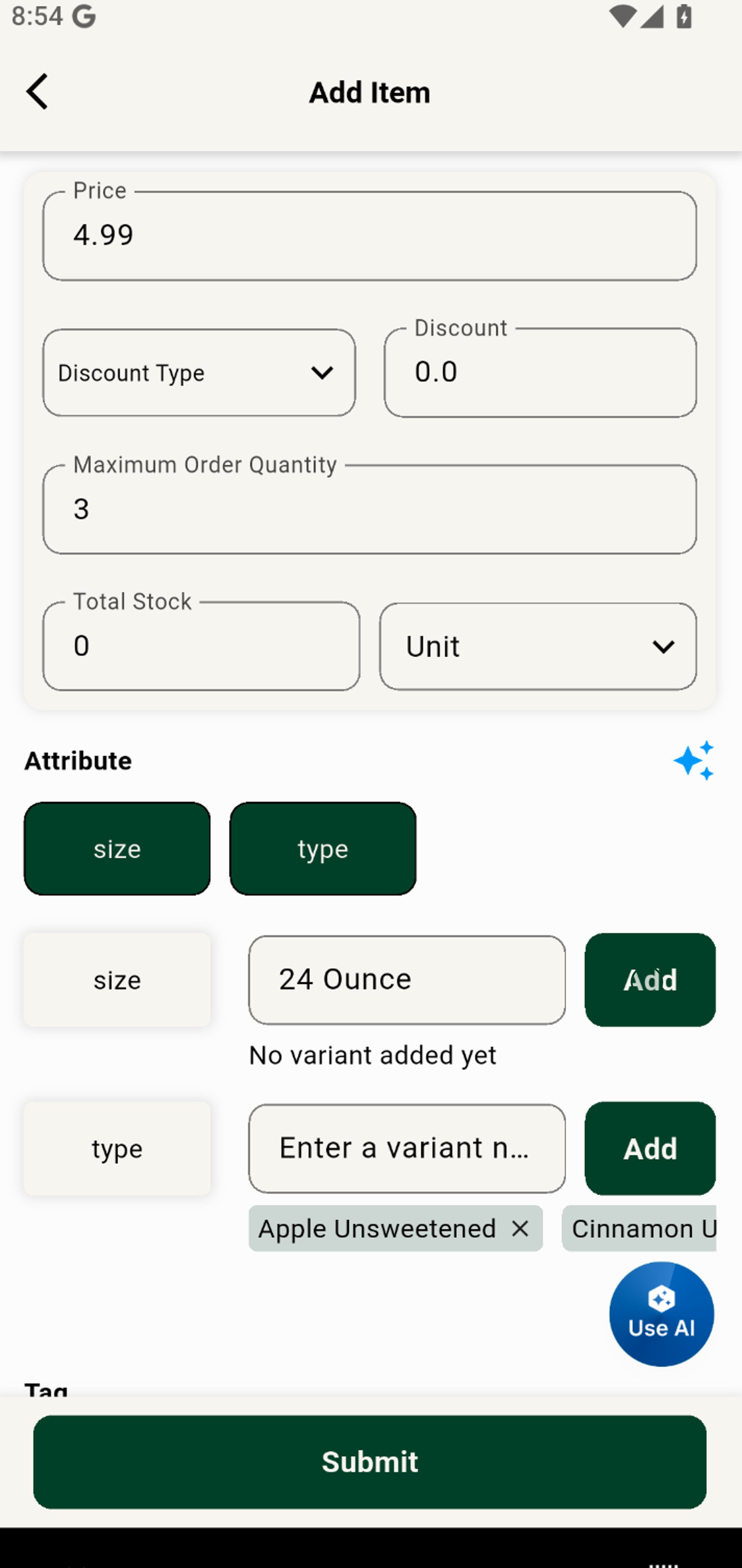
10. Add another size variant to broaden your appeal and meet every demand.
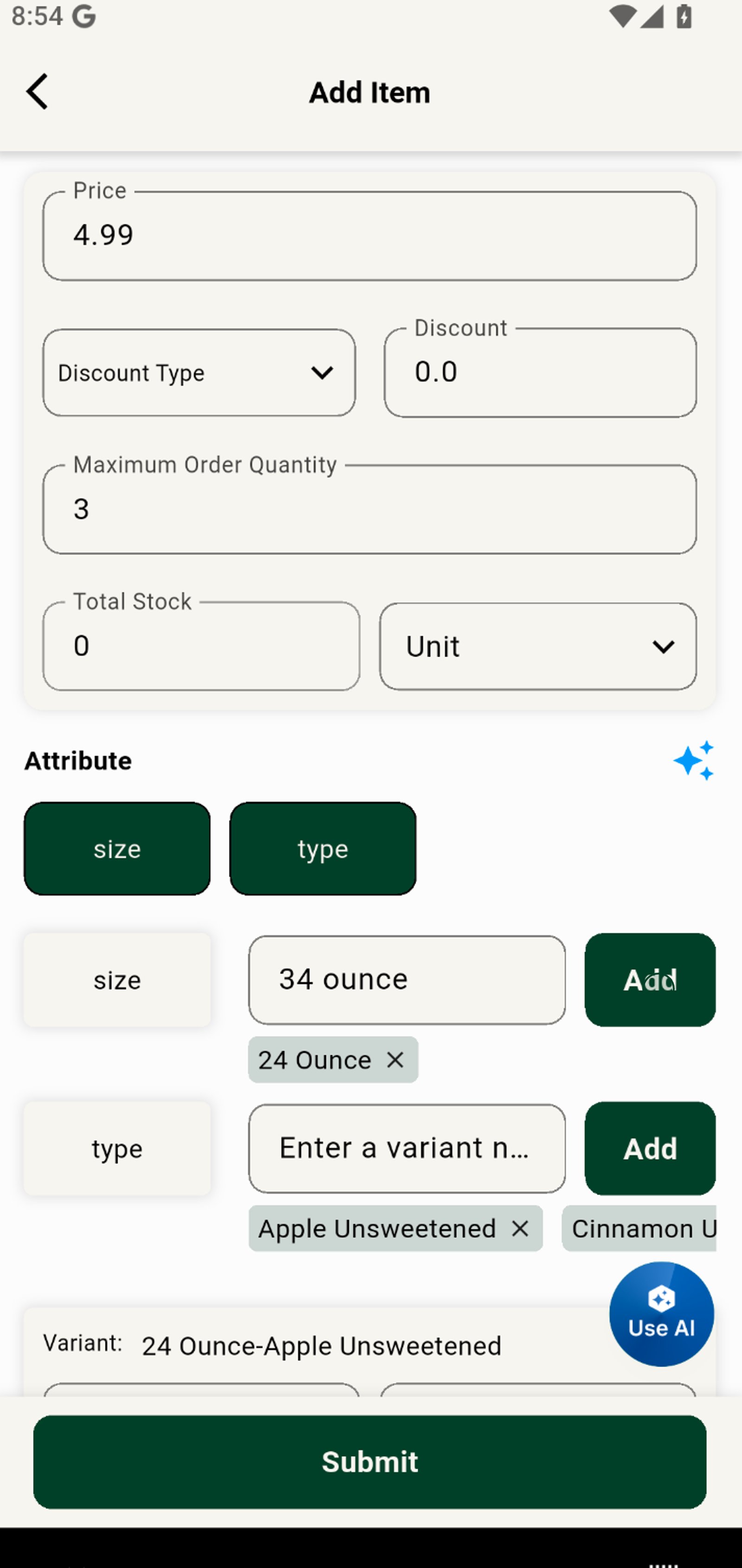
11. Set the price for each variant to customize your pricing and stay competitive.
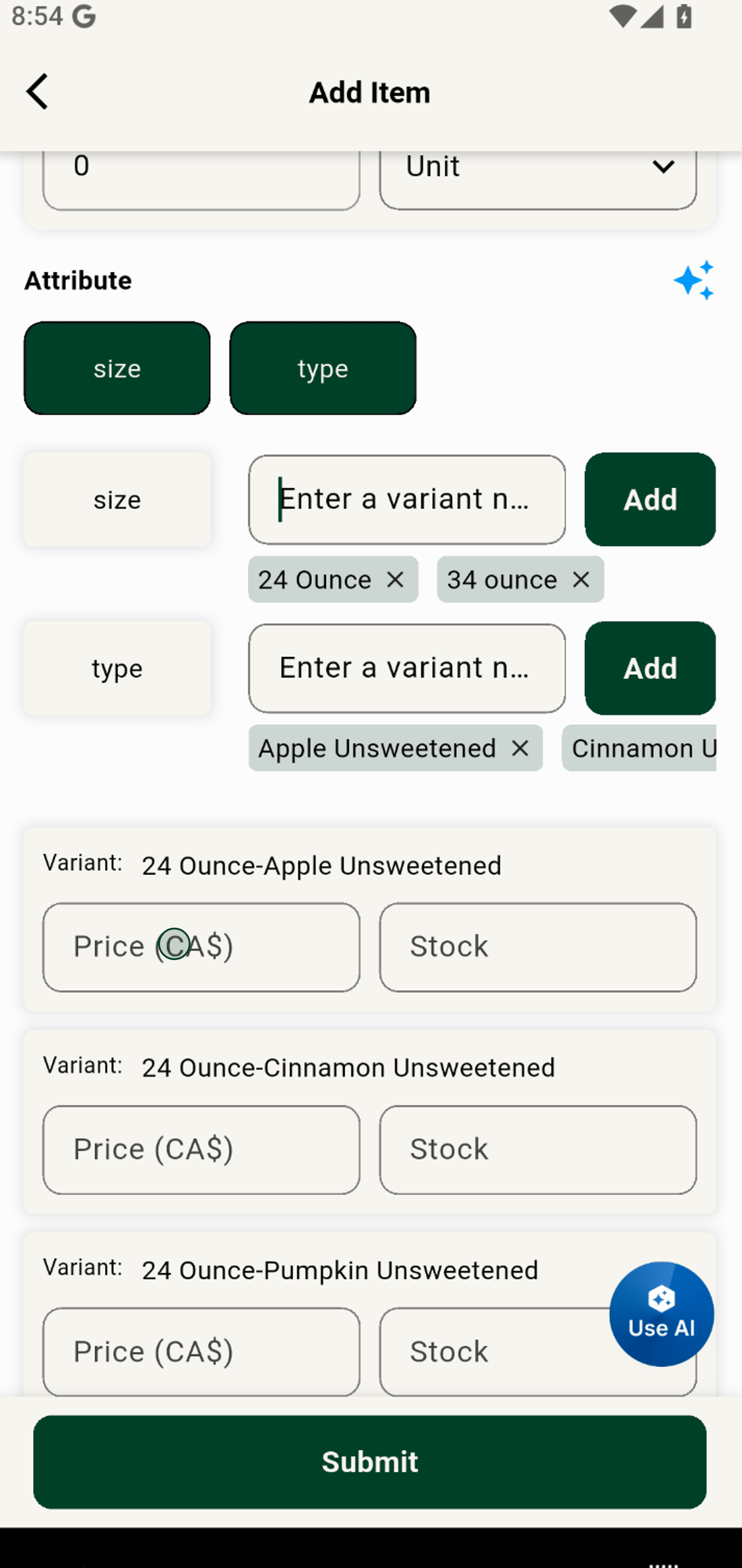
12. Enter available stock to keep your inventory up to date and avoid overselling.