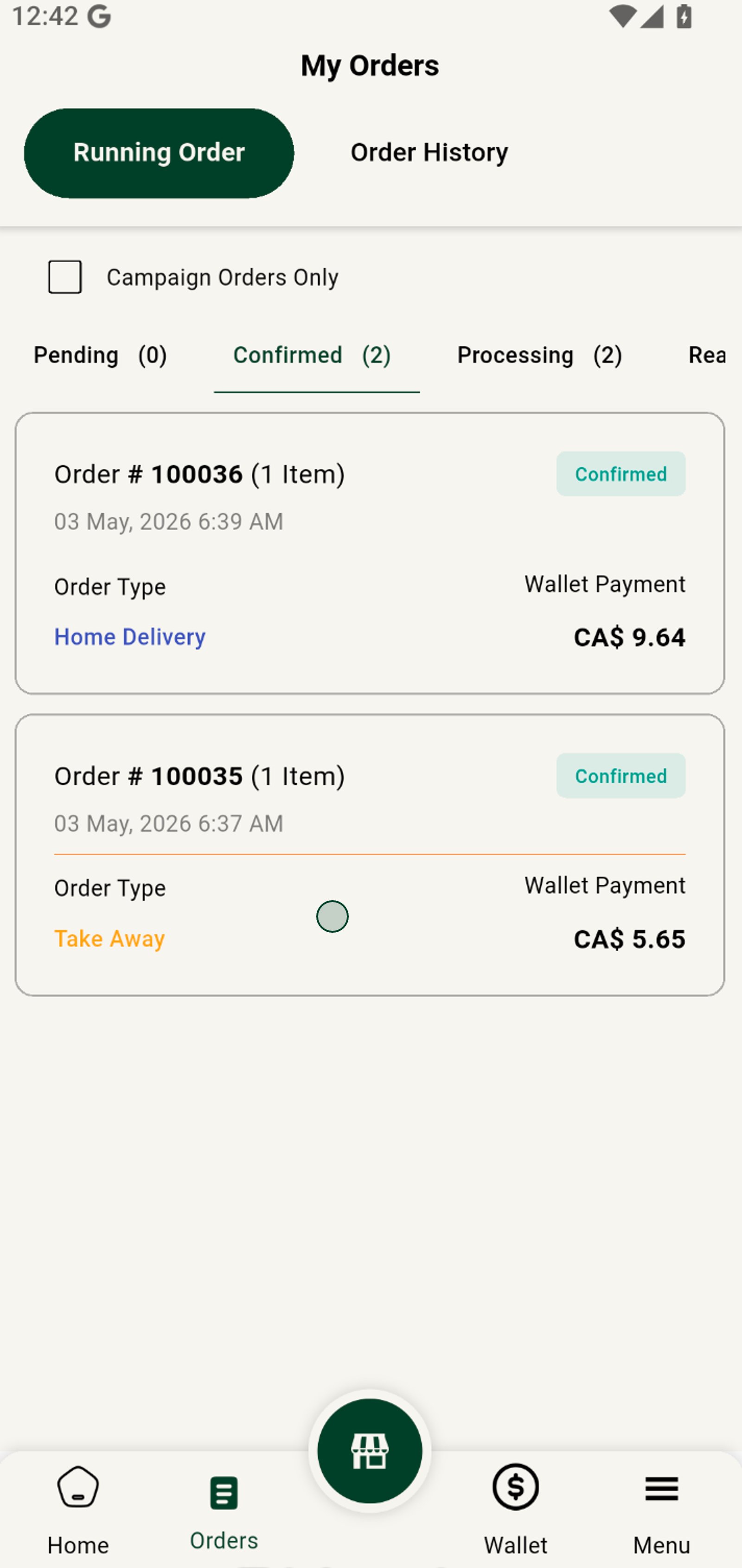
Managing Delivery vs Pickup Orders
Grubdeli Merchant App

Benjamin Mathew
Last Update 6 months ago
How to differentiate and manage orders for delivery and customer pickup efficiently.
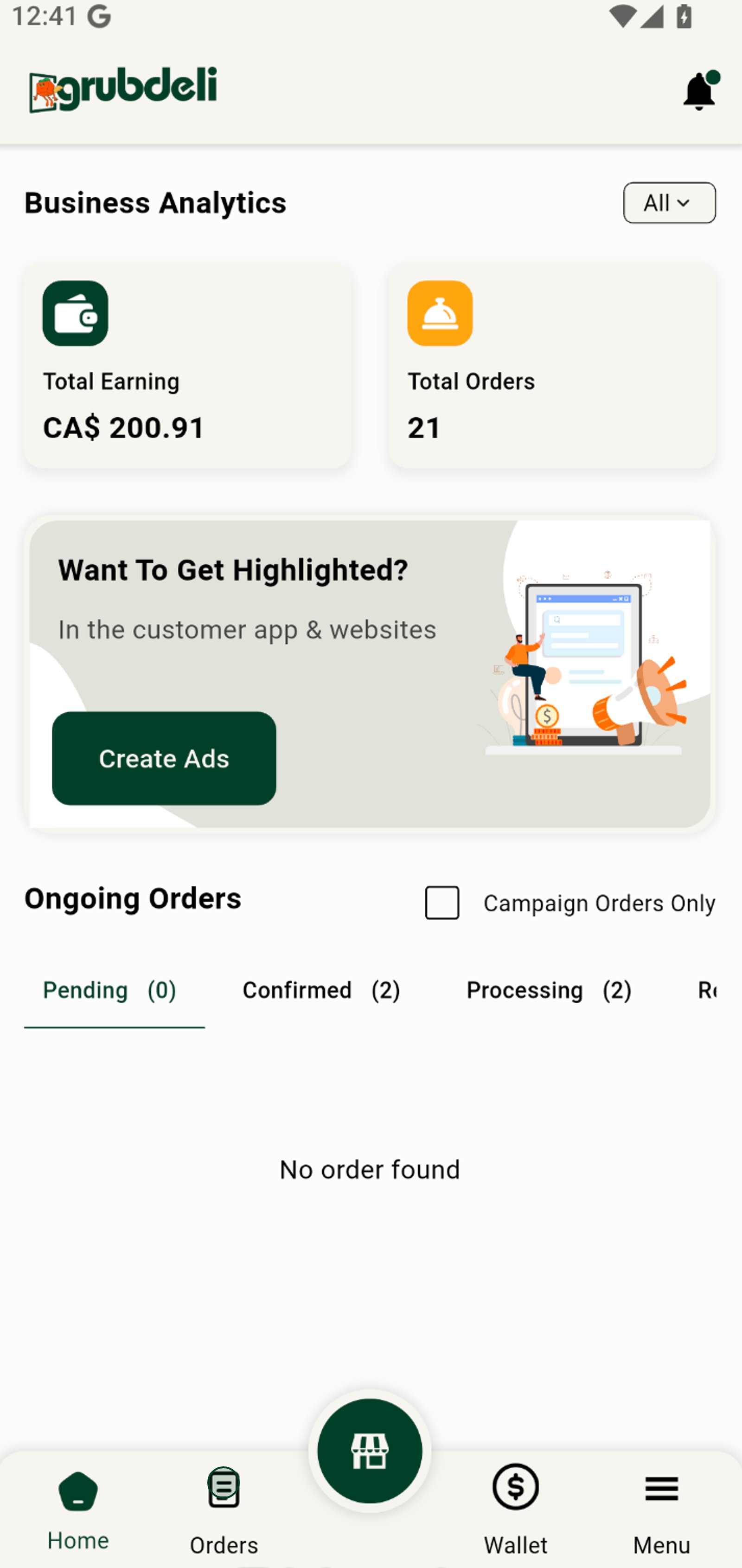
1. Click on the order icon to navigate through different order statuses from this central dashboard.
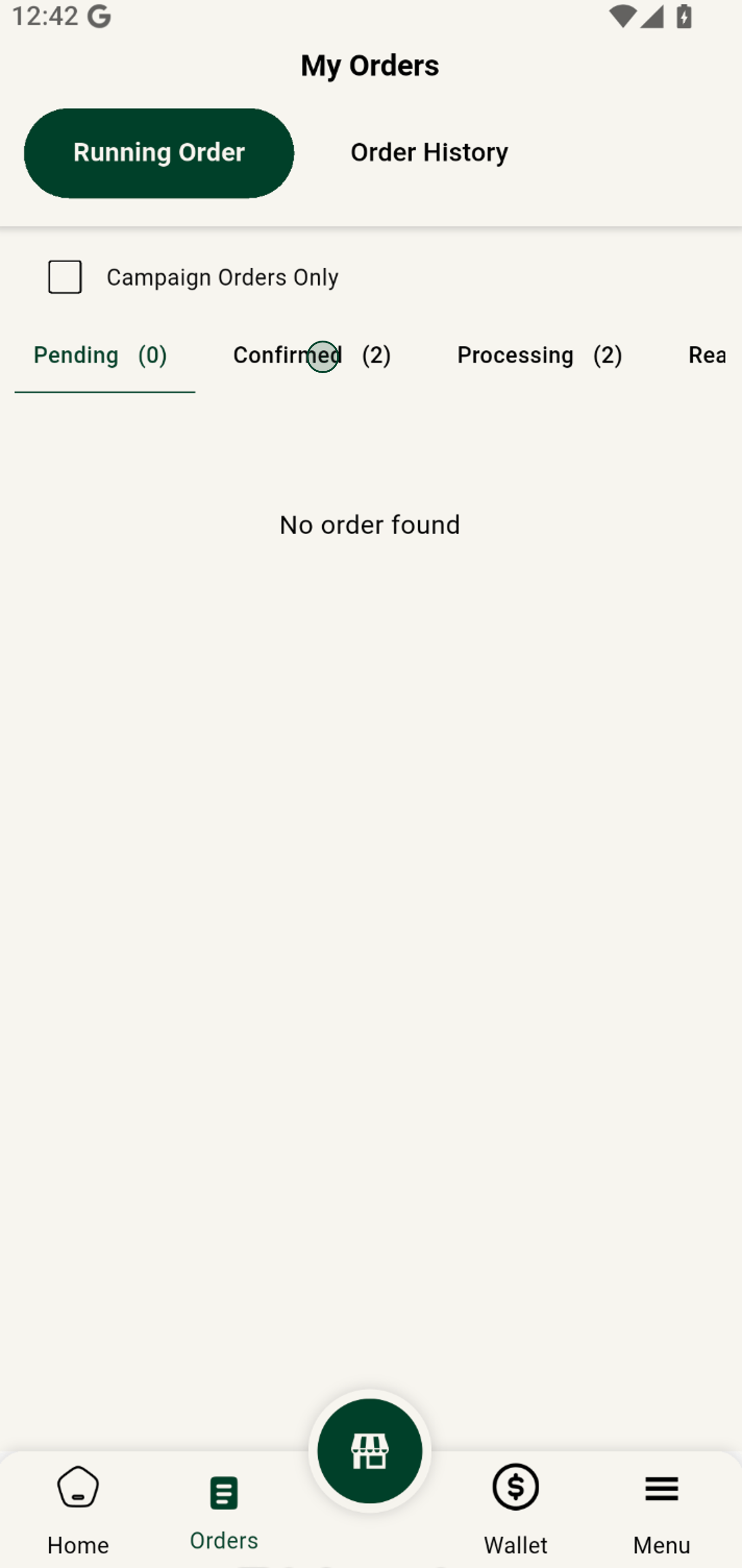
2. Select the Confirmed tab to focus on orders that have already been approved and are ready to process.
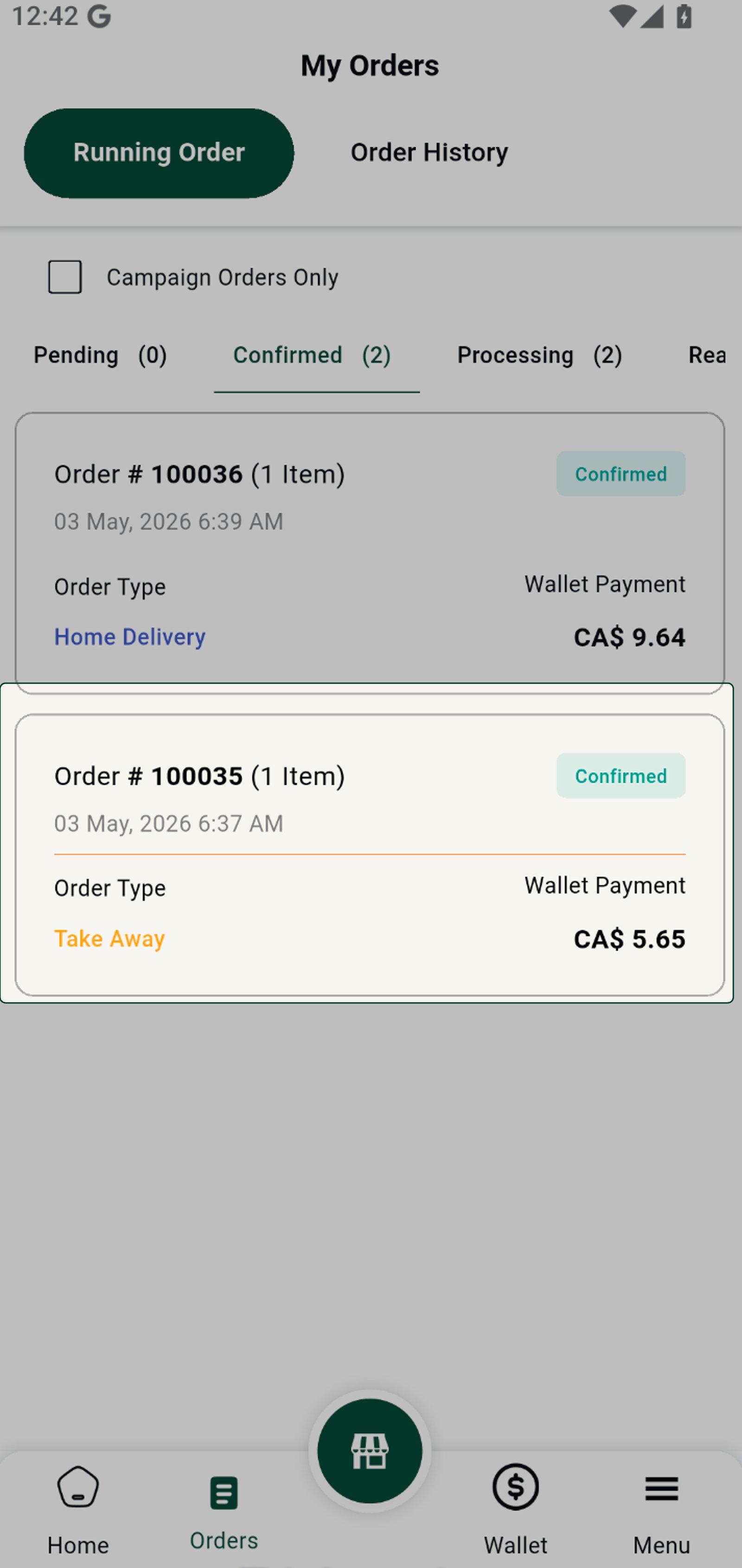
3. You’ll see the order type—either Home Delivery or Take Away. To mange delivery efficiently.
4. Click on the Take Away order to dive into detailed order information and manage it efficiently.